 Retro Replay Retro Replay gaming reviews, news, emulation, geek stuff and more!

Retro Replay Review
Gameplay
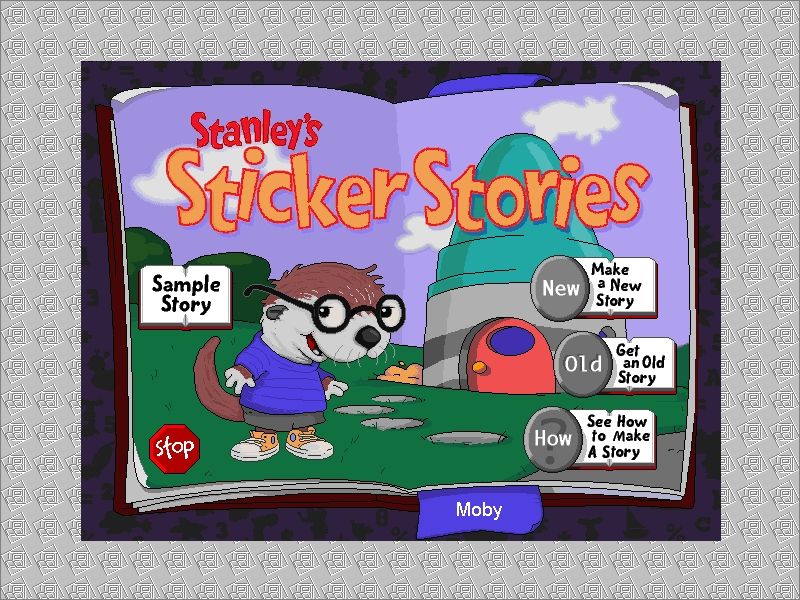
Stanley’s Sticker Stories puts creativity front and center, using a simple point-and-click and click-and-drag interface that even the youngest players can master. Instructions are read aloud as soon as the mouse hovers over an icon, eliminating guesswork and keeping children focused on designing their own tales rather than wrestling with menus. From the moment you launch the game, Stanley the sea otter greets you and immediately invites you to explore the “See How to Make a Story” tutorial or dive straight into “Make a New Story.”
(HEY YOU!! We hope you enjoy! We try not to run ads. So basically, this is a very expensive hobby running this site. Please consider joining us for updates, forums, and more. Network w/ us to make some cash or friends while retro gaming, and you can win some free retro games for posting. Okay, carry on 👍)
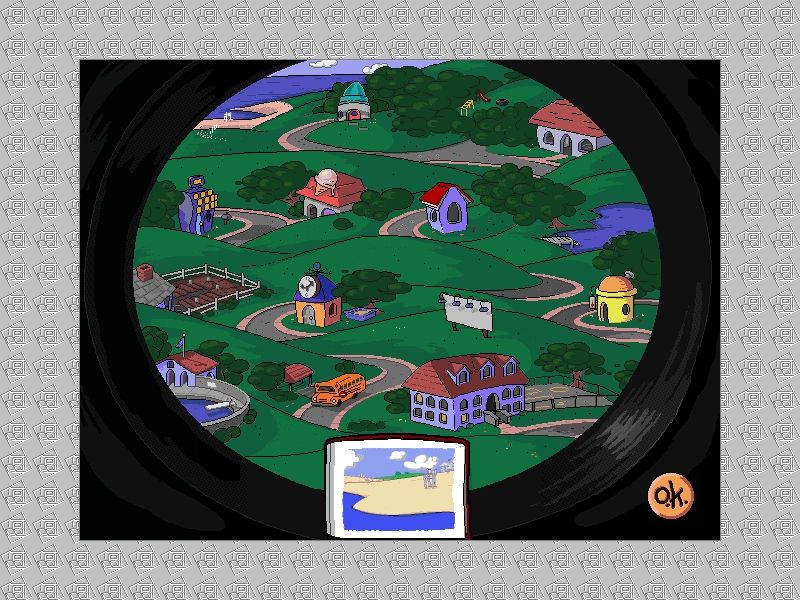
Once in the story editor, a neighborhood map opens up with fifteen diverse backgrounds to choose from—everything from a sunny park to a plain white page for text-heavy adventures. Dragging stickers onto the page is intuitive: objects and characters snap into place, and you can resize or rotate them to fit your vision. Adding movement is just as straightforward—select a sticker, choose an animation effect, and watch it come to life.
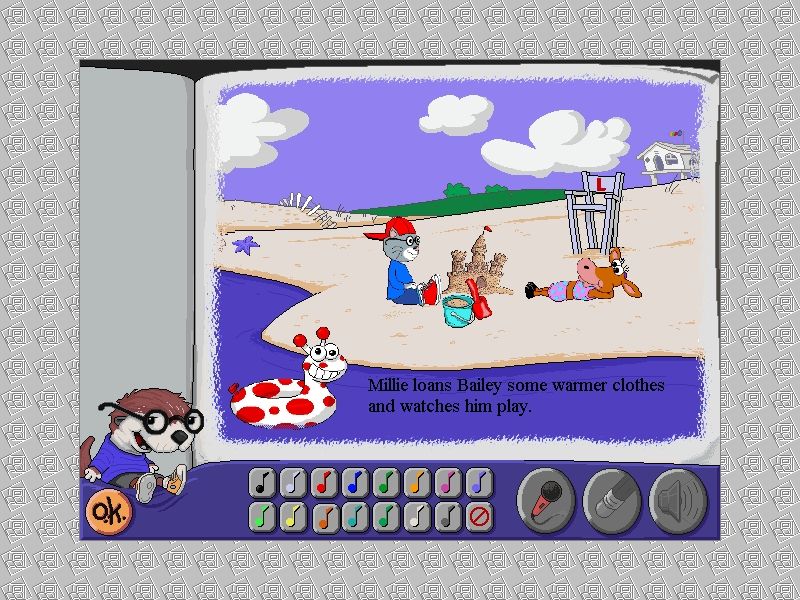
Beyond purely visual elements, players can layer in music, pre-made sound effects, or even record their own voices. The record function is remarkably user-friendly: click the microphone icon, speak or sing, and attach your recording to any sticker for personalized audio cues. If little storytellers hit a creative block, Stanley offers suggestions—click his icon to preview story ideas centered around numbers, letters, or everyday activities.
When the masterpiece is complete, stories can be saved for later playback in “See-A-Story” mode, giving kids a mini cinema experience of their own making. Printing options allow proud parents and teachers to produce a hardcopy book of each tale, bridging digital play with real-world keepsakes. Overall, the gameplay loop is solid, engaging, and perfectly tailored to early learners’ boundless imaginations.
Graphics
Stanley’s Sticker Stories boasts bright, colorful art that feels both polished and child-friendly. Each sticker—whether it’s a mischievous mouse from Bailey’s Book House or a geometric shape from Millie’s Math House—is rendered with clear outlines and vibrant hues that pop against any chosen background. The characters are instantly recognizable to fans of other Edmark titles, adding a sense of familiarity and continuity to the creative process.
The fifteen background scenes range from simple, single-color canvases to rich landscapes with layers of detail. For children eager to focus on text or small sticker collages, the plain white background is a welcome option. For those who prefer a more immersive backdrop, options like a bustling city street or an underwater reef provide depth and context without overwhelming the primary storytelling elements.
Animations are smooth but kept intentionally simple—stickers can slide in, bounce, or rotate in place. This low-stress animation style ensures that the game runs well on modest hardware and stays accessible to young audiences. The limited frame rates and tweened movements are more than adequate for toddlers and preschoolers, enhancing the stories without distracting from them.
Overall, the graphic design strikes a fine balance between playful and practical. Edmark’s art team clearly understands that the goal is not hyper-realism but rather to empower children by providing clear, appealing visual assets that fuel creativity rather than bog it down.
Story
Unlike adventure or role-playing games that come with a fixed narrative, Stanley’s Sticker Stories hands the reins entirely to the player. There is no single storyline to follow; instead, children build their own tales from scratch, choosing where stickers go, how they move, and what they say or sound like. This open-ended approach nurtures language skills, logical sequencing, and imaginative thinking.
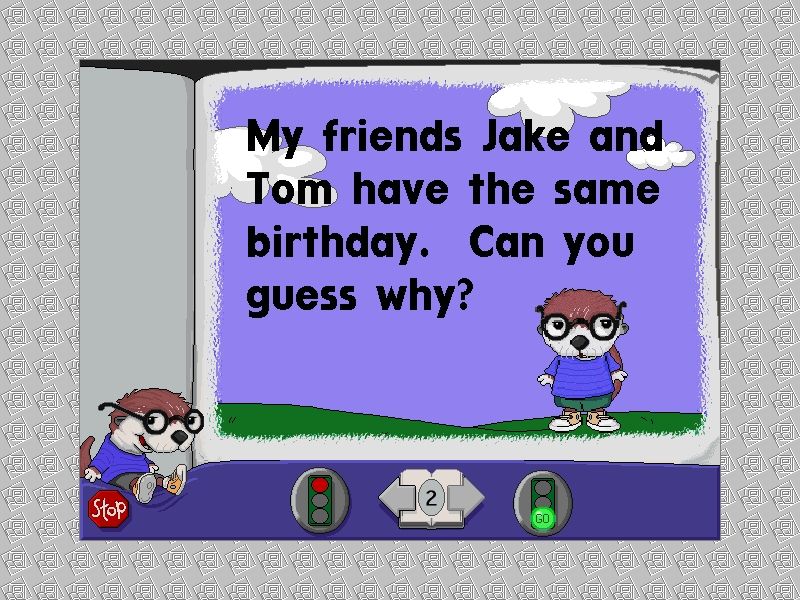
The “See How to Make a Story” sample offers a great jumping-off point, showcasing how stickers, backgrounds, and audio can blend into a coherent short film. Through this guided example, kids learn to arrange scenes, pace action, and integrate text captions. It’s an excellent scaffold that gives younger players confidence before they tackle their own creations.
For extra support, Stanley himself chimes in with story prompts. Whether the theme is counting to ten with bouncing rubber ducks or crafting a simple letter-recognition adventure, these mini-exercises are more than just fun—they reinforce early literacy and numeracy concepts while allowing room for free expression.
The real reward comes when the story is saved and played back. Watching characters animate across the screen to the child’s chosen soundtrack gives a tangible sense of accomplishment. Stories can be printed and bound into booklets, so the narrative lives on long after the computer is turned off. This blending of digital and physical storytelling is a key strength of the game’s design.
Overall Experience
Stanley’s Sticker Stories is a standout entry in Edmark’s Early Learning Family, offering a compelling blend of educational value and pure creative play. The ease of use, vocal guidance, and straightforward controls make it an ideal choice for preschoolers and kindergartners who are just beginning to navigate computers. There’s no steep learning curve—just immediate, hands-on fun.
Parents and educators will appreciate how the game encourages narrative skills, fine motor coordination, and basic computer literacy. The ability to record voices adds a personal touch, inviting siblings, parents, or classmates to contribute to the final project. Printing and saving features extend the life of each story beyond the screen, turning digital play into library-worthy keepsakes.
Although older children may outgrow the sticker-based mechanics, the target demographic will find endless replay value in mixing and matching characters, sounds, and settings. Minor quibbles—like the limited animation options or a handful of backgrounds that feel less detailed—do little to diminish the overall impact.
In sum, Stanley’s Sticker Stories is a delightful, user-friendly title that fosters creativity, literacy, and confidence in young learners. It sits comfortably alongside its Edmark predecessors while carving out its own niche as a storytelling studio for little hands and big imaginations.


Reviews
There are no reviews yet.