 Retro Replay Retro Replay gaming reviews, news, emulation, geek stuff and more!
Retro Replay Review
Gameplay
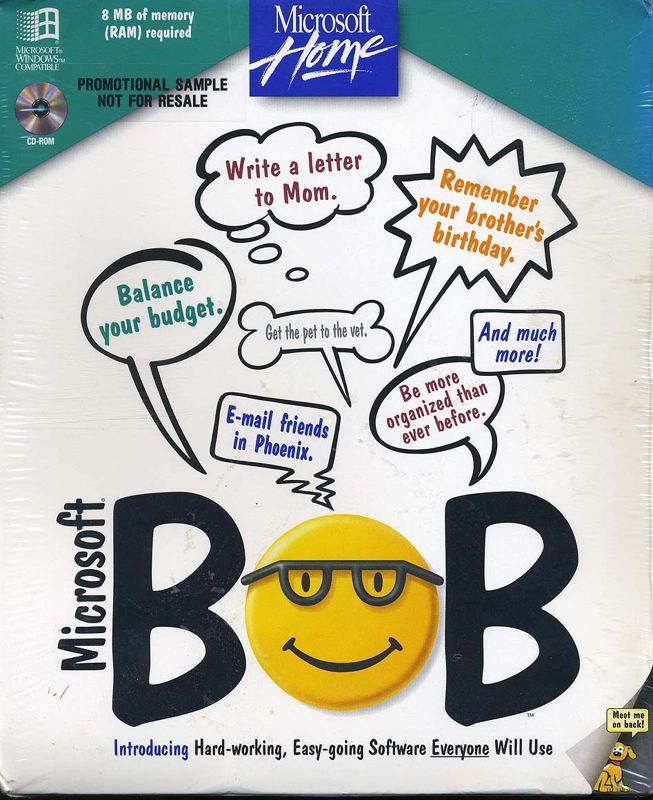
Microsoft Bob transforms routine computer tasks into an approachable, game-like experience by arranging applications and files as objects in charming “rooms” of a virtual house. Rather than navigating complex menus or file trees, new users click on a bookshelf icon to open WordPerfect or tap the refrigerator to launch their email client. This playful metaphor encourages exploration, softly nudging players to discover features at their own pace.
(HEY YOU!! We hope you enjoy! We try not to run ads. So basically, this is a very expensive hobby running this site. Please consider joining us for updates, forums, and more. Network w/ us to make some cash or friends while retro gaming, and you can win some free retro games for posting. Okay, carry on 👍)
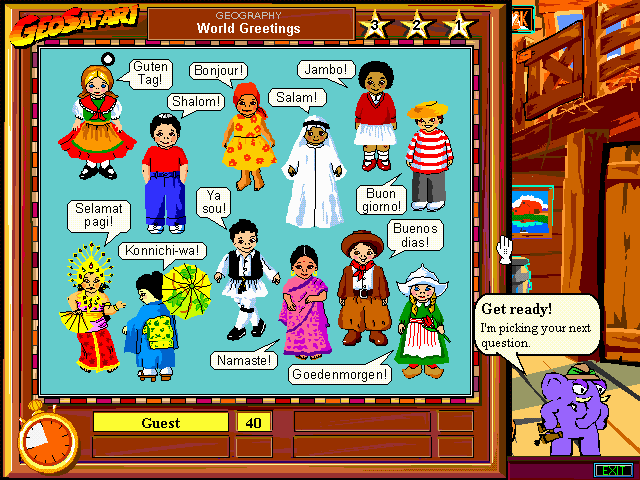
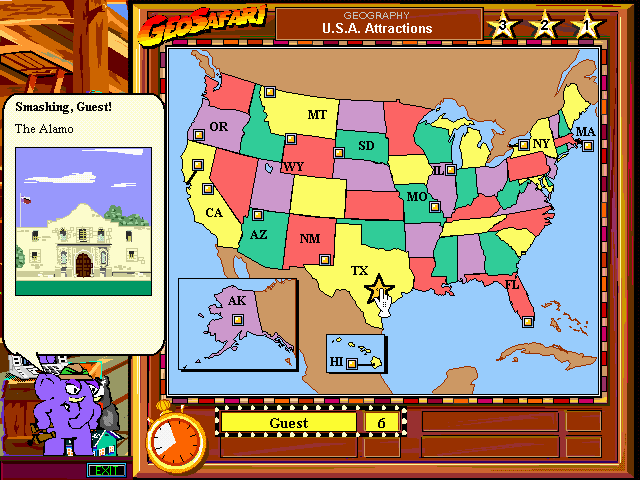
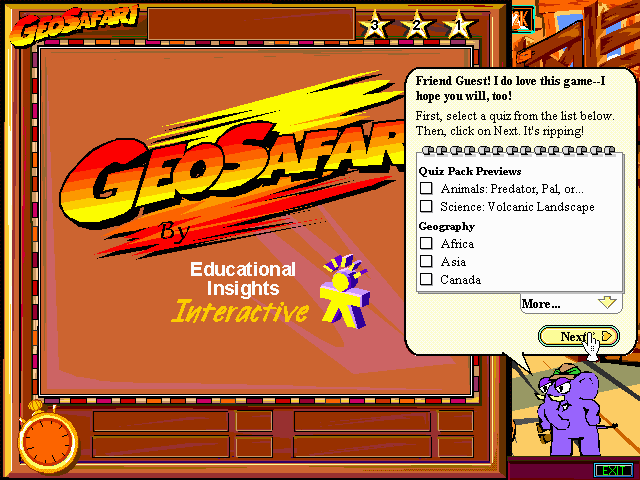
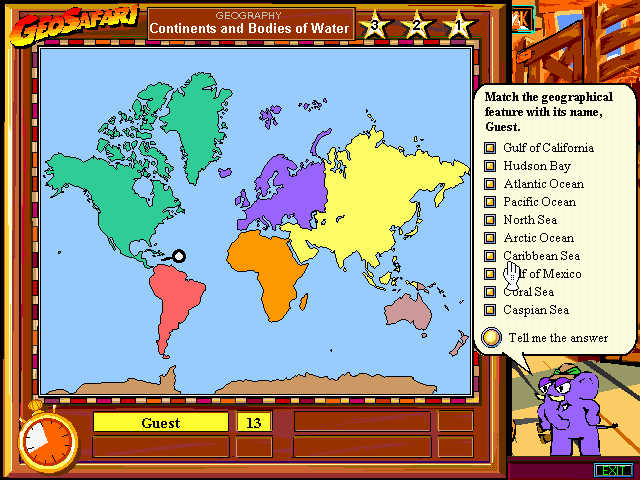
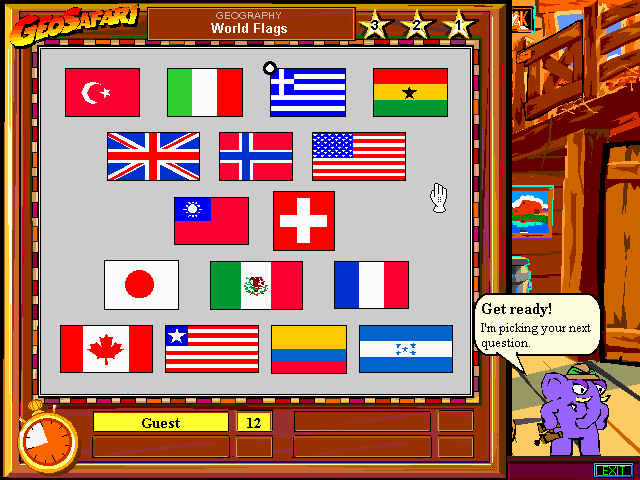
The included game, GeoSafari, slots seamlessly into this environment as a friendly educational diversion. Guided by Hank, the pachydermic Personal Guide, GeoSafari presents players with multiple-choice questions on physical geography, world cultures, and astronomy. Each correct guess rewards points, with three attempts per question and decreasing point values for each subsequent guess—an effective balance of challenge and encouragement that keeps learners engaged.
Supporting up to four players, GeoSafari also offers light multiplayer competition. Families or small groups can take turns or collaborate, fostering a social learning atmosphere. With every wrong click, Hank gently steers players back on course, making mistakes feel like part of the adventure rather than a setback.
Overall, the gameplay loop in Microsoft Bob deftly combines productivity tasks and educational entertainment. Whether storing photos in the virtual filing cabinet or quizzing oneself on the Sahara’s capital, users experience a unified environment where learning and computing feel like a single, coherent journey.
Graphics
Visually, Microsoft Bob embraces a whimsical, cartoon-inspired aesthetic designed to reassure novices intimidated by stark, utilitarian interfaces. Rooms are rendered in soft pastel hues, furniture and objects boast rounded edges, and every icon looks like a friendly household item. This cozy presentation eases users into computer use, reducing the perceived barrier between human and machine.
Hank the elephant guide stands out with bold outlines and a friendly expression, drawing attention whenever guidance is needed. His animations—waving trunk, ear flicks, and occasional in-room strolls—add life to the interface without overwhelming the screen. During GeoSafari sessions, Hank’s presence makes every quiz feel like a one-on-one tutoring session rather than a cold, impersonal pop-up.
The game screens in GeoSafari feature clear, colorful maps and diagrams that highlight question zones. When a query asks players to locate the Himalayas or identify constellations, the relevant map lights up, providing visual reinforcement to text prompts. These graphics strike a fine balance between educational clarity and playful engagement.
While not pushing the limits of Windows ’95-era graphics performance, Microsoft Bob’s art style remains timeless. Its simplicity ensures smooth operation even on modest systems, and its hand-drawn charm continues to appeal to users nostalgic for a gentler, more personable computing experience.
Story
At its core, Microsoft Bob isn’t driven by a traditional narrative, but rather by the meta-story of onboarding users to the world of personal computing. By casting programs and files as everyday objects in a home environment, Bob crafts the storyline of a domestic assistant guiding newcomers through digital chores as if they were simple household tasks.
The primary narrative thread unfolds through Hank’s interactions. This pachyderm companion serves as both mentor and friend, popping up to explain concepts, offer encouragement, or introduce the GeoSafari game. His gentle humor and supportive dialogue give users a sense of progression—each successful task feels like a step forward in a shared adventure.
Within GeoSafari, the storyline emerges through educational quests. Questions about Earth’s biomes or the night sky become mini-quests, each correct answer unlocking the next level of inquiry. While there’s no overarching villain or grand finale, the satisfaction of mastering a new fact or pinpointing the correct region on a map provides its own storytelling momentum.
Ultimately, the “story” of Microsoft Bob is one of empowerment. By guiding users from apprehension to confidence, Bob and Hank tell a tale of transformation—turning digital novices into capable users who can navigate the PC landscape with ease.
Overall Experience
Microsoft Bob stands out as an unconventional blend of productivity interface and educational mini-game. Its room-based navigation and companion-style guidance make it an ideal choice for individuals new to computing or families seeking a gentle, collaborative introduction to PCs. The seamless integration of GeoSafari brings fun into learning, making geography, culture, and astronomy feel like an accessible pastime rather than a dry lesson.
While more seasoned users may chafe at the simplified environment, newcomers will appreciate the clarity and warmth Bob provides. The UI sacrifices none of Windows ’95’s core functionality while adding layers of intuitive visual cues and playful mascot interactions. GeoSafari’s scoring system and multiplayer support extend the experience beyond solo play, encouraging friendly competition or group study sessions.
In terms of performance, Microsoft Bob runs smoothly on mid-’90s hardware, and its modest system requirements ensure broad compatibility. Though some may find the style dated by modern standards, the nostalgic appeal and thoughtful design choices still resonate today. newcomers looking for a low-stress introduction to computing will find Bob’s world both comforting and instructive.
Overall, Microsoft Bob (with its bundled GeoSafari game) offers a unique, approachable entry point into personal computing. Its charming graphics, supportive guide, and educational gameplay create a cohesive experience that demystifies technology and invites users to learn while they play. For anyone seeking a gentle learning curve and a touch of whimsy in their computing routine, Bob remains a delightful companion.


Reviews
There are no reviews yet.