 Retro Replay Retro Replay gaming reviews, news, emulation, geek stuff and more!


Retro Replay Review
Gameplay
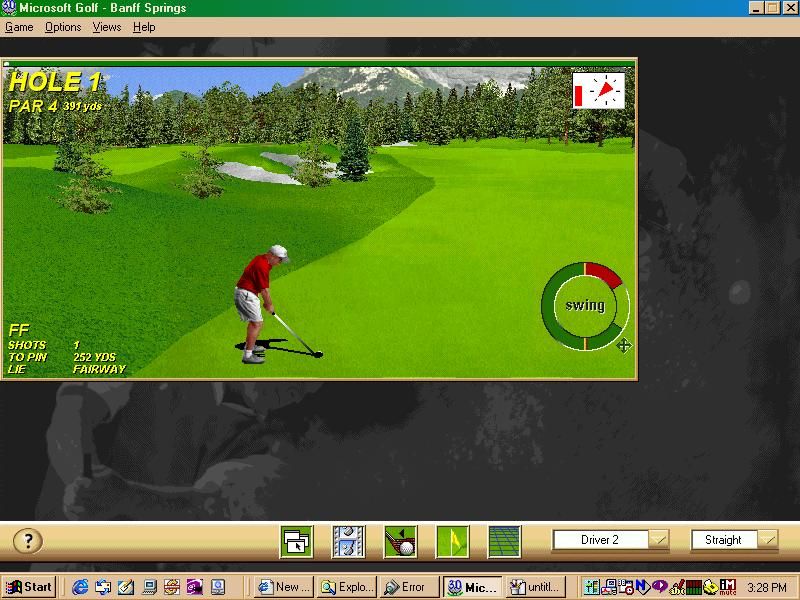
Microsoft Golf 3.0 delivers a straightforward yet satisfying golfing experience. Utilizing an engine licensed from Access, the game offers intuitive swing mechanics that balance realism with accessibility. Whether you’re teeing off on your first hole or refining a delicate short game shot, the club selection interface and power meter provide clear feedback on your swing’s power and accuracy.
(HEY YOU!! We hope you enjoy! We try not to run ads. So basically, this is a very expensive hobby running this site. Please consider joining us for updates, forums, and more. Network w/ us to make some cash or friends while retro gaming, and you can win some free retro games for posting. Okay, carry on 👍)
The core mode lets you play through 18 meticulously designed holes, each with its own unique hazards and fairway layouts. Strategic considerations such as wind direction, elevation changes, and green speed come into play, rewarding thoughtful shot planning. For newcomers, the practice range is an invaluable space to hone drives, chips, and putts without the pressure of a full round.
Control responsiveness stands out as one of the game’s strengths. Mouse and keyboard inputs translate smoothly into on-screen actions, and the optional analog control support adds an extra layer of finesse. Advanced players will appreciate the shot shaping feature, which allows fades and draws by adjusting swing angle, while casual players can stick to the default settings for a more forgiving experience.
Graphics
Visually, Microsoft Golf 3.0 strikes a balance between stylized charm and functional clarity. Course environments feature rolling greens, sand traps, and water hazards rendered with a palette of rich greens and earth tones. Though it doesn’t push the boundaries of 3D technology, the game’s clean presentation ensures that each element remains distinct and readable, even during fast camera transitions.
Course detail is surprisingly high for its era, with animated trees swaying in the breeze and subtly shifting cloud cover that hints at changing weather conditions. Golfers themselves are represented by simple but well-proportioned avatars, and club animations exhibit convincing follow-through motions. The occasional level-of-detail pop-in is present but rarely detracts from the overall experience.
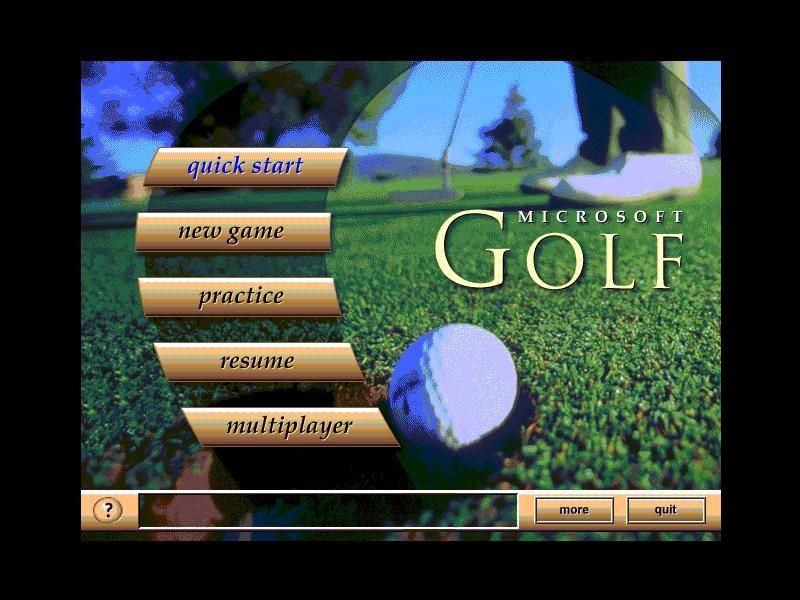
Menu screens and overhead flyovers maintain a consistent design language, with clear icons and readable fonts that streamline navigation. The replay camera angles—ranging from tee-level tracking shots to overhead flybys—add a touch of cinematic flair when you nail a perfect drive. For players with slightly older hardware, graphics options allow adjustments to resolution and detail levels, ensuring smooth performance across a variety of systems.
Story
As a pure sports simulation, Microsoft Golf 3.0 doesn’t include a traditional narrative campaign. Instead, it offers a loose framework where you create a golfer, choose from several preset skill profiles, and embark on rounds across different courses. This structure encourages you to craft your own progression story—whether you’re aiming to master a challenging 18-hole course or climb the leaderboards in friendly multiplayer matches.
The absence of a linear storyline opens the door for emergent narratives driven by your performance. Memorable moments arise when you stage a dramatic comeback with a clutch birdie or when a sudden gust of wind turns a routine par into a scramble for the green. In this sense, the “story” is written by each stroke you take, making every round feel personal and unique.
While there’s no career mode with cutscenes or rival characters, the game compensates by delivering a sandbox-like environment for golf enthusiasts. You decide the stakes—be it friendly wagers against AI opponents or solo challenges to beat par on the toughest courses. This open-ended approach keeps the focus squarely on the gameplay, letting you become the protagonist of your own golfing odyssey.
Overall Experience
Microsoft Golf 3.0 stands out as a solid pick for both seasoned golfers and newcomers seeking a relaxed yet engaging sports title. The combination of Access’s reliable engine, clear visual design, and responsive controls ensures that each round feels rewarding. Even if you’ve never swung a real club, the game’s tutorial prompts and adjustable difficulty settings make it easy to get started.
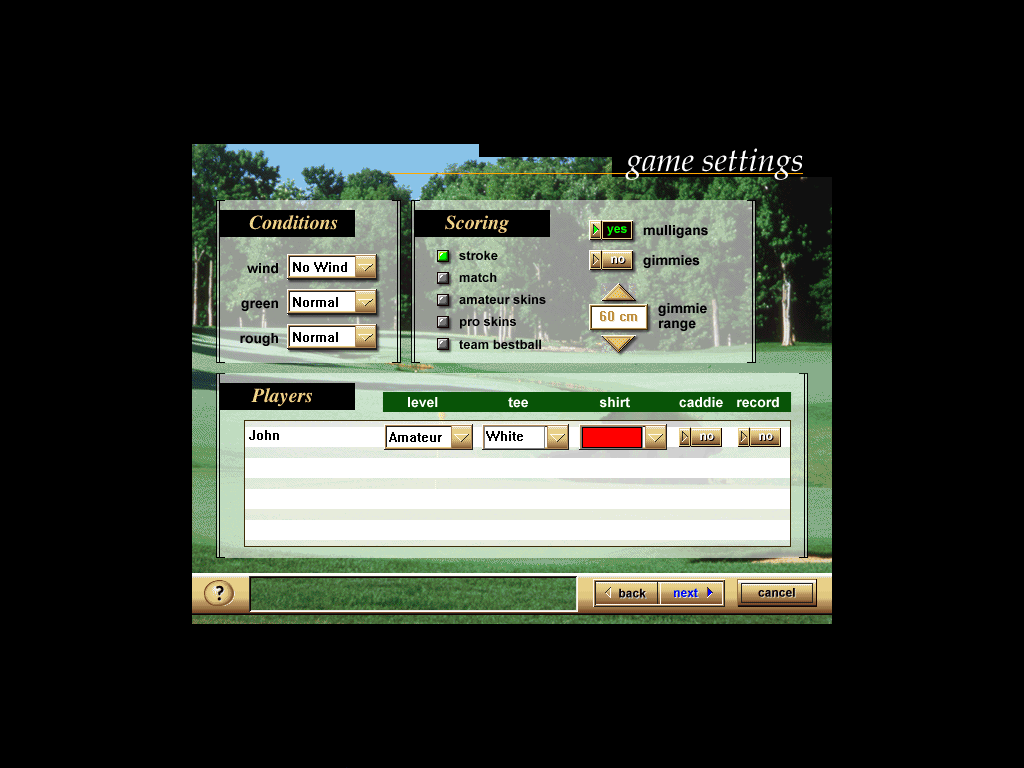
Replayability is one of the game’s strongest suits. With multiple courses to tackle, customizable match settings, and a practice range for polishing your technique, there’s always room to improve your score. Local multiplayer options let you challenge friends to friendly competitions, while ghost replays add an extra layer of rivalry by displaying your best shots alongside those of your opponents.
Overall, Microsoft Golf 3.0 offers a welcoming gateway into virtual golf. It may lack a dramatic narrative, but its well-rounded feature set, accessible mechanics, and charming presentation deliver a reliably enjoyable experience. Whether you’re looking to unwind with a quick nine holes or commit to a full 18-hole marathon, this title remains a compelling choice for anyone wanting to bring the fairway to their PC.



Reviews
There are no reviews yet.