 Retro Replay Retro Gaming History, Reviews & Emulation
LaunchBox
A Windows library manager for importing games, artwork, emulators, and Big Box display setups.
Preview
LaunchBox turns a Windows PC into a browsable game library. It can import games by platform, attach metadata and artwork, and connect each system to the emulator used to launch it. The desktop view is practical for organizing a large collection, while Big Box is built around a full-screen, controller-led display.
Its appeal is the combination of library management and presentation. A first import is straightforward, but a polished multi-system setup still depends on clean paths, the right emulator settings, and media choices. Test a small system before importing everything; that makes it easier to separate a library problem from an emulator launch problem.
Screenshots
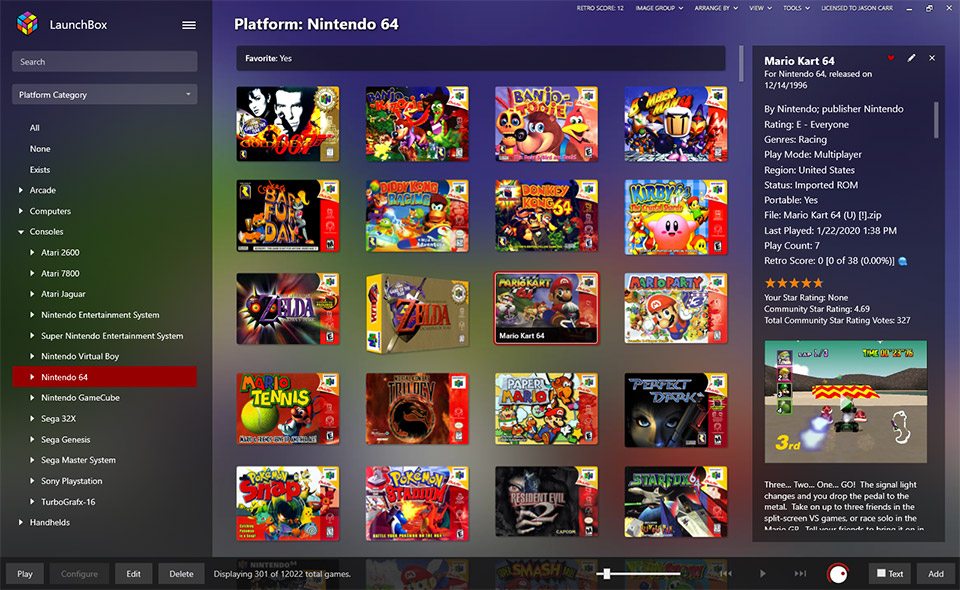
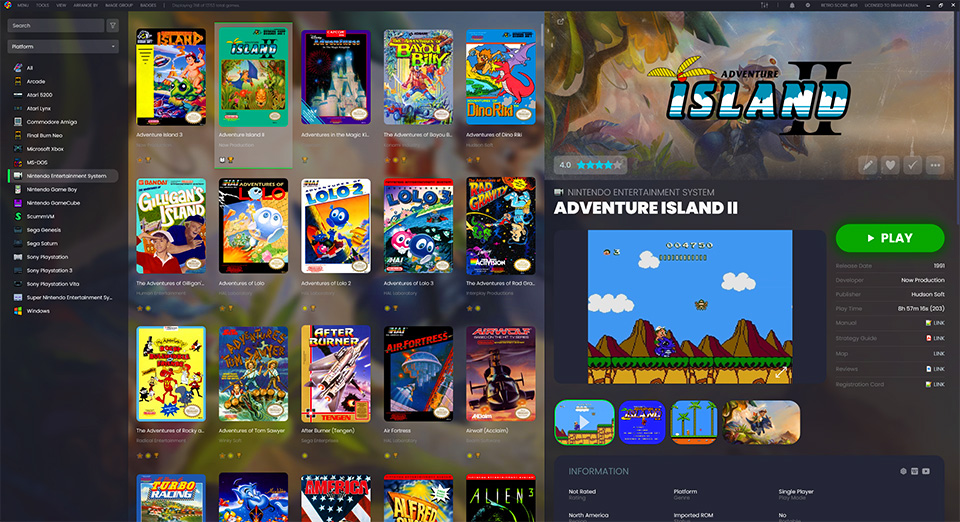
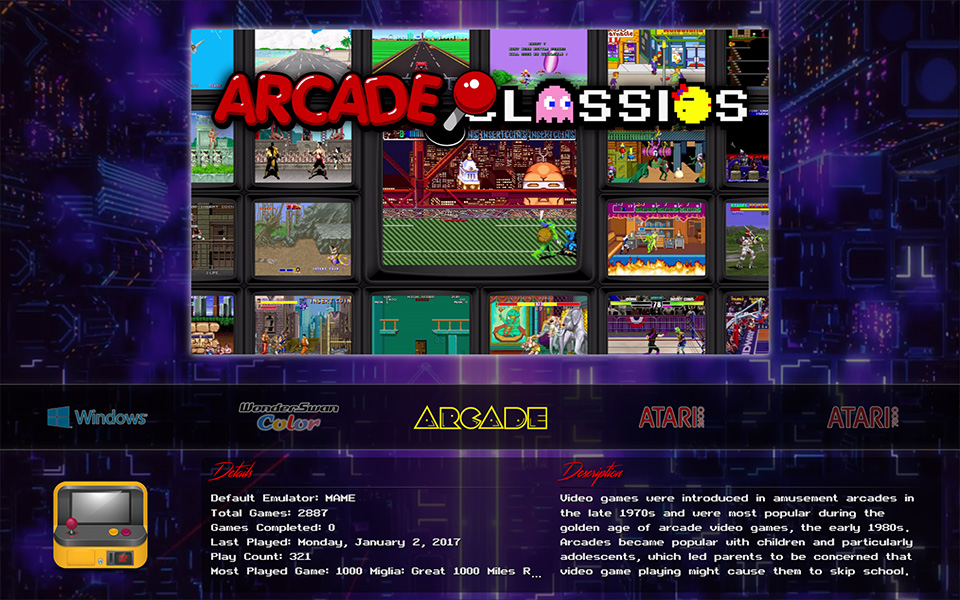
Screenshots: LaunchBox project.
A sensible setup path
- Import a small system library first.
- Choose and test the emulator used by that platform.
- Review metadata and media, then try Big Box if you want a controller-led display.
Official project and documentation
Official LaunchBox website ↗ · Documentation ↗
Guides and tutorials
Explore step-by-step LaunchBox guides below, from first setup to more detailed configuration.