 Retro Replay Retro Gaming History, Reviews & Emulation
FRONTENDS & LIBRARY MANAGERS
Playnite
Brings PC storefronts and emulated games into one customizable desktop or fullscreen library.
Download Tutorials & guidesSign in to download. Files are hosted by the emulator project.
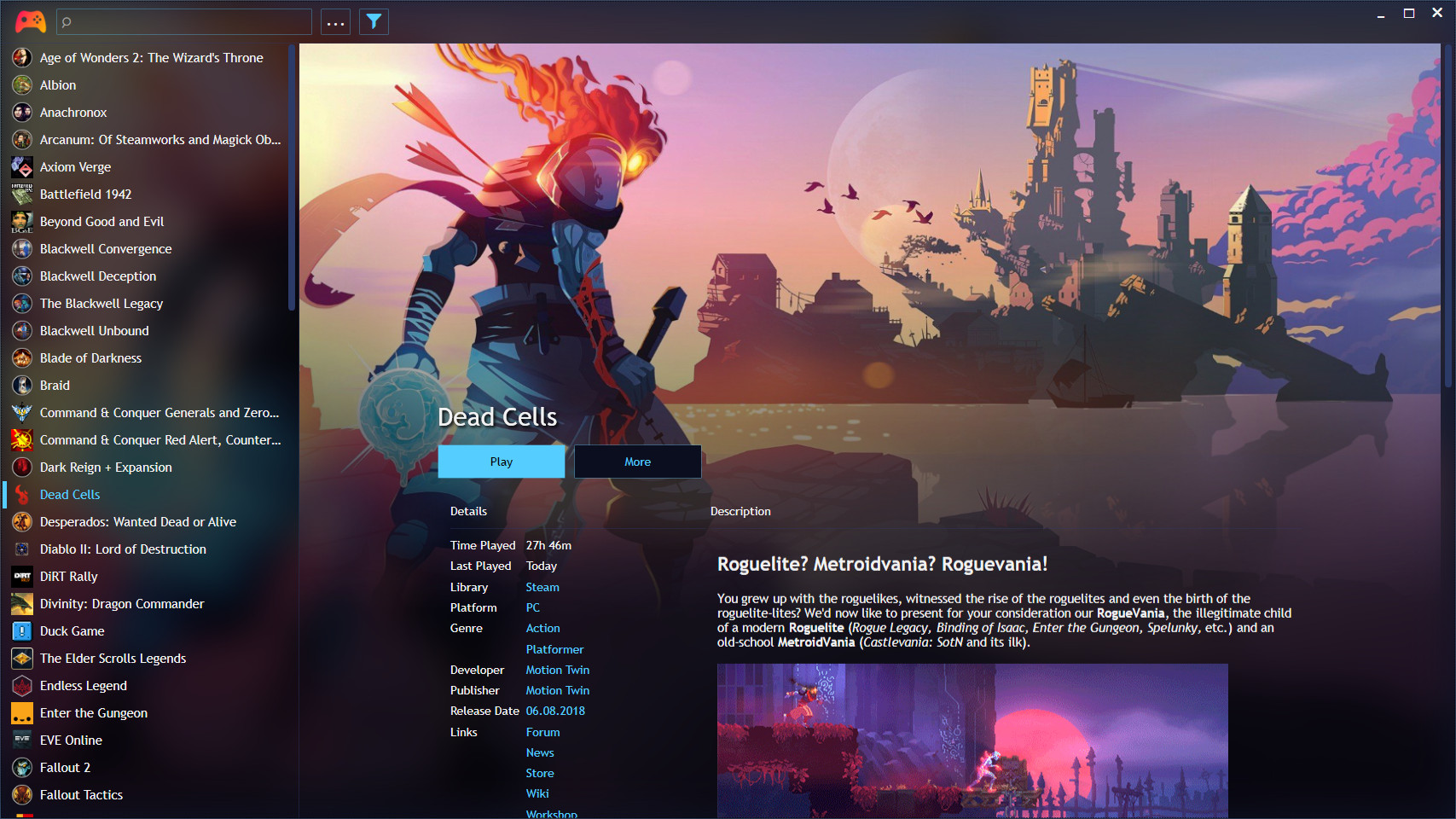
About Playnite
Playnite is a single library for PC storefronts, locally installed titles, and emulated games. Its desktop and fullscreen modes serve different ways of browsing the same collection, and themes or extensions can change the look and add features. It is especially useful if your emulated games sit alongside a substantial PC library.
The convenience is in organizing and launching everything from one place, not in replacing the emulators themselves. Emulator executables, arguments, and game paths still need a careful first setup. Once one title launches reliably, Playnite's metadata tools and fullscreen view make a mixed collection much easier to browse from a desk or couch.
Screenshots
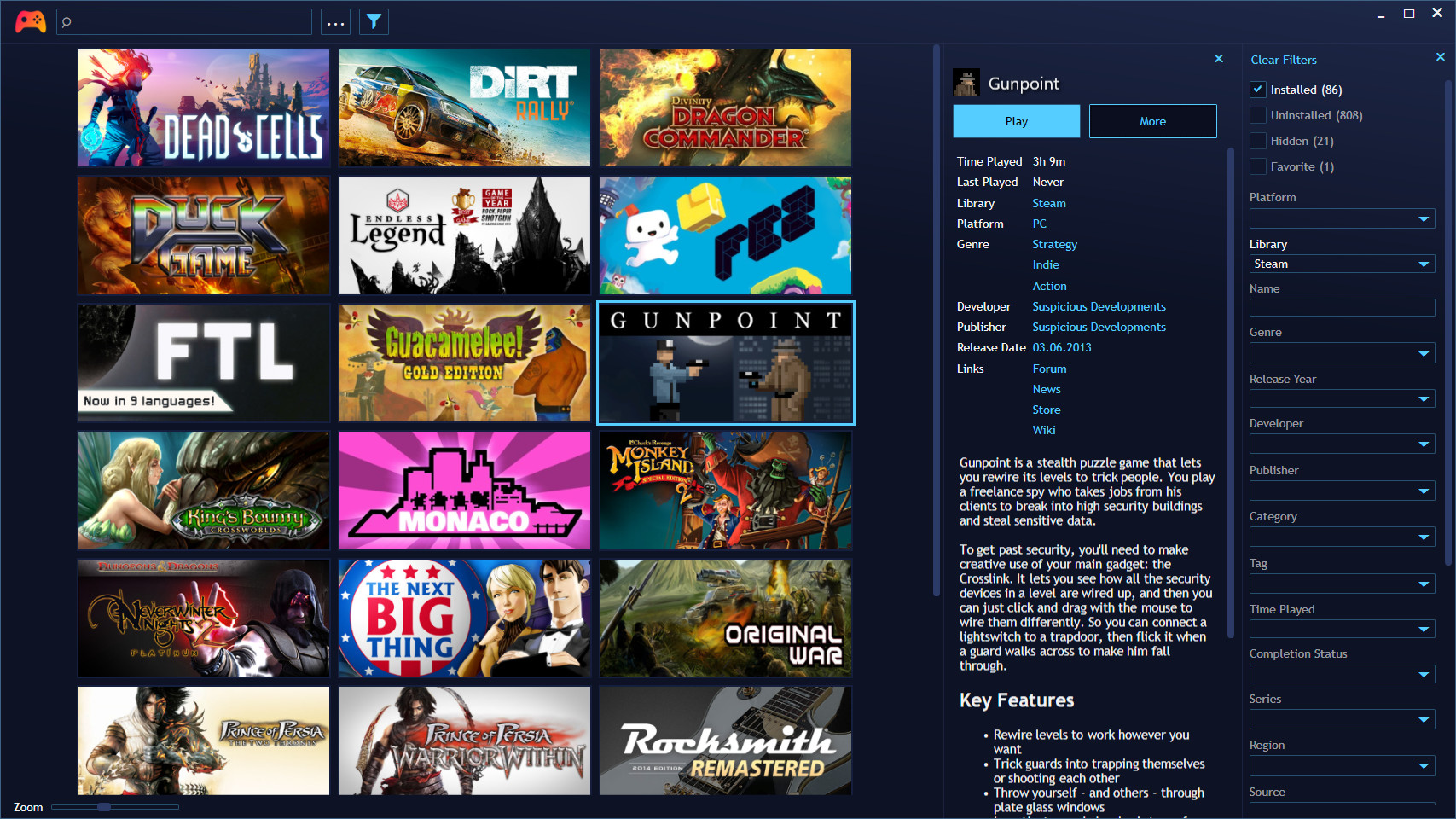
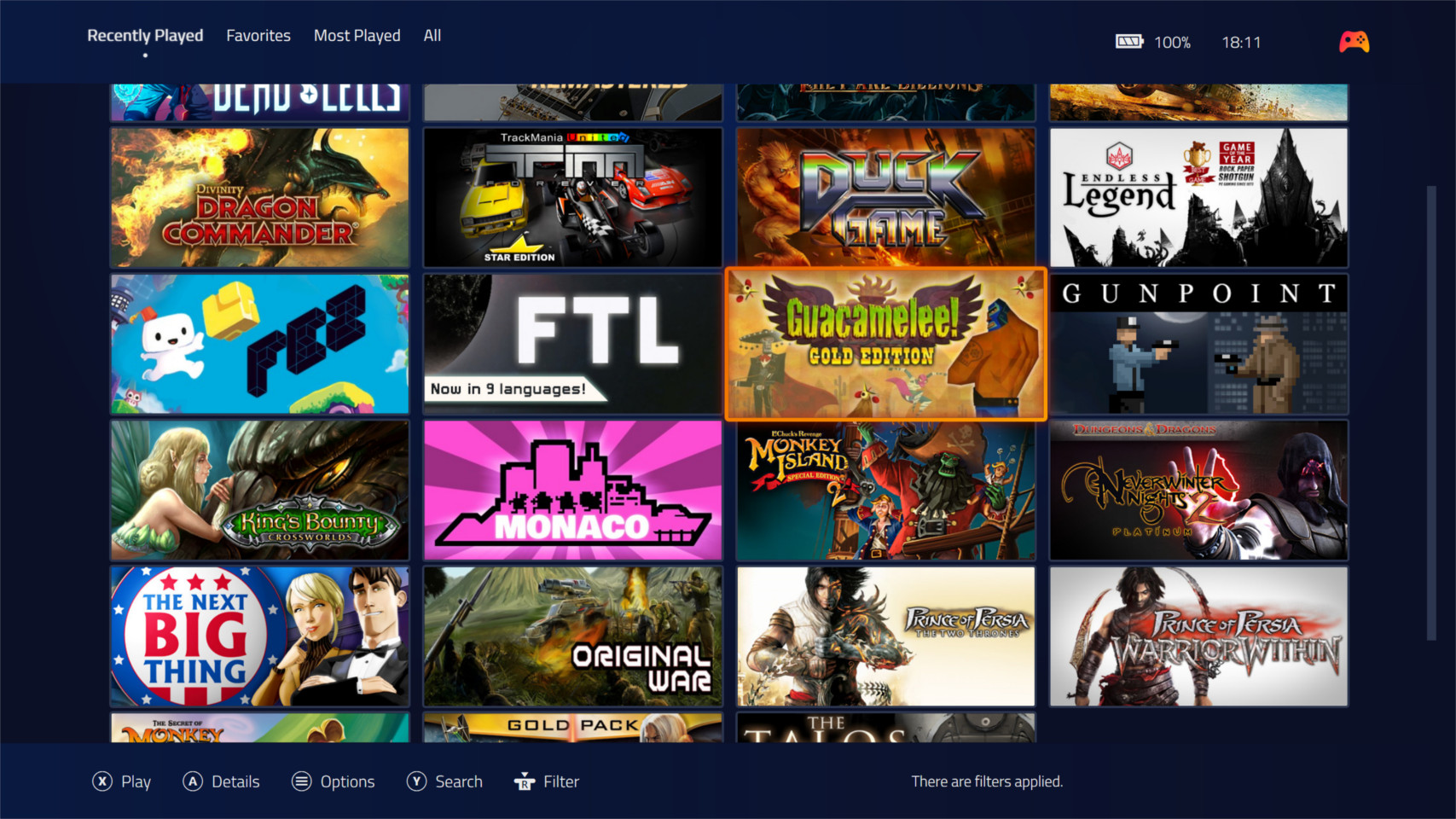
Tutorials & guides
Playnite setup guide
- Connect only the PC libraries you use.
- Add an emulator and verify a manual game launch before bulk importing.
- Choose metadata sources and a fullscreen theme if you use a controller.
READMEs & documentation
No README has been attached yet.
Release log
Selected releases and changes, with coverage from our weekly emulation roundup.