 Retro Replay Retro Gaming History, Reviews & Emulation
Xenia Manager
A graphical library and setup companion for the Xenia emulator.
Preview
Xenia Manager wraps the Xenia Xbox 360 emulator in a more approachable game library. It can install supported Xenia builds, organize games, manage patches and profiles, and expose common settings through a graphical interface. That makes it useful when several games need different configurations or when you want a visual library instead of managing emulator files by hand.
The manager is a separate community project, not the Xenia emulator itself. You still need suitable hardware, your own game files, and a compatible Xenia build; the manager cannot make unsupported games work. Start with one game and one build, verify it launches, then use its per-game settings and patch tools only when a particular title needs them.
Screenshots
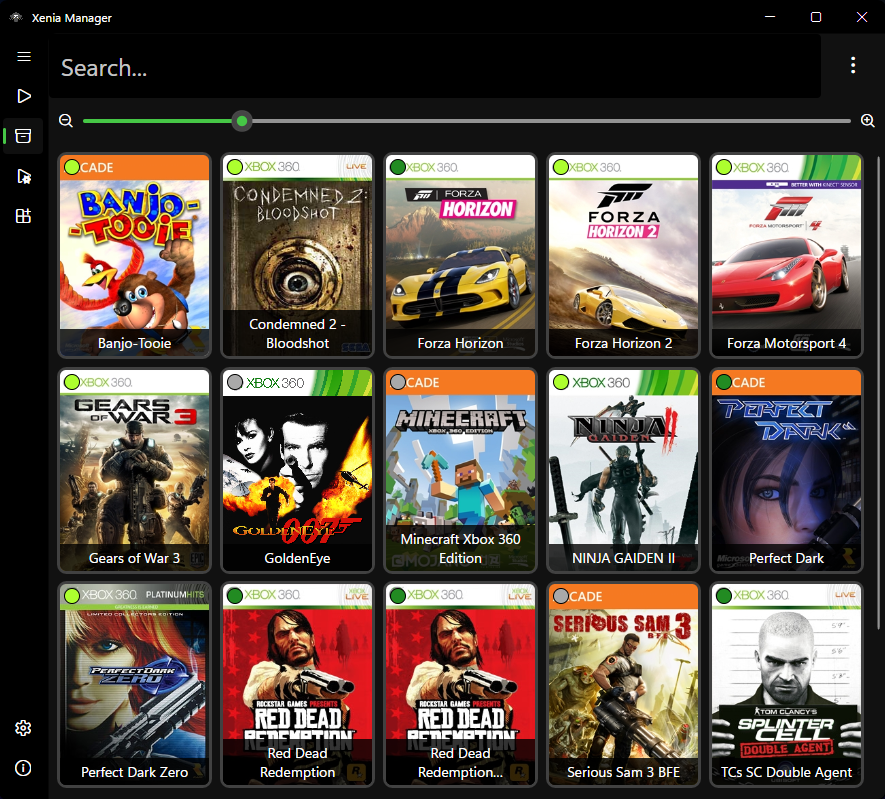

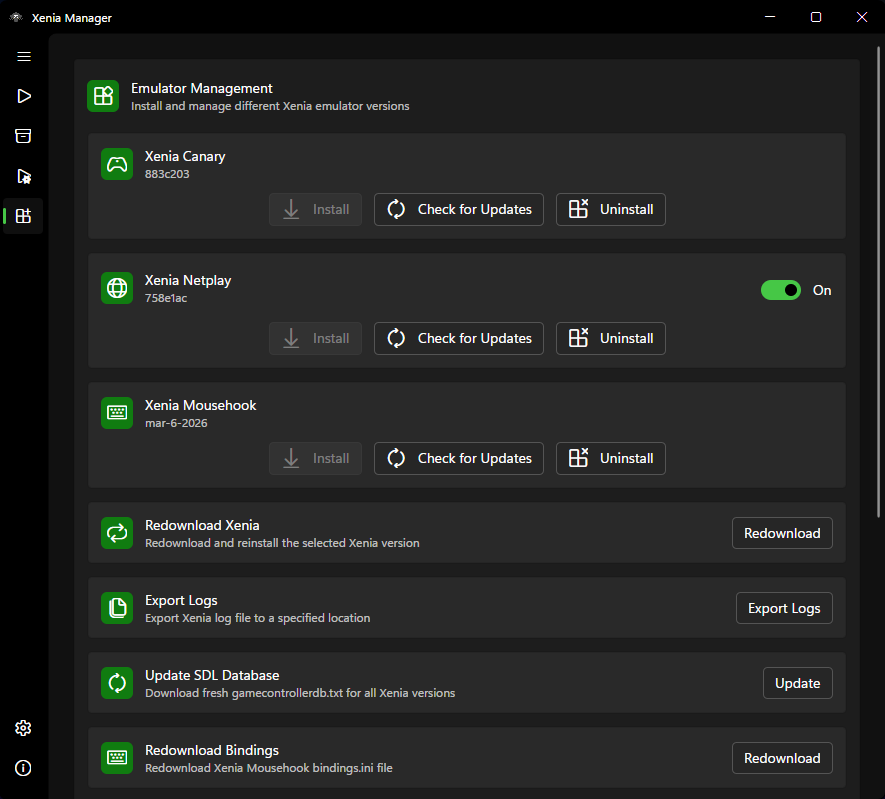
Screenshots: Xenia Manager project.
A sensible setup path
- Read the project quickstart and install its stated Windows prerequisites.
- Download Xenia Manager from its official releases page and extract it to a dedicated folder.
- Use its Manage screen to install a Xenia build, then add one game to the library.
- Launch that game before adding patches or per-game configuration.
Official project and documentation
Official Xenia Manager project ↗ · Setup guide ↗ · Releases ↗
Guides and tutorials
Step-by-step Xenia Manager guides appear here as they are published.