 Retro Replay Retro Gaming History, Reviews & Emulation
Retro Replay Review
Gameplay
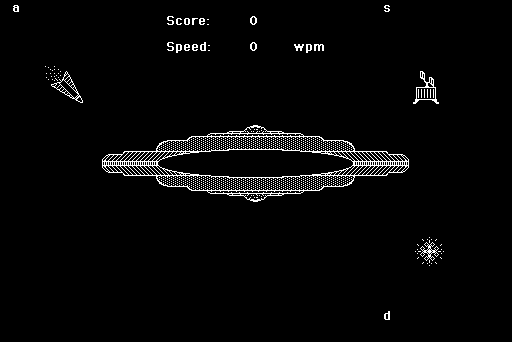
The first few minutes of MasterType are more tense than you might expect from an educational game. Your command ship sits in the middle of the screen while missiles come in from four corners, each paired with a letter or word you need to type. Get the input right and the MasterType wizard zaps the danger away. Hesitate, mistype, or simply cannot keep up, and a section of the ship takes the hit.
That setup gives basic keyboard practice a clean, immediate rhythm. In the opening home-row lesson, you are entering single letters from a to semicolon, which makes it approachable even if you are starting from scratch. Later lessons demand longer and more complicated phrases, and that is where the game’s pressure starts to click. You are not just trying to remember where a key is; you are trying to keep your eyes and hands calm while several threats are competing for attention.
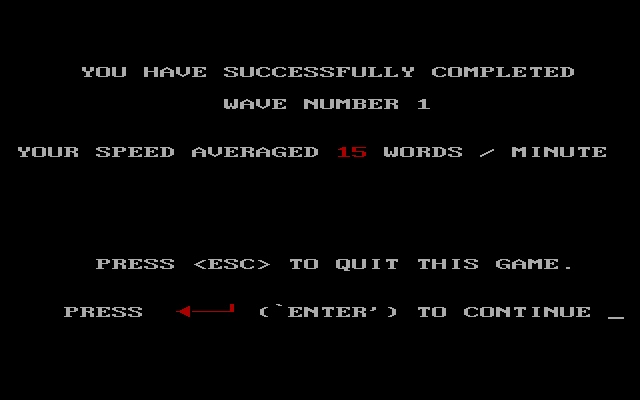
There is real friction in the punishment system. Each of the ship’s four areas can survive one missile strike only; a second hit to the same area ends the run. That can be frustrating when a weak spot gets targeted again before you have regained your rhythm, but it also stops the exercises from becoming mindless repetition. The post-lesson summary is useful here, because it tells you whether you actually handled the material or need another pass.
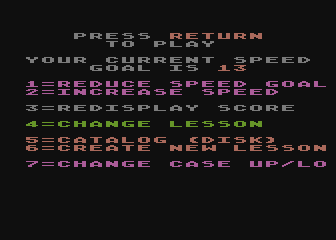
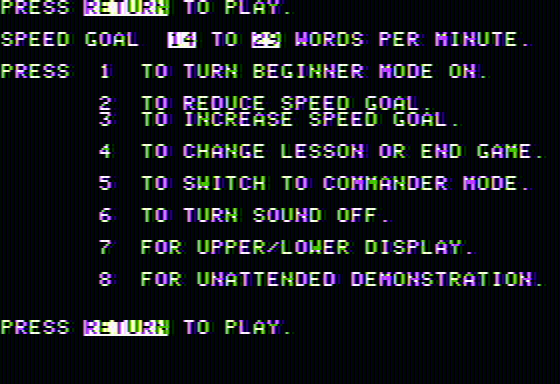
Beginner mode and a configurable words-per-minute goal let you set the pace more sensibly than a one-size-fits-all tutor would. The ability to create lessons is especially valuable once the built-in progression no longer matches what you need to practice. MasterType will not turn typing into a rich arcade campaign, but it makes drills feel active enough that you may willingly run them again.
Graphics
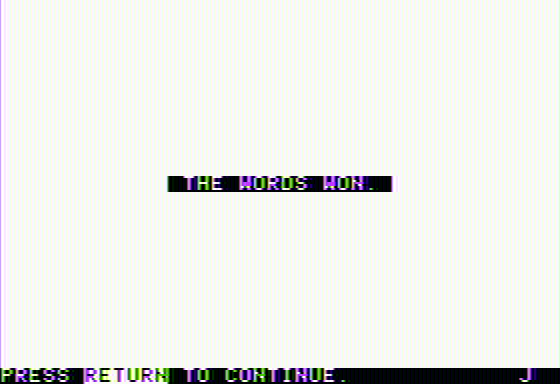
The screen is built around a clear defensive layout: the command ship occupies the center, with missiles arriving from each corner and their matching words nearby. That arrangement makes it easy to see which threat belongs to which bit of typing, even when the pace picks up. The wizard’s laser-like force gives successful entries a direct visual payoff, while the ship’s four vulnerable areas make damage easy to track.
Story
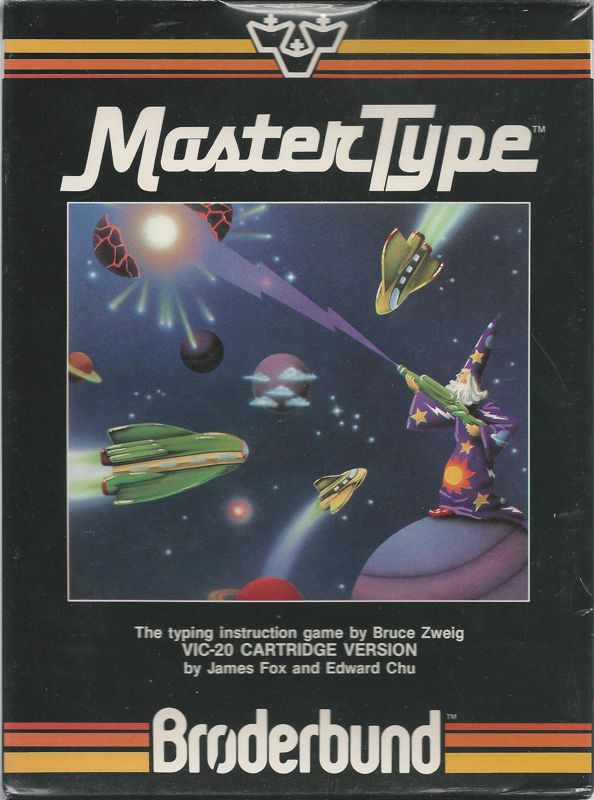
MasterType has a thin but effective sci-fi wrapper. You are defending a command ship with the help of the powerful wizard called MasterType, and typing is framed as the means of wielding that force.
There is no need for more narrative than that. The premise exists to turn words into incoming threats and correct answers into attacks, and it does that job cleanly.
If you want character drama or a developing space adventure, this is not the draw. The story’s modest role is to give every lesson a little urgency, which is more useful than a long explanation would have been.
Overall Experience
MasterType earns its 7.1 by understanding that practice needs feedback and stakes. The lesson structure is straightforward, but the ship-defense format makes accuracy feel consequential in the moment. It is far more memorable than typing isolated lines of text with no pressure attached.
The trade-off is that the game can feel stern. Repeated mistakes are exposed quickly, and a fast lesson can become stressful if your fingers are not ready for it. Treat the speed goal as a target to grow into rather than a number you must conquer immediately, especially when moving from single keys to phrases.
Give it a chance if you want a disciplined, arcade-flavored typing tutor with room to tailor lessons to your own weak spots. It is less suited to anyone hunting for substantial action-game variety, but for building keyboard confidence, its central idea still has bite. For release and historical context, the MasterType history is a useful companion.


Reviews
There are no reviews yet.