 Retro Replay Retro Gaming History, Reviews & Emulation


Retro Replay Review
Gameplay
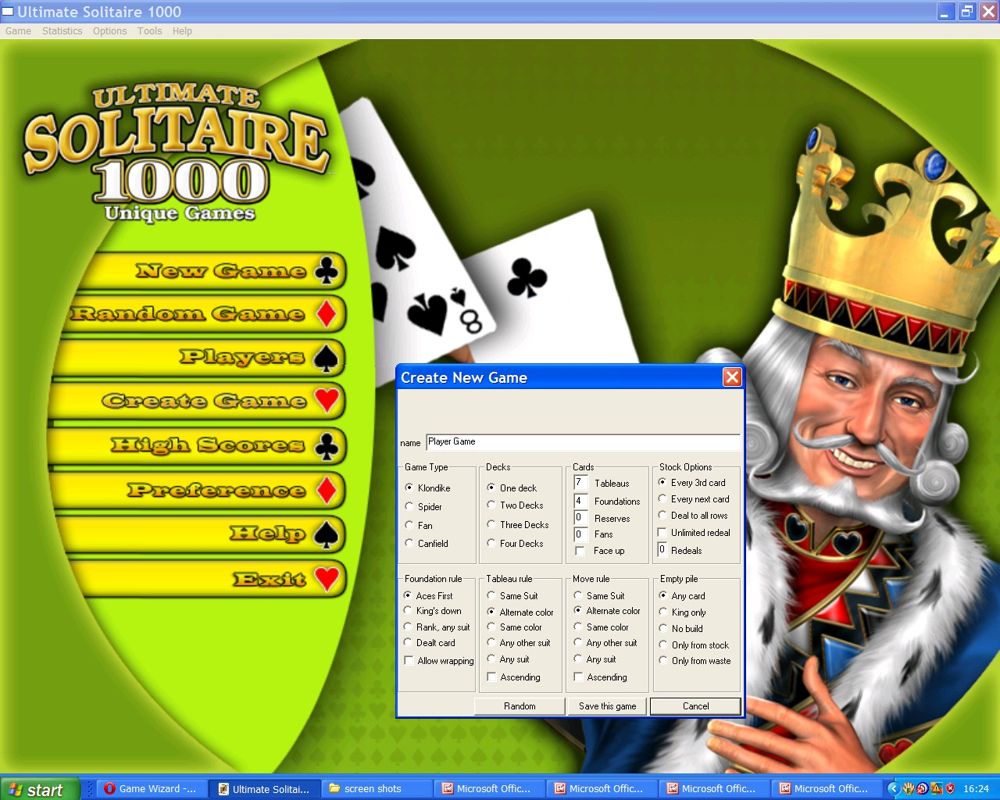
Ultimate Solitaire 1000 earns its name through persistence rather than drama. You can sit down for a quick familiar card session, lose a deal, then wander into another game from its long, type-sorted list. That broad choice is the hook: instead of treating solitaire as a single routine, the collection gives you a lot of rulesets to learn, revisit, and gradually get better at.
The basic interaction is sensibly direct. You use the mouse to click and drag cards to a new location, or click a stack to turn up the next card. Nothing stands between you and the cards, which matters in a collection built for repeat play. Running in either a window or full screen is also practical; this is the kind of game you may want open beside everything else, then expand when you settle in.
Its best quality is how much control it hands back to you. You can enable or disable animations, sound, statistics recording, and even undo moves. If you want low-pressure experimentation, the tutor can suggest moves and auto-play when needed. If you would rather live with every questionable decision, turn undo off and let the deal punish you. That flexibility makes the collection friendlier than its intimidating “1000” figure first suggests.
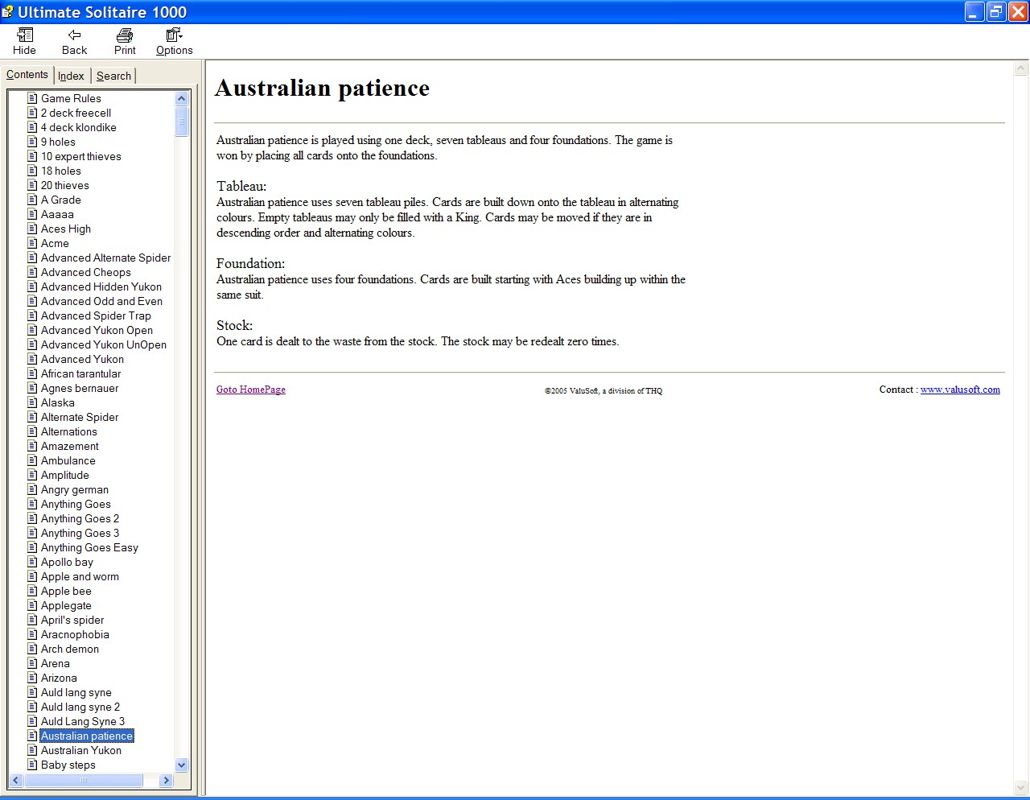
There is still a limit to quantity as a selling point. A massive catalogue is only useful if you feel like sampling it, and some gamers will happily stick to a small handful of favorites. The included rules screens make that exploration far less painful, explaining general solitaire terms as well as the rules for each game. The game creator is a welcome extra for the committed tinkerer, not a reason by itself to buy in.
Graphics
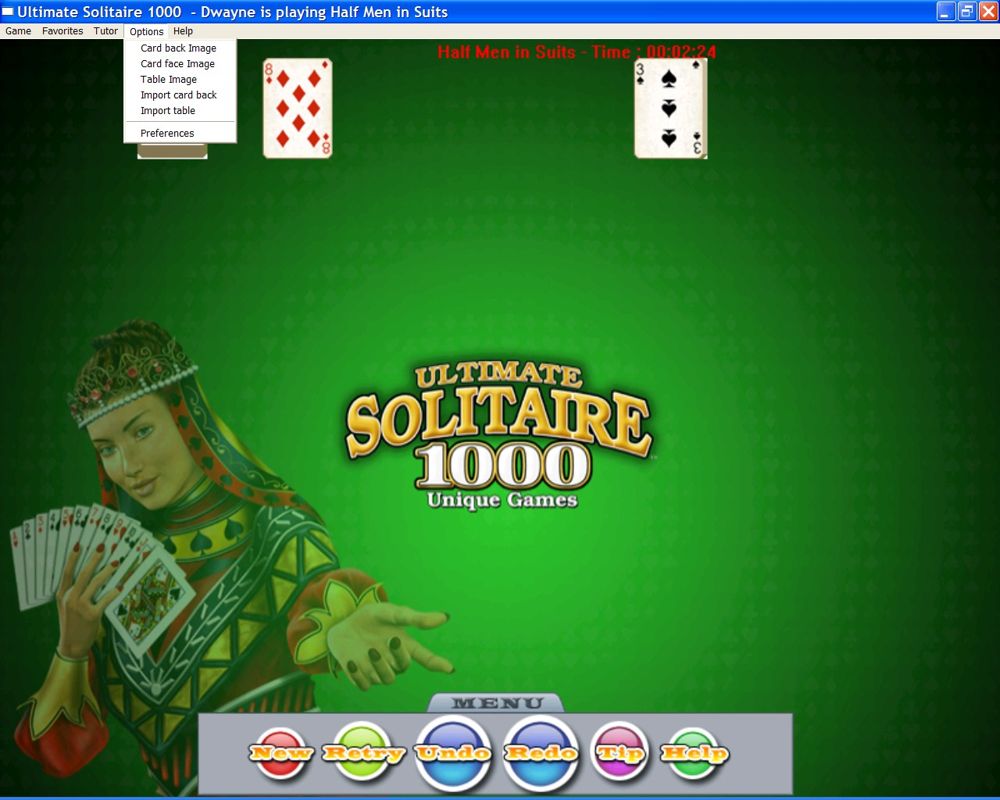
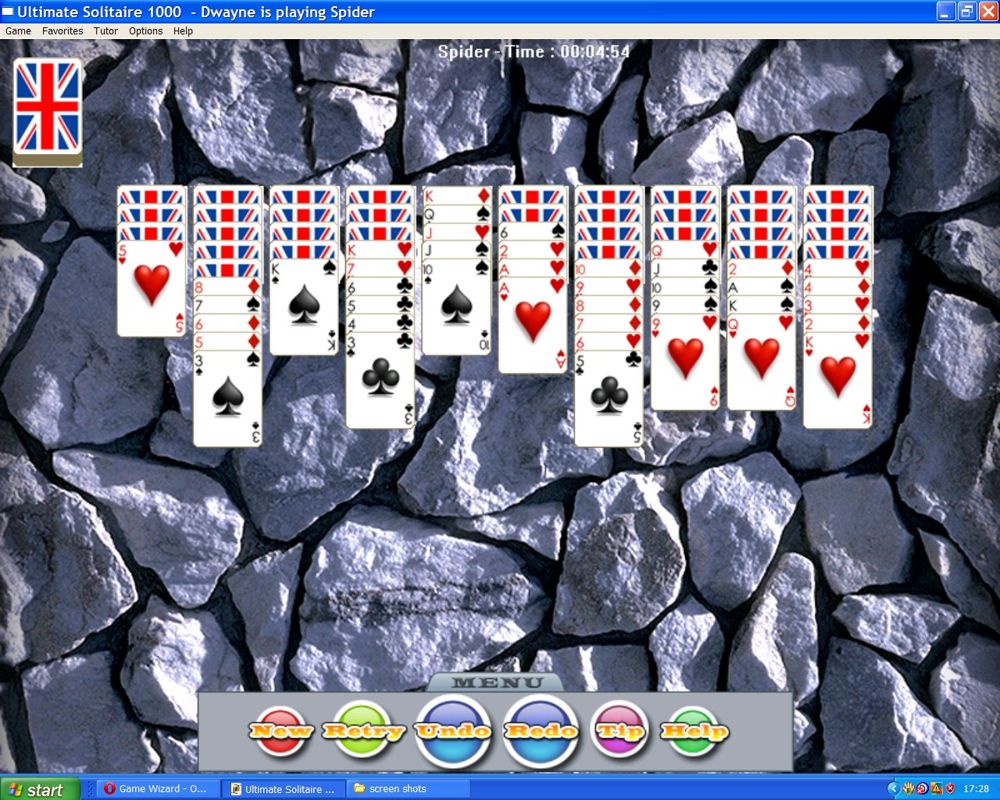
This is a card table first and foremost, so the important pictures are the cards and the surface beneath them. More than 40 card backs, eight card-face styles, and over 80 play-area images give you plenty to change, with import options for further personalization. The large-symbol faces are particularly useful when you want suits and ranks to be immediately clear.
Story
Solitaire makes its own tiny stories: a promising opening, a run of choices that feels clever, then the miserable realization that one buried card has ended the deal. Ultimate Solitaire 1000 understands that the tension comes from the layout and your decisions, not from dressing those moments up with a larger narrative.
That can make a single game feel pleasantly self-contained. You are not being asked to remember plot threads or return for a cliffhanger; you are chasing the clean satisfaction of resolving a layout, or deciding you can do better next time.
Statistics add a small personal history if you choose to record them, tracking items such as fastest times and how often a game has been played. For regular solitaire fans, that record gives repeat sessions a little extra purpose without changing the quiet, solitary rhythm.
Overall Experience
Ultimate Solitaire 1000 is a generous, customizable card-game library aimed at people who genuinely enjoy solitaire rather than people looking for a brief novelty. The first hour is likely to be spent finding a preferred look and sampling variants; the lasting value comes when a few games click and you keep returning to improve.
The tutor, detailed rule help, and adjustable undo rules make it a surprisingly accommodating place to learn unfamiliar variants. You can ask for guidance when the rules are new, then remove the safety net once you know what you are doing. That progression is more useful than simply dumping a giant list of game names in front of you.
Give it a chance if you want a long-running Windows solitaire collection with serious customization and enough variety to outlast your current favorite layout. Skip it only if the thought of sorting through many closely related card games sounds like homework. For the right kind of player, the payoff is a dependable digital card table that can fit a five-minute break or an entire quiet evening.


Reviews
There are no reviews yet.