 Retro Replay Retro Gaming History, Reviews & Emulation
DREAMCAST EMULATOR
flycast-wasm
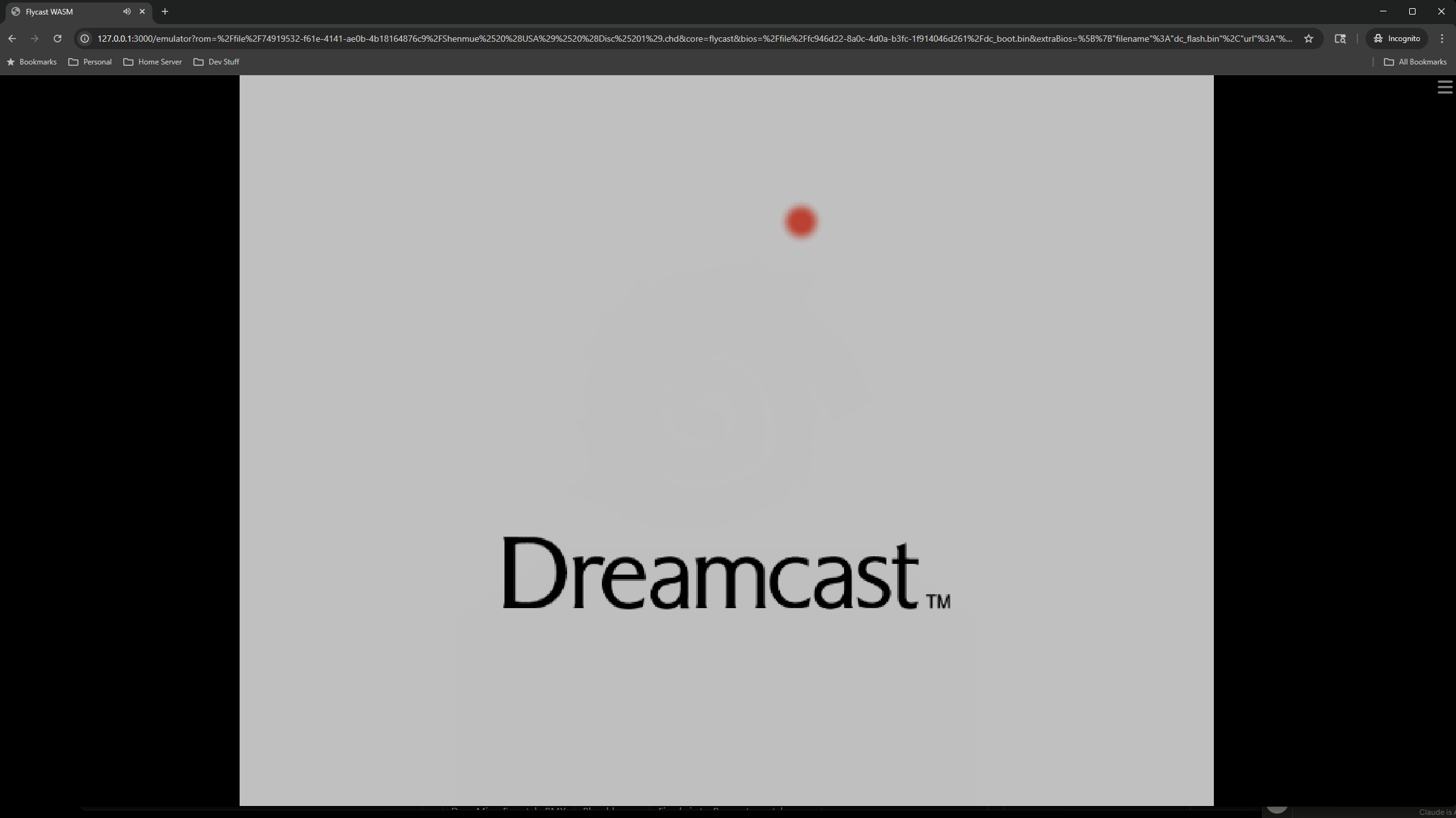
Flycast-WASM is a WebAssembly/libretro build of the Flycast Dreamcast emulator that runs in the browser (EmulatorJS-style frontends). It includes a custom SH4→WASM dynamic recompiler (JIT) intended to get native-class performance in modern browsers while remaining a libretro-style core.
WHY IT MATTERS
Why this project exists
Brings Flycast (a mature Dreamcast/Naomi/Atomiswave emulator) to the web by compiling upstream Flycast to WebAssembly and adding a custom SH4→WASM JIT. The goal was to demonstrate a performant Dreamcast experience inside a browser tab and to provide a libretro-style WASM core usable by web frontends (EmulatorJS and similar).
BEST FOR
What this is best for
Running Dreamcast titles in a web environment or embedding a Flycast core into a browser-based libretro frontend. Useful for experimentation, demos, and deploying Dreamcast emulation where native builds aren’t desirable or possible.
The people behind flycast-wasm
History and status
The repository documents a two-phase development: an initial Emscripten/CMake port (proof of life) followed by a custom SH4→WASM dynamic recompiler written to regain performance. The README and technical writeup describe development through March–August 2026, and the author states the project is complete as a proof-of-concept JIT but that some features (notably WinCE MMU support for certain titles) remain on the roadmap. The project is published under GPLv2 and is actively maintained by the repository owner, with releases for pre-built core files. Development is described as slower after the intensive sprint that implemented the JIT, but not parked.
What flycast-wasm supports
- Browser (WebAssembly libretro core, WebGL2 renderer)
- EmulatorJS-style web frontends
- Build host: Linux or WSL2 with Emscripten SDK 3.1.74+
- Requires user-supplied Dreamcast BIOS files (dc_boot.bin, dc_flash.bin) and game images (CHD, CDI, GDI, or CUE)
Download and availability
OFFICIAL DOWNLOADS
Get flycast-wasm
Pre-built core artifacts and releases are provided on the project's GitHub Releases page. The release package supplies the built core (flycast_libretro.js and the .wasm) plus config files for web frontends; BIOS and games are not included and must be provided by the user.
Get flycast-wasm ↗DOCUMENTATION
Official documentation
Read the official configuration, compatibility, and troubleshooting material before changing advanced options.
Read official documentation ↗flycast-wasm setup guide
Setup note: Notes before you start: this is a libretro-style core compiled to WebAssembly. You will need: a web frontend that can load libretro WASM cores (EmulatorJS-style), a static server that can send the required cross-origin isolation headers, legally dumped Dreamcast BIOS files and game images, and (if you want to build from source) Linux or WSL2 and Emscripten SDK 3.1.74 or newer.
- 1) Obtain the core and frontend files: Download the pre-built release from the project's GitHub releases. The release contains flycast_libretro.js and the matching .wasm module plus config/core metadata files. Place those files where your web frontend expects cores (typically alongside the frontend HTML/JS).
- 2) Web server and security headers: Host the frontend and the core files from an HTTP(S) server that serves the following headers (required by the WASM runtime and some browser isolation requirements): Cross-Origin-Opener-Policy: same-origin and Cross-Origin-Embedder-Policy: require-corp. Without these headers the core may be blocked from using required browser features (SharedArrayBuffer, some Worklet patterns). Configure your server (NGINX, Apache, or static hosting with header support) to return these headers for the frontend and core files.
- 3) Register the core with your frontend: Register the core metadata with your EmulatorJS-style frontend. The repository includes config/core.json and config/dreamcast-core-options.json showing the expected metadata and tuned core options. Use those files as-is or adapt to your frontend’s core registration format.
- 4) Provide BIOS and game images: Supply legally dumped Dreamcast BIOS files (dc_boot.bin and dc_flash.bin) and game images (supported formats: CHD, CDI, GDI, or CUE). Place them where your frontend can load them. The project does not include BIOS or game content and does not host it.
- 5) Run and tune core options: Launch the frontend and select the Flycast-WASM core and a Dreamcast image. If you encounter audio glitches, look at the provided tuned core options file; the core exposes settings that were tuned for browser timing and audio via an AudioWorklet ring. The README and config/dreamcast-core-options.json contain recommended option values for smoother audio and frame pacing.
- 6) Building from source (optional, developer setup): Requirements: Linux or WSL2, Emscripten SDK (recommended v3.1.74 or newer), git, and the upstream Flycast source at the pinned commit noted in the repository. General build steps from the repository: clone upstream flycast at the pinned commit, update submodules, apply the port and JIT patches from the flycast-wasm repo (patches/), copy the JIT source files into the upstream source tree as documented, then run the provided build-prod.sh script to produce the production core (diagnostics stripped). The README contains the exact clone/checkout/patch commands used by the author; follow those verbatim for a reproducible build.
- 7) Known limitations and next work items: The README and technical writeup call out missing full SH4 MMU support needed for some WinCE titles (e.g., Sega Rally 2). The author documents future work such as region compilation, per-title bytecode caching, WebGPU renderer plans, and several cosmetic fixes. Expect some titles to require additional compatibility work until WinCE/MMU support is implemented.
Software reminder: The core requires that you supply your own legally obtained Dreamcast BIOS files and game images; no BIOS, firmware, games, or keys are included with the project.
Sources and further reading
- flycast-wasm GitHub repository (README, build instructions, project status)
- flycast-wasm TECHNICAL_WRITEUP.md (architecture and implementation details)
- Issue discussion noting nasomers/flycast-wasm as the working WASM port
- Release tag referenced by community posts (project releases page)
- Featured-image source and credit
Detailed guides and tutorials
Explore step-by-step guides for flycast-wasm as they are published.