 Retro Replay Retro Gaming History, Reviews & Emulation
GAME BOY EMULATOR
gebeh
gebeh — a browser-based Game Boy (DMG/CGB) emulator written to run in WebAssembly with optional native components and online multiplayer features.
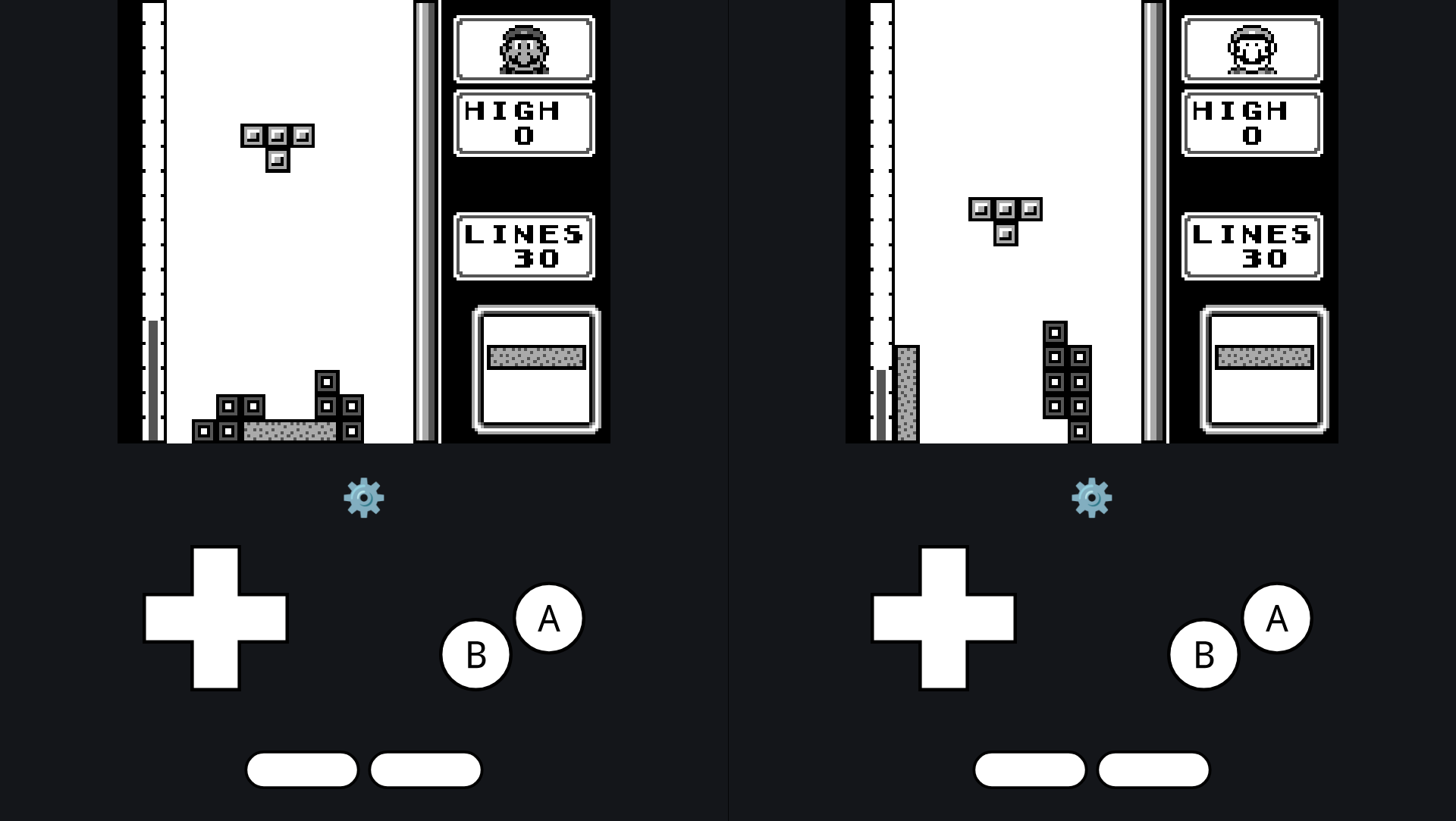
WHY IT MATTERS
Why gebeh?
gebeh provides an in-browser Game Boy (DMG/CGB) implementation with a focus on accuracy (passes a number of Mealybug and mooneye tests) and built-in online multiplayer. It's suitable for trying Game Boy ROMs quickly in a browser and for developers interested in the emulator's Rust/WASM code and networking.
BEST FOR
Best for
Running Game Boy (DMG / Game Boy Color) ROMs in a browser or building the project from source to run the web or native frontends; experimenting with WebAssembly Rust emulator cores and the project's networked multiplayer features.
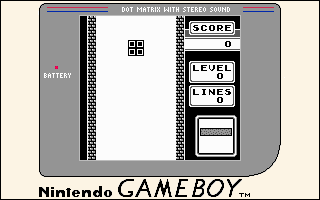
The people behind gebeh
History & status
The project is hosted on GitHub under the user itytophile and contains multiple subprojects (gebeh-core, gebeh-web, gebeh-native, gebeh-server, gebeh-network, etc.). The repository documents its test targets (Mealybug Tearoom tests, much of the mooneye acceptance suite) and references common GB documentation and test-ROM suites. The repository is active enough to include many commits and supporting tooling (Dockerfile, docker-compose, CI/workflow files). The project is licensed under GPL-3.0. Current activity, releases, and issue status should be checked on the GitHub repository for the most recent state before relying on it in production.
What gebeh supports
- Web (Browser via WebAssembly) — primary
- Android (browser; Chrome noted as performing better)
- Native builds (gebeh-native) — desktop via provided native component
- Server-side component for multiplayer (gebeh-server)
Download and availability
OFFICIAL DOWNLOADS
Get gebeh
Official releases and source are available from the project's GitHub releases page. Prebuilt web hosting is available at the project's site when online (see sources).
Get gebeh ↗DOCUMENTATION
Official documentation
Read the official configuration, compatibility, and troubleshooting material before changing advanced options.
Read official documentation ↗gebeh setup guide
Setup note: Two common ways to run gebeh: 1) use the hosted web build (if available) for quick testing, or 2) build and run from source to run the web frontend locally or build the native frontend and server. The steps below focus on building from source and running locally; they reference the repository structure and available components.
- Try the hosted build (quick): If the project's hosted site is available, open the web frontend to load ROMs and use the emulator in your browser. The README points to a hosted instance (gebeh.ovh). The hosted site availability varies; if it's down, proceed to building locally.
- Fetch the source: Clone the official repository from GitHub: the repository contains folders such as gebeh-core, gebeh-web, gebeh-native, gebeh-server, and other helpers. Inspect the README and subproject READMEs for component-specific build instructions.
- Install prerequisites: For the web build: install Rust and wasm32 target tooling (rustup, cargo). The project uses Rust and compiles to WASM for the browser. For native builds: install the system toolchain described in gebeh-native's README (likely a Rust toolchain and platform-specific build tools). For the server component: install Docker or the language runtime indicated in the server subproject if you prefer to run it without Docker.
- Build the web frontend (WASM): From the repo root, follow the gebeh-web and gebeh-core README/build steps. Add the wasm target with rustup if not already present (rustup target add wasm32-unknown-unknown) and use the project's build script or cargo workspace commands to compile the core to WASM. The repository includes a Dockerfile and docker-compose that can build and serve the web frontend if you prefer containerized builds.
- Run locally (web): Serve the built web assets on a local HTTP server (some browsers restrict WASM and fetch under file://). The repository's web subproject or docker-compose provides guidance and tooling to serve the site locally. Open the served URL in a modern browser (Chrome recommended on Android).
- Optional: build and run native frontend and server: If you want a native executable or to host multiplayer sessions, follow the gebeh-native and gebeh-server subproject READMEs. The server component is provided in the repository and can be run to enable the emulator's online multiplayer features; the README and docker-compose file are starting points for deployment.
- ROMs, BIOS, and legal notes: The project does not include commercial game ROMs, copyrighted firmware, or BIOS files. You must obtain any ROMs, BIOS, or proprietary files legally and provide them when running the emulator. The repository contains a folder named boot-rom which suggests places to supply boot ROMs if the software supports them — consult the core documentation before adding any files.
- Testing & verification: The project references Mealybug and mooneye test suites and includes a geheb-test-roms subfolder. Use the documented test ROMs and the project's test harnesses to verify accuracy if you are developing or modifying the core.
Software reminder: Read the repository and subproject READMEs carefully. The project is GPL-3.0 licensed; redistribution of modified builds must comply with that license. Check GitHub Issues and Releases for the latest status and downloadable artifacts.
Sources and further reading
Detailed guides and tutorials
Explore step-by-step guides for gebeh as they are published.