 Retro Replay Retro Gaming History, Reviews & Emulation
NES EMULATOR
hnes
hnes — a NES (Famicom) emulator implemented in Haskell. Simple, research/development-focused emulator with limited mapper support and a small test suite.
WHY IT MATTERS
Why hnes exists
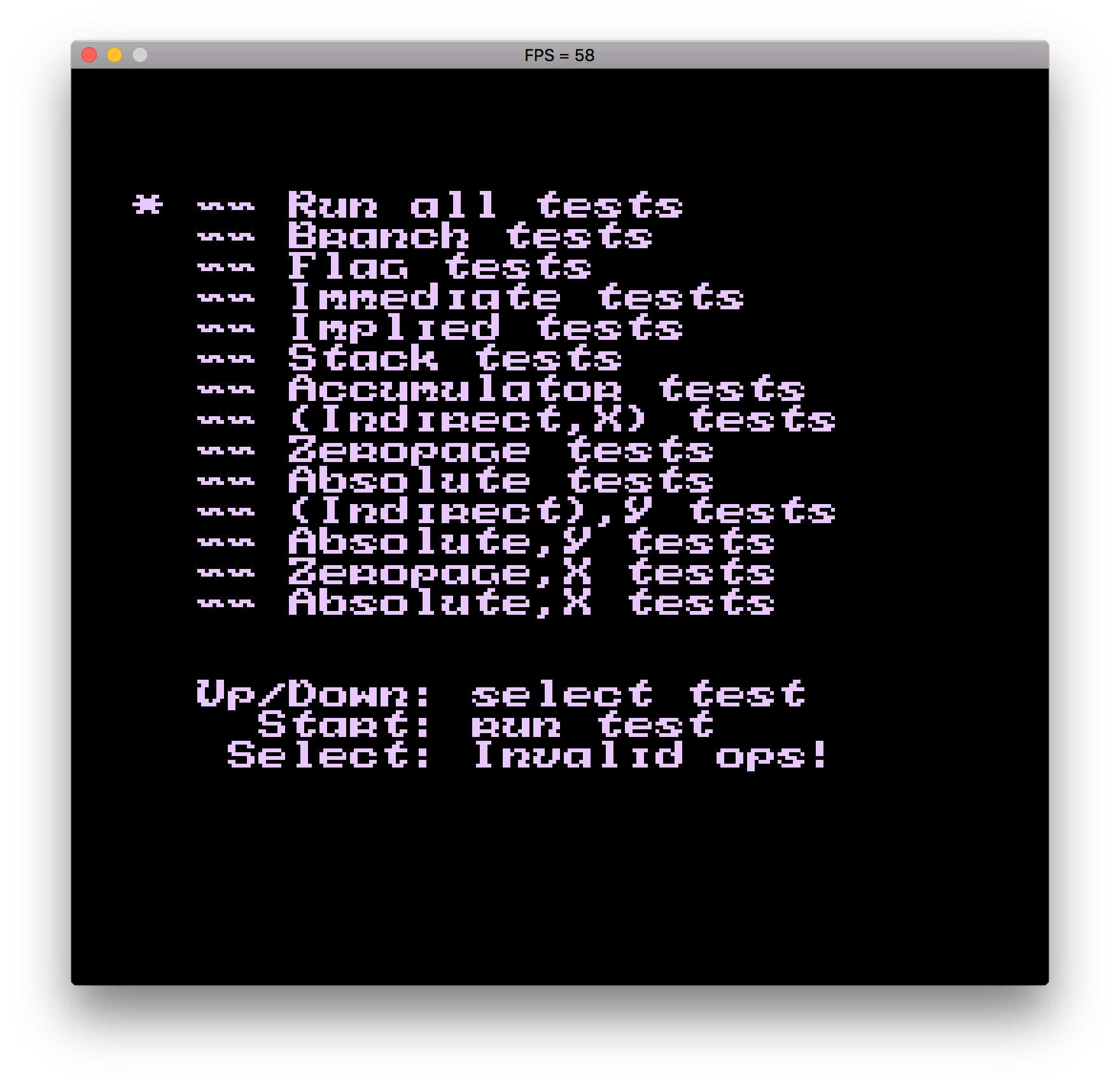
hnes is a Haskell-language implementation of an NES emulator intended as a learning / experimental project. It focuses on correctness tests (CPU/PPU tests) and gradually adding mapper and PPU features rather than broad, production-quality compatibility.
BEST FOR
Strengths and limits
Strengths: clear, well-documented Haskell source for study; automated tests for CPU/PPU; explicit build instructions for multiple OSes. Limits: small subset of mappers implemented (NROM, UNROM, AOROM), known performance and VBlank timing issues, incomplete APU/PPU features and limited compatibility with many commercial games.

The people behind hnes
History & status
The repository contains an active development history and a task list describing intended features (more mappers, full CPU opcode coverage, PPU/scrolling/sprite rendering, APU). README lists known issues such as less-than-ideal performance and VBlank timing causing rendering/scrolling issues. The project is suitable for study, experimentation, and incremental contribution rather than as a fully-featured NES front-end for everyday gameplay.
What hnes supports
- NES / Famicom (emulates CPU and portions of PPU/APU as implemented)
- Mapper support: NROM (0), UNROM (2), AOROM (7)
- Platforms: Windows, macOS (OS X), Linux (Ubuntu), FreeBSD (per build instructions)
- Build system: Stack (Haskell)
Download and availability
OFFICIAL DOWNLOADS
Get hnes
Official source and releases are hosted on the project's GitHub repository/releases page. Prebuilt binaries are not guaranteed — the project documents building from source with Stack.
Get hnes ↗DOCUMENTATION
Official documentation
Read the official configuration, compatibility, and troubleshooting material before changing advanced options.
Read official documentation ↗hnes setup guide
Setup note: Practical setup: hnes is primarily built from source using the Haskell/Stack toolchain. The README contains platform-specific notes; follow them and ensure SDL2 is installed where required. hnes does not include game ROMs or any Nintendo firmware/BIOS files.
- 1) Prepare Haskell Stack: Install Stack from the Haskell website (or your OS package manager). The project uses Stack as its build tool; the repository includes stack.yaml and hnes.cabal.
- 2) Install SDL2 (platform-specific): Windows: use MSYS2/MinGW packages per README (example: mingw-w64-x86_64-SDL2). macOS: brew install sdl2. Ubuntu/Debian: sudo apt-get install libsdl2-dev. FreeBSD: pkg install sdl2.
- 3) Build with Stack: From the repository root run: stack build. The README and included Setup.hs / run.sh provide entry points. Resolve any Stack/resolver or dependency prompts as needed.
- 4) Run a test ROM: Run the included test command from the README: stack exec — hnes roms/tests/cpu/nestest/nestest.nes. The repository includes test ROMs used for CPU/PPU test suites; commercial game ROMs are not included and must not be supplied by the project.
- 5) Controls and usage: Default keyboard mapping (as documented): arrow keys = D-pad, Enter = Start, Space = Select, Z = A, X = B. Adjust or extend input handling by examining the source if you need controller or GUI integration.
- 6) Understand limitations and contribute: Mapper coverage is limited (NROM, UNROM, AOROM). The README lists task items (MMC3, MMC1, CNROM, expanded PPU/APU work). If you need broader compatibility or performance, consider established emulators; if you want to experiment or contribute, follow the repo's issue/pull request workflow.
Software reminder: hnes does not include commercial game ROMs, BIOS, or firmware. Build from source using Stack and install SDL2 as required by your OS.
Sources and further reading
Detailed guides and tutorials
Explore step-by-step guides for hnes as they are published.