 Retro Replay Retro Gaming History, Reviews & Emulation
GameEx
A mature Windows frontend with strong MAME integration and configurable arcade controls.
Preview
GameEx is a long-running Windows frontend with a strong arcade and MAME focus. Its full-screen interface groups emulators, game lists, and media features into a cabinet or home-theater experience. The setup tools expose extensive controls for emulator paths, categories, artwork, and input devices, which is useful when a collection spans many machines.
That breadth is also the main learning curve. The interface offers many options, so a small first configuration is easier to troubleshoot than a fully loaded cabinet build. Start with MAME or one console emulator, verify launch and exit behavior, and then use the additional filters and media features to shape the library.
Screenshots
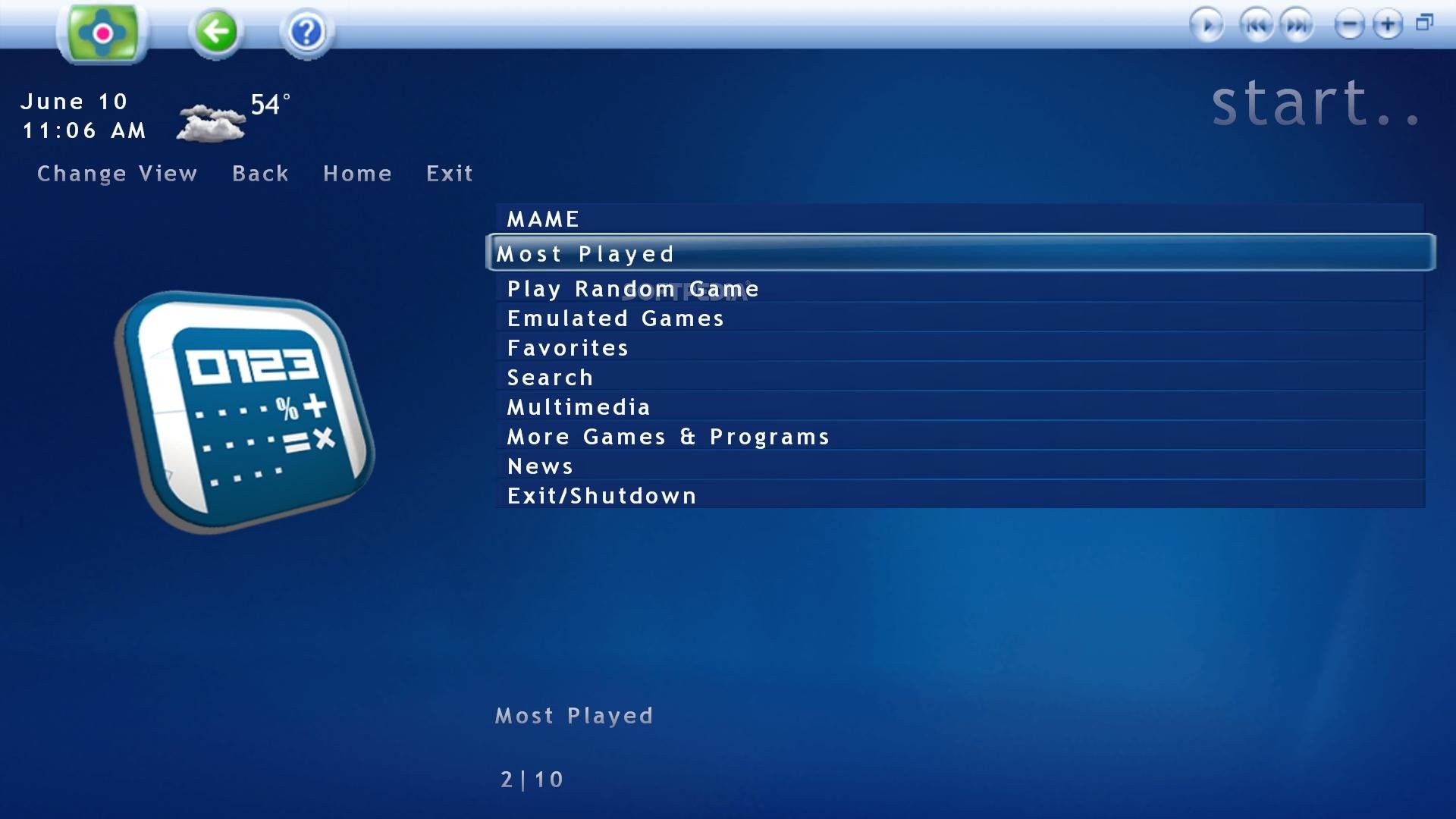
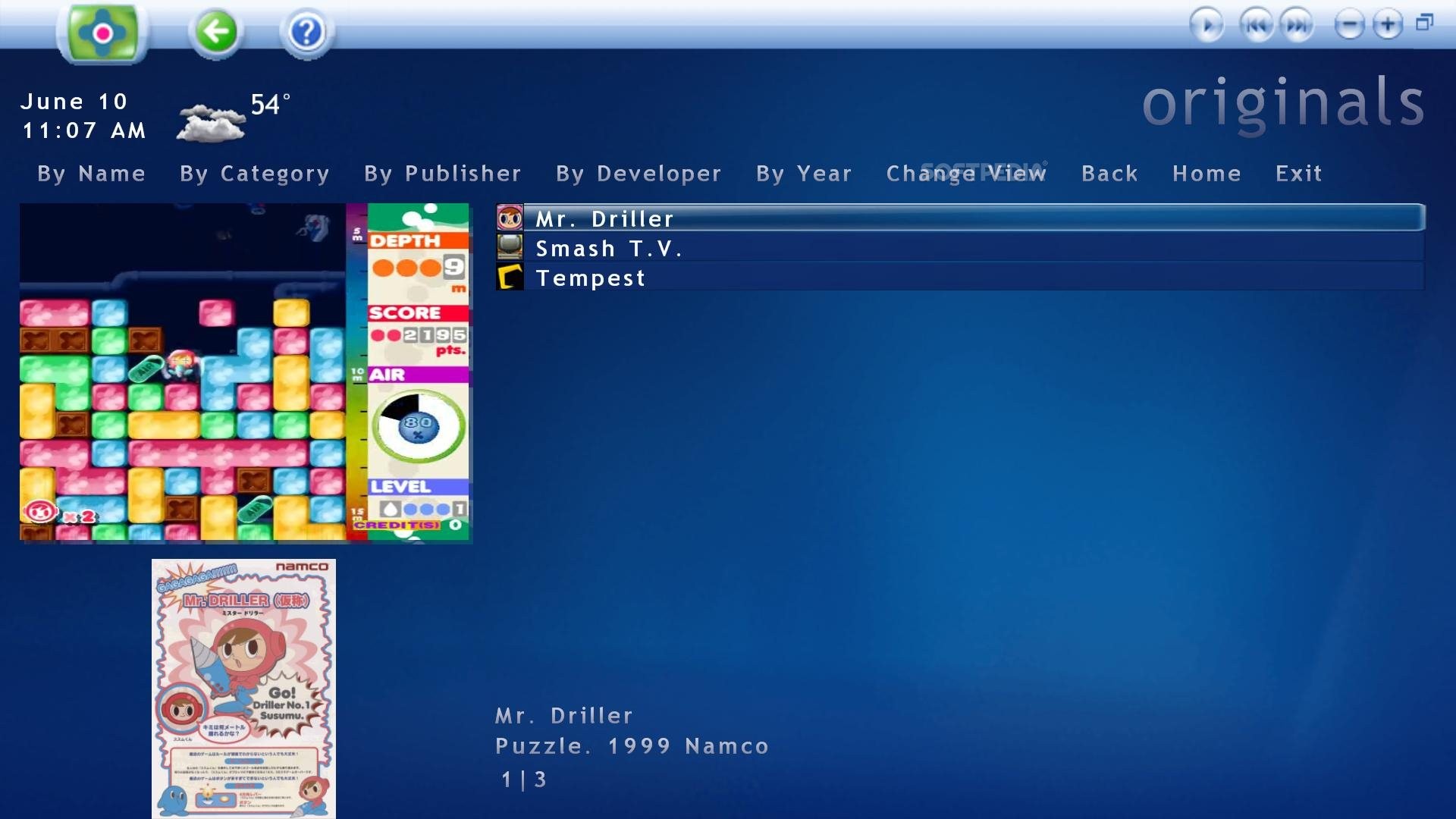
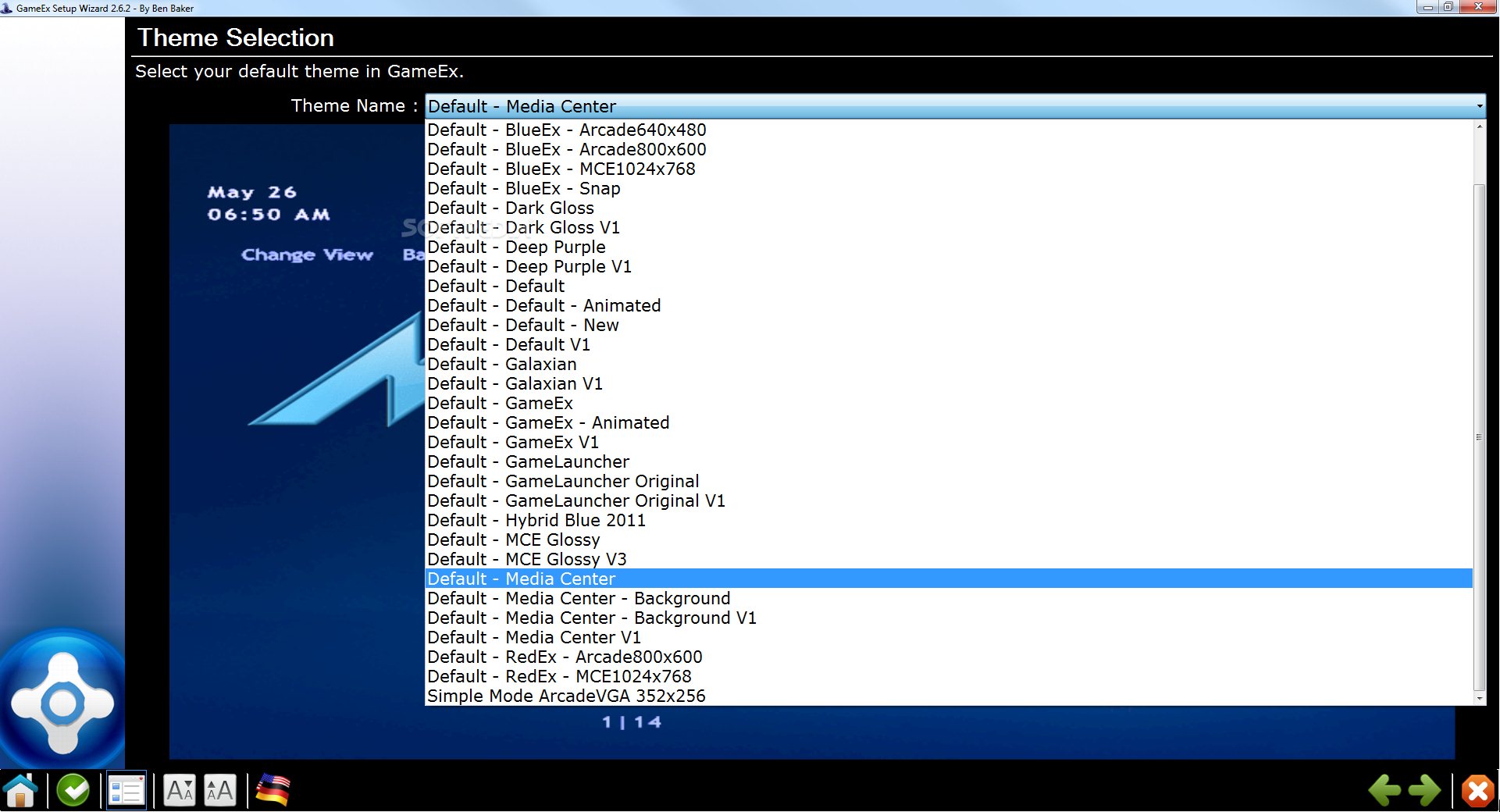
Screenshots: Softpedia GameEx gallery.
A sensible setup path
- Use the setup wizard to select an emulator.
- Confirm game-list paths and launch/exit controls.
- Set up artwork and cabinet-specific input only after launching works.
Official project and documentation
Official GameEx website ↗ · Documentation ↗
Guides and tutorials
Explore step-by-step GameEx guides below, from first setup to more detailed configuration.