 Retro Replay Retro Gaming History, Reviews & Emulation
RetroArch
One interface for Libretro cores, controllers, shaders, playlists, and cross-platform play.
Preview
RetroArch brings many emulation cores into one interface. Its strength is consistency: a controller, hotkey, shader, and playlist setup can carry across several systems instead of being rebuilt in every standalone emulator. The Ozone menu is designed for a gamepad, while the library view can add artwork and metadata to scanned collections.
That flexibility takes some orientation. You still choose and install a core for each system, and each core can have its own firmware and content requirements. RetroArch makes the most sense if you value one familiar launch and configuration flow across platforms; people who only play one system may prefer a dedicated emulator with fewer layers.
Screenshots
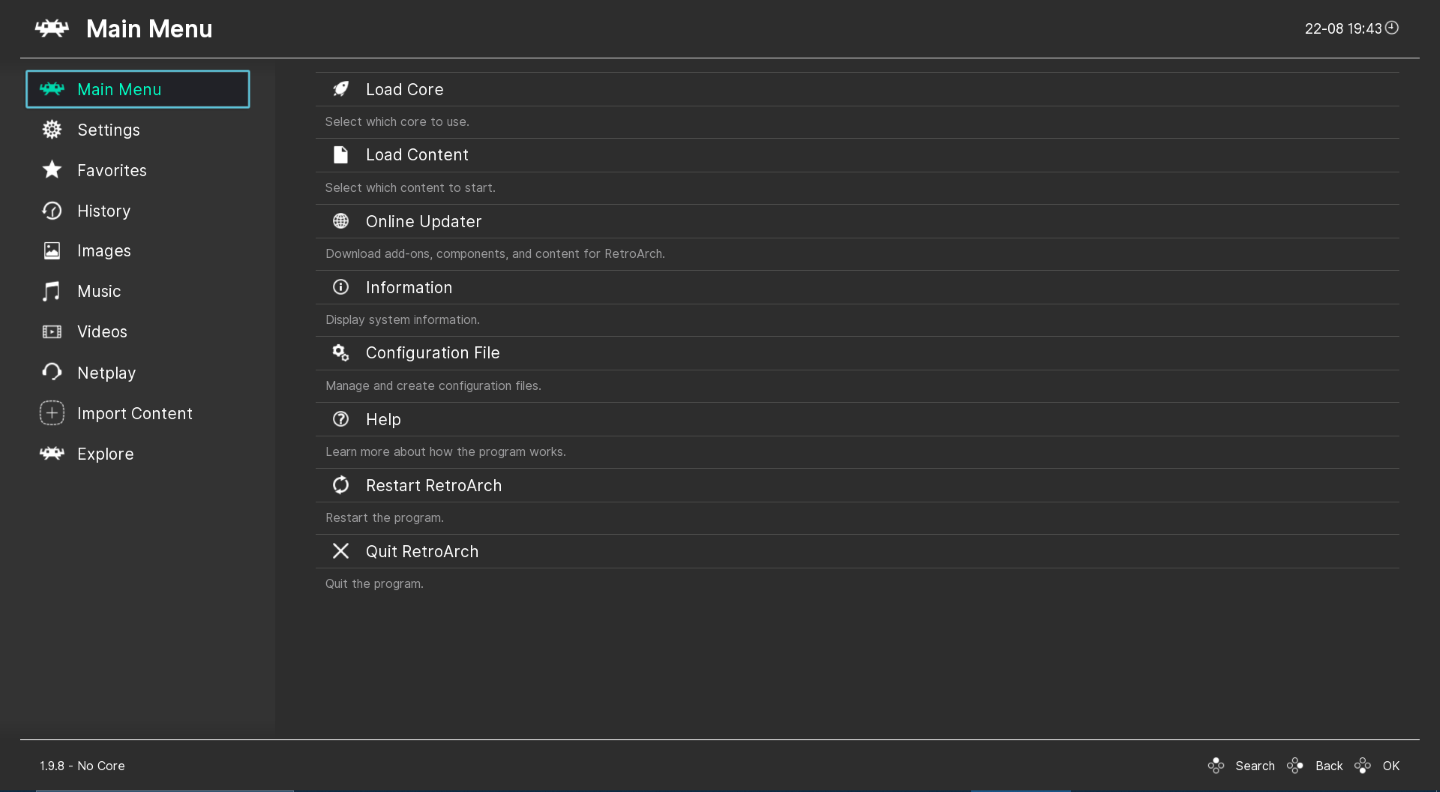
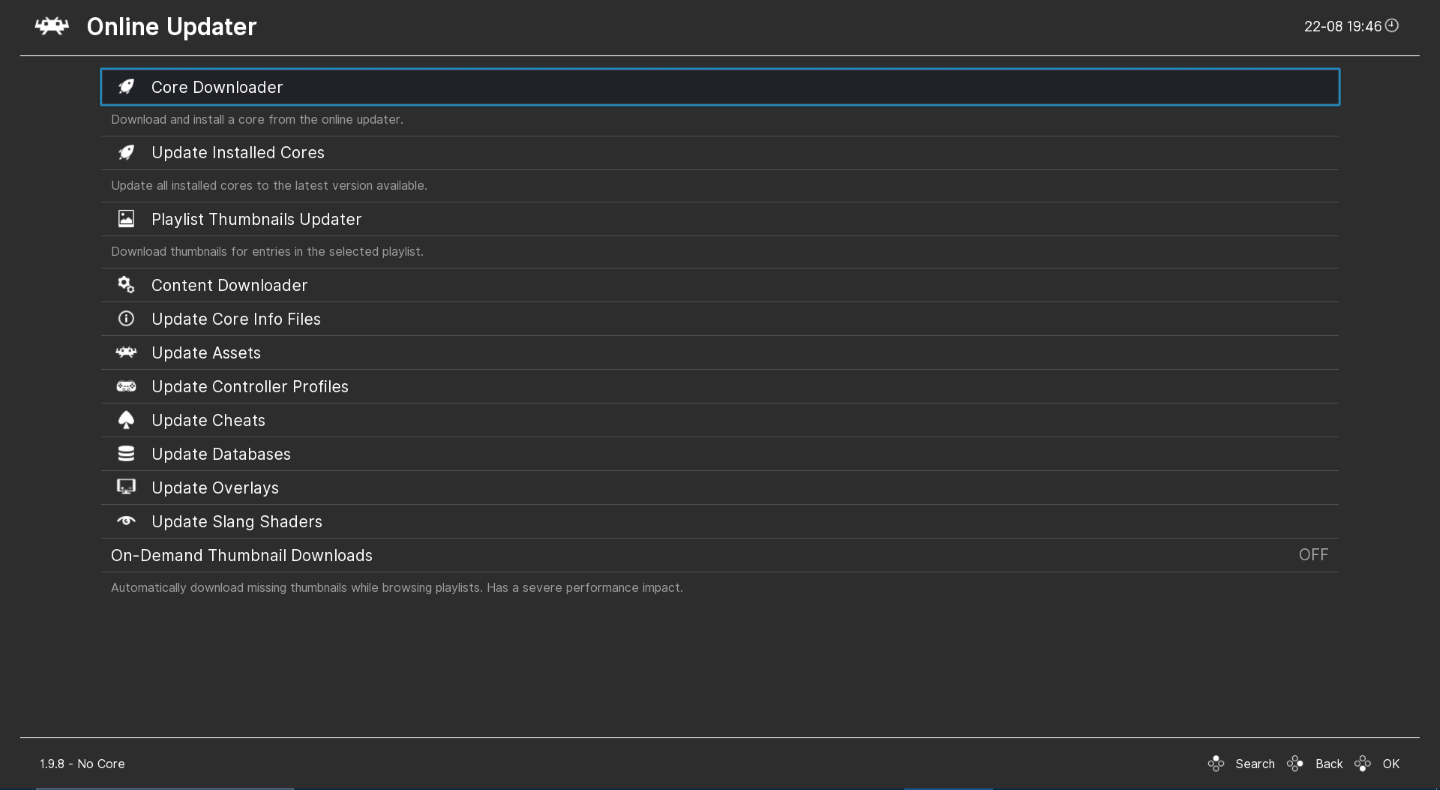
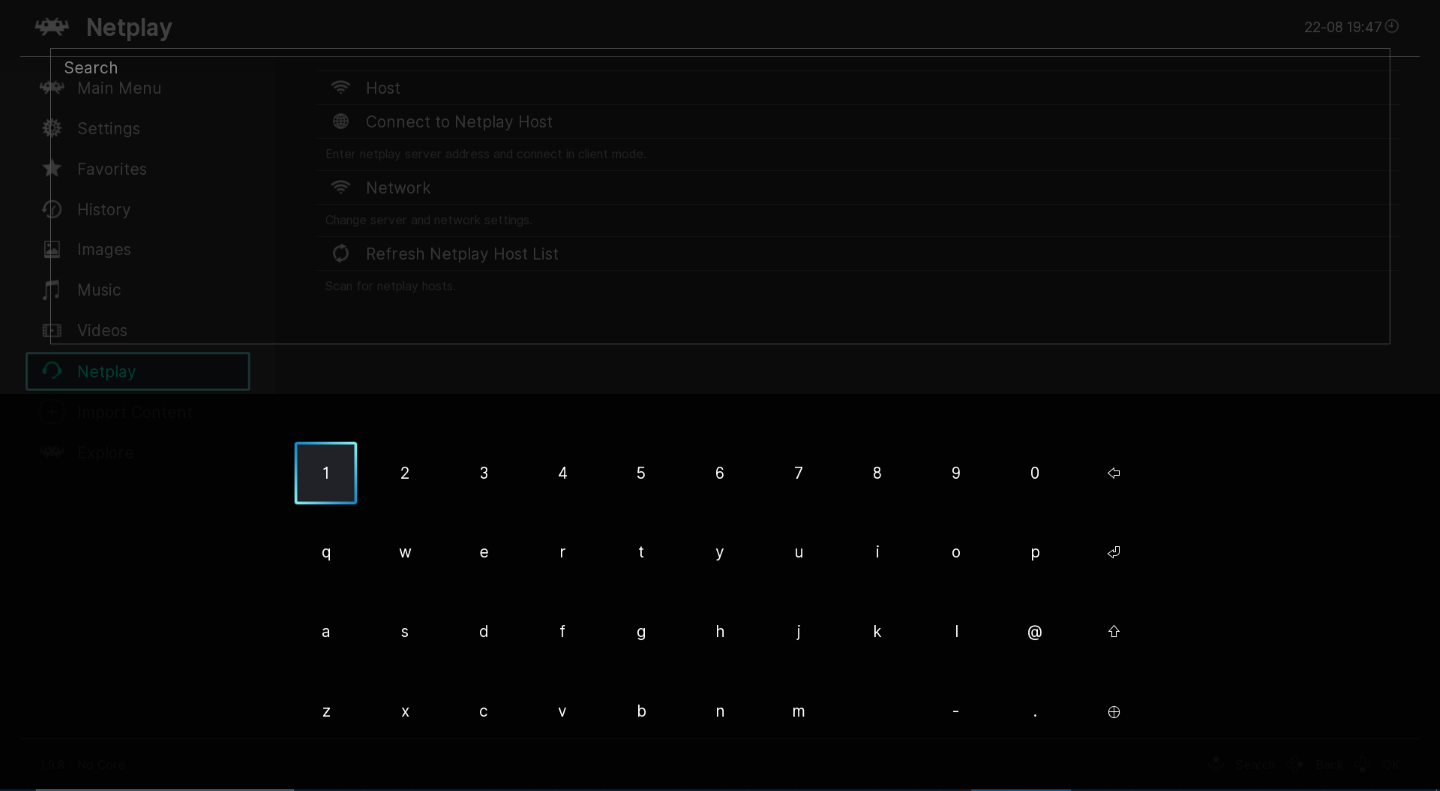
Screenshots: RetroArch project.
A sensible setup path
- Install RetroArch and choose a supported core for each system.
- Add your own game files to playlists and verify file paths.
- Configure input, hotkeys, video, and shaders only after basic launch works.
Official project and documentation
Official RetroArch website ↗ · Documentation ↗
Guides and tutorials
Explore step-by-step RetroArch guides below, from first setup to more detailed configuration.