 Retro Replay Retro Gaming History, Reviews & Emulation
Retro Replay Review
Gameplay
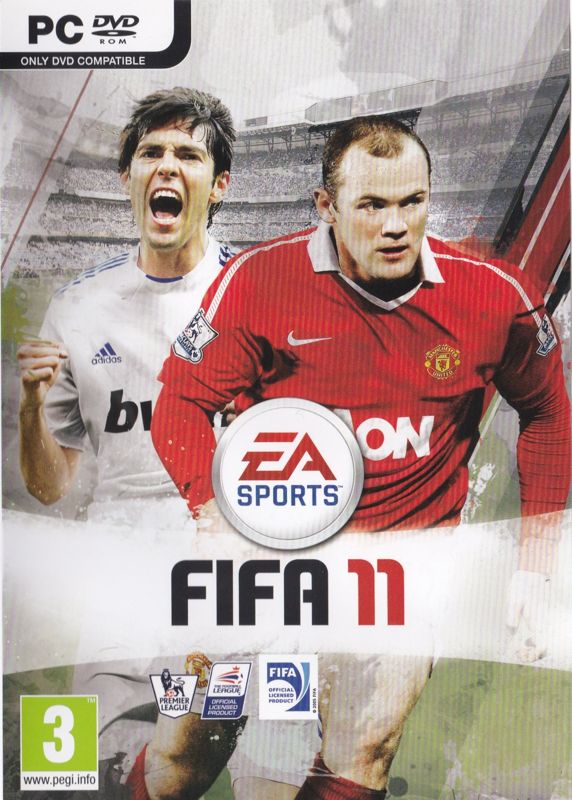
The first few minutes of FIFA Soccer 11 are about settling into its familiar rhythm: direct your players, work the ball forward, and make the decisions that turn a promising attack into a goal. What distinguishes the PC edition is the removal of the former eight-direction limitation when using a gamepad. Movement has room to breathe, which matters most in crowded midfield play and when you are trying to find a better line for a pass or run.
That improvement is not just a minor controls note. Football games live or die on whether you feel in command of your players, and fuller directional control makes the on-pitch action less rigid. If you use a keyboard rather than a gamepad, do not expect that specific change to define your experience; the reference point here is clearly gamepad play.
The tactical options give matches more staying power than a simple string of one-off fixtures. You can switch tactical variations and formations during a game, letting you respond to how a match is developing instead of treating your starting setup as permanent. The editor goes further by allowing custom tactics and directions for standard situations, which is exactly the sort of tool that can become absorbing if you enjoy adjusting a side until it plays closer to your intentions.
Virtual Pro supplies a more personal long-term goal. You create an athlete, take him through a football career, and improve his abilities by completing challenges. It is a straightforward reason to return beyond leagues and single matches: you are not only chasing results, but also shaping one player over time. LAN multiplayer is a welcome PC-only extra for local network sessions with friends.
Graphics
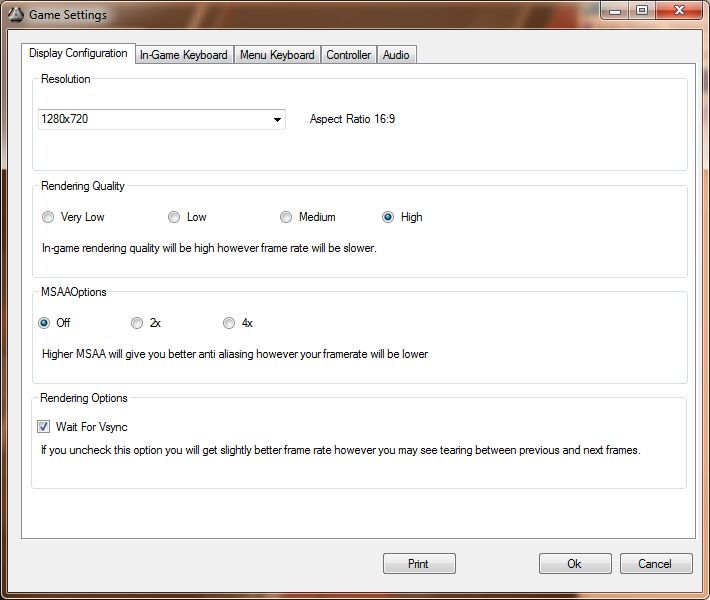
This PC version brings in the next-generation graphics engine used by the PlayStation 3 and Xbox 360 branch of the series. That makes it the more modern-looking version of FIFA on Windows for its time, rather than a separate, older-style PC edition.
Story
There is no authored football drama driving FIFA Soccer 11 forward. Its career material comes through Virtual Pro, where the story is the one you make from your created player’s progress.
You begin with your own athlete and follow his soccer life through challenge-based improvement. That structure makes advancement feel tied to what you accomplish rather than simply handing out upgrades.
It is a light framework, but it suits a sports game. If you want a plot with characters and big narrative turns, this is not that kind of career; if you like watching a created player gradually become more capable, it gives your matches added context.
Overall Experience
FIFA Soccer 11 is strongest when you want football that rewards both hands-on play and sideline thinking. The freer gamepad movement is immediately useful, while the tactical switching and editable set-piece directions offer more depth once you start caring about how your team behaves rather than merely which players you select.
The split in its appeal is clear. Casual matches and leagues give you the immediate sport-game loop, but the tactical editor and Virtual Pro mode are where you can invest real time. You do not need to use every option, yet it is good to have them waiting once basic matches alone stop being enough.
For a Windows football fan in 2010, this is a substantial package with a sensible PC-specific bonus in LAN multiplayer. Give it a chance if you want direct control on the pitch, enjoy changing shape mid-match, and like the idea of building custom instructions instead of relying entirely on default team behavior.


Reviews
There are no reviews yet.