 Retro Replay Retro Gaming History, Reviews & Emulation
ATARI 2600 5200 7800 EMULATOR
Gopher2600
Gopher2600 — a Go-written, highly accurate emulator for the Atari 2600 focused on play and development (including advanced debugging for ARM‑coprocessor cartridges).
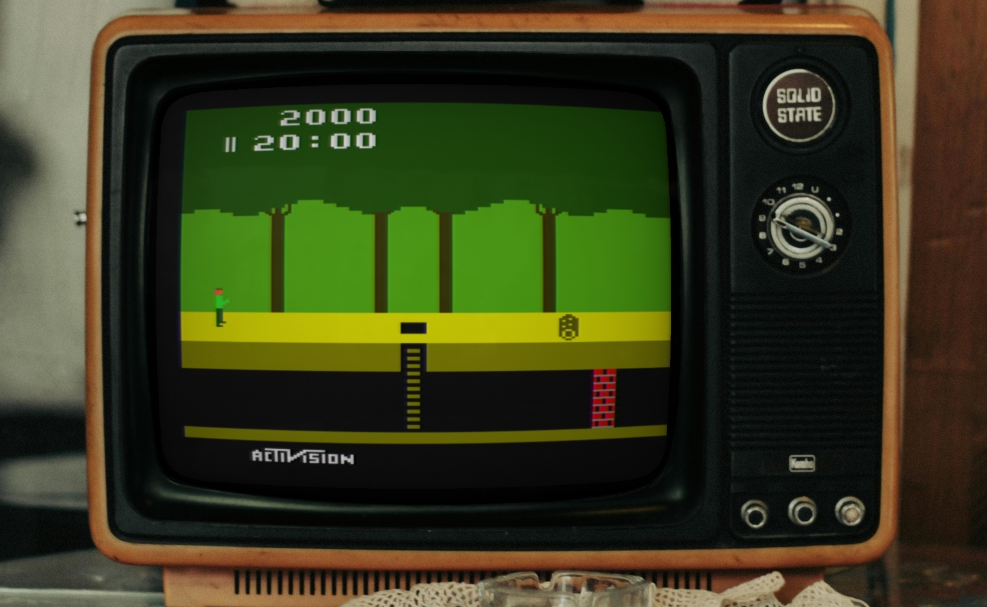
WHY IT MATTERS
Why use Gopher2600?
High-accuracy Atari 2600 hardware emulation with developer-oriented features: cycle/clock-level debugger, timeline/rewind, ARM coprocessor (Harmony/PlusCart/ELF) debugging with DWARF support, Supercharger tape loading (WAV/MP3), and support for many modern cartridge formats and peripherals (AtariVox, SaveKey). It is actively released on GitHub with regular tagged versions and nightly binaries.
BEST FOR
Best for
Atari 2600 developers who need advanced debugging and profiling (including ARM-coprocessor cartridges) and enthusiasts who want accurate TIA/RIOT/6507 emulation with modern conveniences (rewind, recordings, CRT effects).
The people behind Gopher2600
History & status
Gopher2600 is an actively maintained open-source emulator hosted on GitHub. The repository contains a large commit history and an active releases page; maintainers publish tagged releases plus a mutable nightly build used for distributing binaries. The project documents strong accuracy claims for the 6507, TIA and RIOT chips and references Stella for visual/audio implementation reference. The codebase is used as the basis for related experimental projects (for example, test7800) and continues to receive bugfix and feature releases.
What Gopher2600 supports
- Atari 2600 (VCS) — core emulation including TIA, RIOT, 6507
- Many 2600 cartridge types including DPC+, CDFJ, ELF, PlusROM, Supercharger and Movie Cart
- Emulated peripherals: AtariVox, SaveKey; controller support: joystick, paddle, keypad, and others
- Developer tools: graphical debugger, terminal interface, timeline/rewind, ARM DWARF profiling
- Platforms: prebuilt binaries provided for common desktop OSes (Windows, macOS, Linux) or build from source with Go
Download and availability
OFFICIAL DOWNLOADS
Get Gopher2600
Official binaries and source are distributed from the project GitHub releases page. Nightly builds are provided for binary convenience (not suitable as Go module versions); stable tagged releases are available for use as Go modules or for download.
Get Gopher2600 ↗DOCUMENTATION
Official documentation
Read the official configuration, compatibility, and troubleshooting material before changing advanced options.
Read official documentation ↗Gopher2600 setup guide
Setup note: Practical setup notes — verified from the project's repository and releases. The emulator is written in Go and can be used either by downloading prebuilt binaries from Releases or by building from source with Go. The debugger and many features are GUI-based; a headless mode is also available for scripted use. The project wiki and README provide detailed runtime options and controller mappings.
- 1) Get a binary or the source: Preferred: download a prebuilt binary from the project's Releases page. If you need the latest changes or a platform build not provided, clone the repository and build from source with Go (use tagged releases for stable versions).
- 2) Building from source: Ensure you have a recent Go toolchain installed. Clone the repo, then use the repository's build instructions (go.mod is present; the project exposes modules and packages). For Go module usage, build from a tagged release rather than the mutable nightly tag.
- 3) Running the emulator: Launch the executable to open in playmode. Use TAB to open the ROM selector. Keyboard defaults: cursor keys for joystick and space for fire; external gamepads are supported. F10 opens preferences (television/CRT settings). The backquote key opens the debugger.
- 4) Cartridge and peripheral notes: Gopher2600 supports many bank‑switching schemes including DPC+, CDFJ and ELF; Supercharger tapes can be loaded from WAV or MP3 files. AtariVox and SaveKey are emulated; AtariVox voice output can be reproduced using the external Festival speech application (described in the README). The emulator will not include commercial ROMs, BIOS, or firmware — supply your own legally obtained images.
- 5) Debugger & ARM coprocessor debugging: For cartridges with ARM coprocessors (Harmony/PlusCart/ELF), the emulator can use DWARF symbols for profiling and debugging; compile cartridges with appropriate debug information to use these features. The GUI debugger provides windows for CPU, TIA, RIOT, timeline/rewind, peripherals and ARM profiling.
- 6) Recording, screenshots and video: Gameplay recording and screenshot features are available; certain features require ffmpeg for video export. Screenshot capture supports flicker-kernel games to produce useful stills. Recorded inputs and playback are supported for testing and development.
- 7) Headless and advanced options: Headless mode and terminal interface exist for scripted use. The README and wiki document commands such as SCREENSHOT usable from headless sessions and specifics for fine-tuning television generation (NTSC/PAL/SECAM).
Software reminder: Gopher2600 does not include commercial game ROMs, cartridge images, or third-party firmware. If you need text-to-speech for AtariVox voice emulation, the README references using Festival (a separate third-party package). Follow licenses and local law when obtaining ROMs and additional software.
Sources and further reading
Detailed guides and tutorials
Explore step-by-step guides for Gopher2600 as they are published.