 Retro Replay Retro Gaming History, Reviews & Emulation
NINTENDO Xbox 360 EMULATOR
Xenia
A once-leading open-source Xbox 360 emulator that made stereoscopic handheld software approachable on desktop, with resolution scaling and broad controller support.
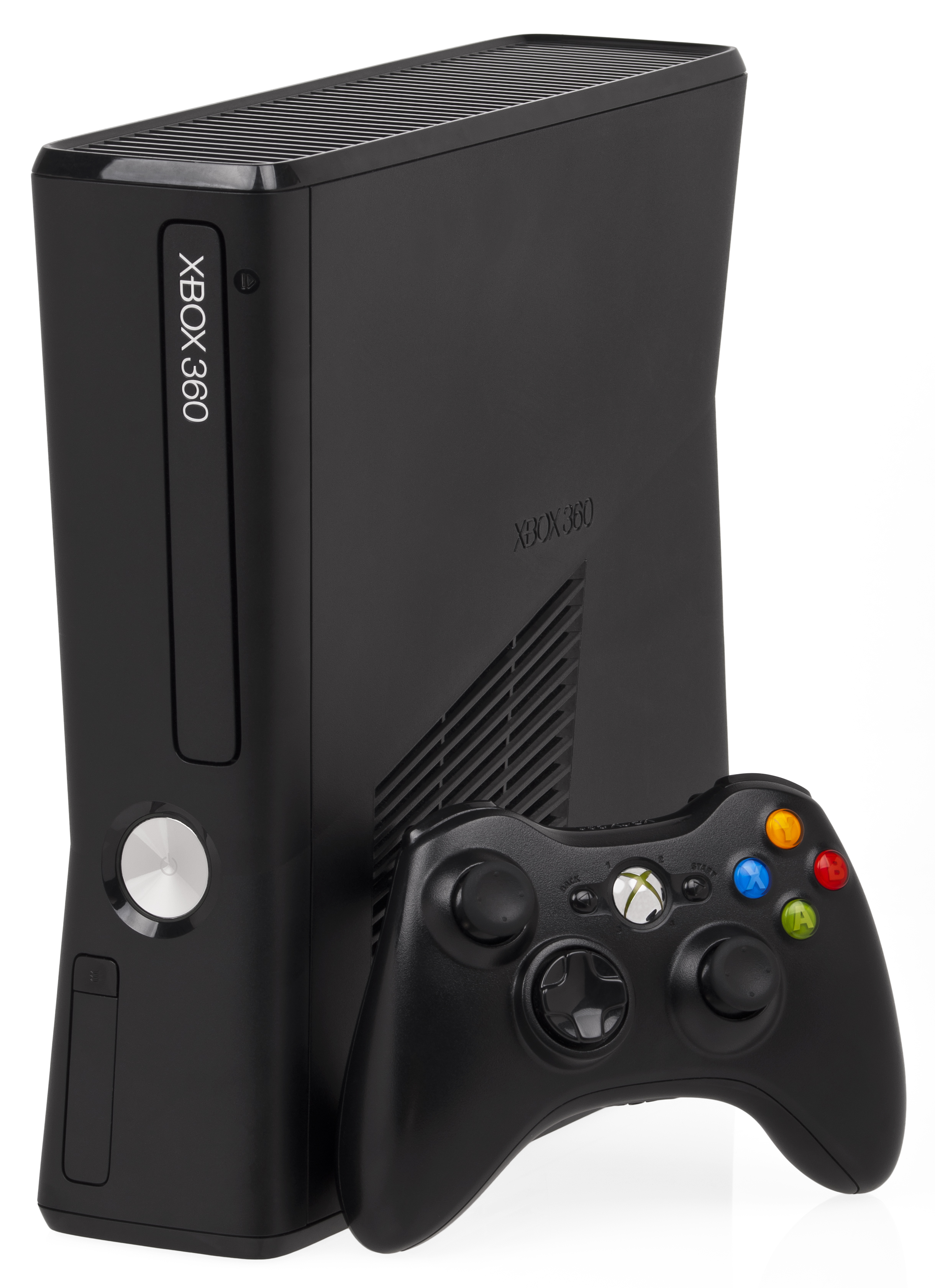
WHY IT MATTERS
A major step for handheld preservation
Xenia showed that a dual-screen, motion-aware handheld could be studied and emulated on ordinary computers. Its work also informed later community projects.
BEST FOR
Research and existing installations
Use archived builds to inspect compatibility, preserve settings, or understand the Xbox 360 emulation lineage. New users should also research maintained successors.
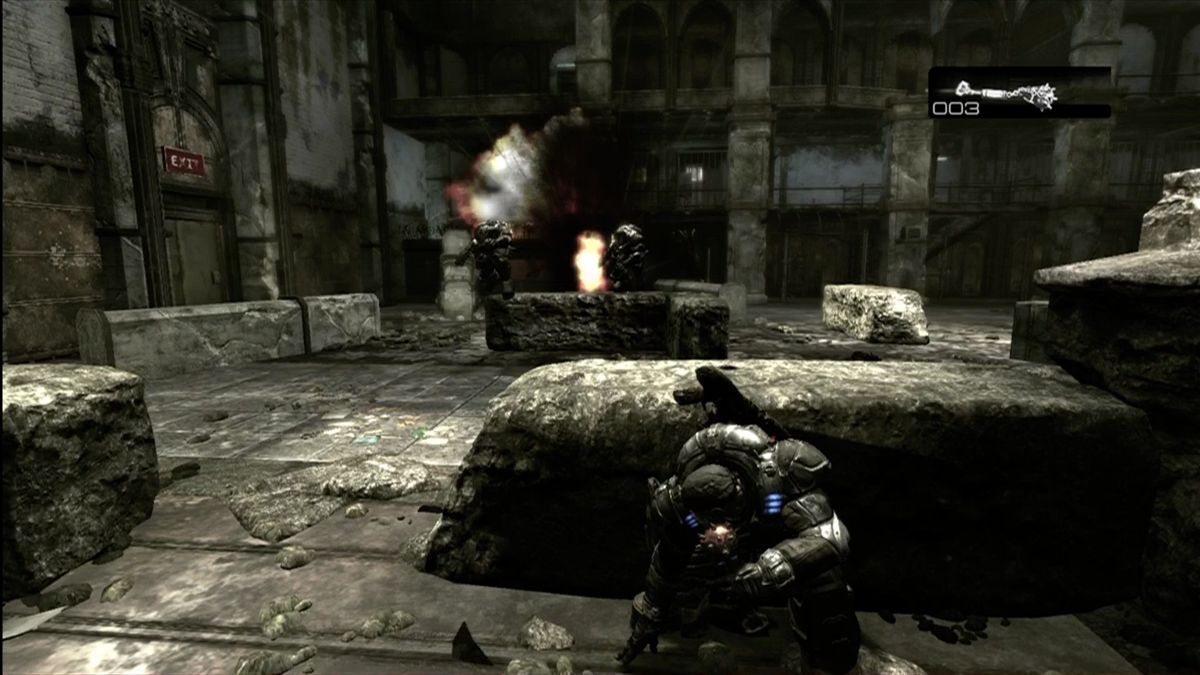
The people behind Xenia
Years of collaborative reverse engineering
Xenia was developed by a distributed open-source community that documented hardware behavior, improved GPU and audio emulation, and tested a large library of Xbox 360 software.
What Xenia supports
- Xbox 360 software from legally dumped cartridges or installed titles.
- Dual-screen layouts, resolution scaling, controller mapping, and save management.
- OpenGL and Vulkan rendering paths depending on build and platform.
- Active compatibility notes and community troubleshooting discussions.
Download and availability
ARCHIVED PROJECT
Xenia source archive
The original Xenia project is archived. Treat old binaries cautiously and verify provenance before running them.
Open project archive ↗CURRENT RESEARCH
Preservation context
Use the archive to understand the project history, then check current community documentation for maintained alternatives.
Read background notes ↗Xenia setup guide
Use care with archived software: Xenia is no longer maintained. Only use files from a source you trust and keep the emulator isolated from sensitive data.
- Review the archived repository and choose a build appropriate for your operating system.
- Provide the required Xbox 360 system files from hardware you own; do not download copyrighted firmware.
- Map both screens and a controller, then test with a homebrew title before loading a larger game.
- Start with native resolution and the default renderer; raise resolution only after confirming stable timing.
- Keep per-game settings conservative and maintain backups of save data and configuration folders.
- Record the exact build and settings used so a preserved setup can be reproduced later.
ROM reminder: Xenia does not include commercial games or system files. Use software and firmware dumped from your own Xbox 360.
Sources and further reading
Detailed guides and tutorials
Explore step-by-step guides for Xenia as they are published.