 Retro Replay Retro Gaming History, Reviews & Emulation
Pegasus
A flexible game browser that can use metadata and artwork from other frontend workflows.
Preview
Pegasus is a cross-platform game browser with an unusually flexible presentation layer. Themes can reshape the interface for a desktop, television, or handheld screen, while metadata files determine what appears in the library and how games launch. It can also fit into a workflow that already has artwork and metadata from another frontend.
This is a good choice for someone who enjoys tuning the appearance and structure of a collection. It asks for more hands-on configuration than a guided importer: collections, metadata, and launch commands need to line up. Begin with a few games and one theme, then expand only after their paths and controller navigation behave as expected.
Screenshots
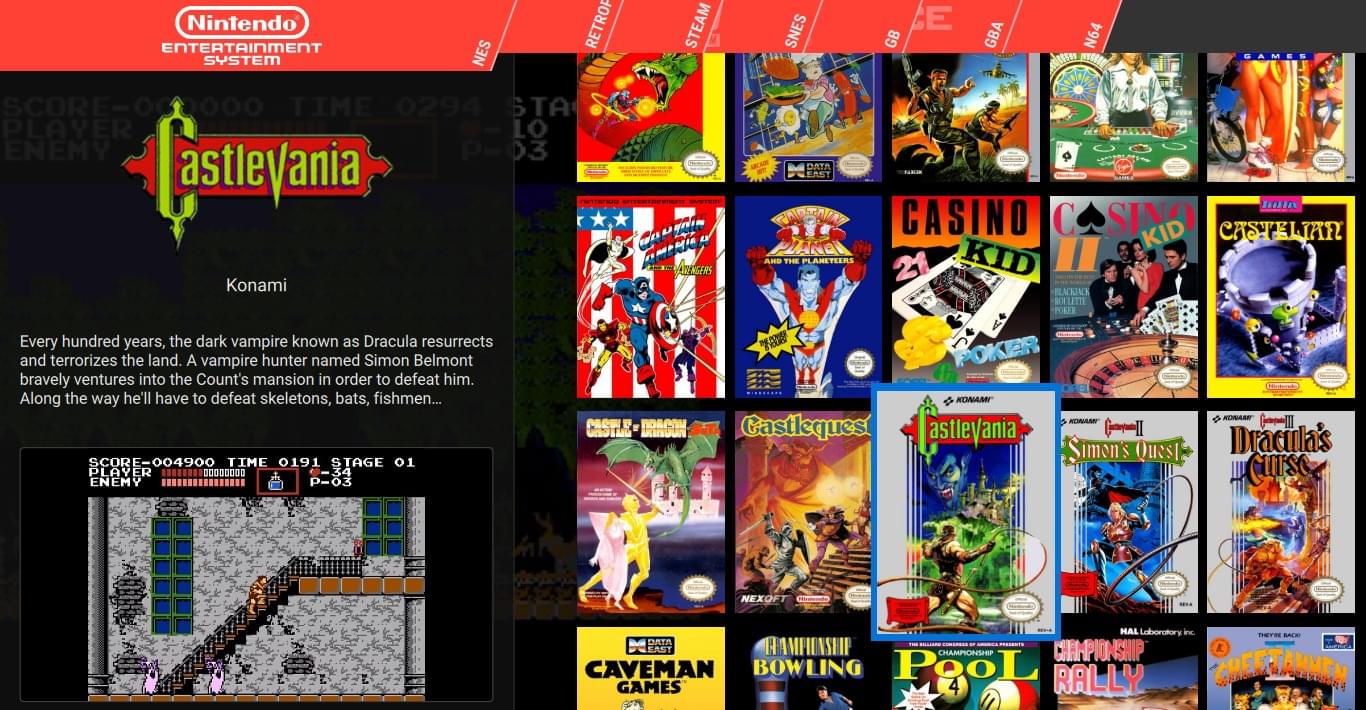
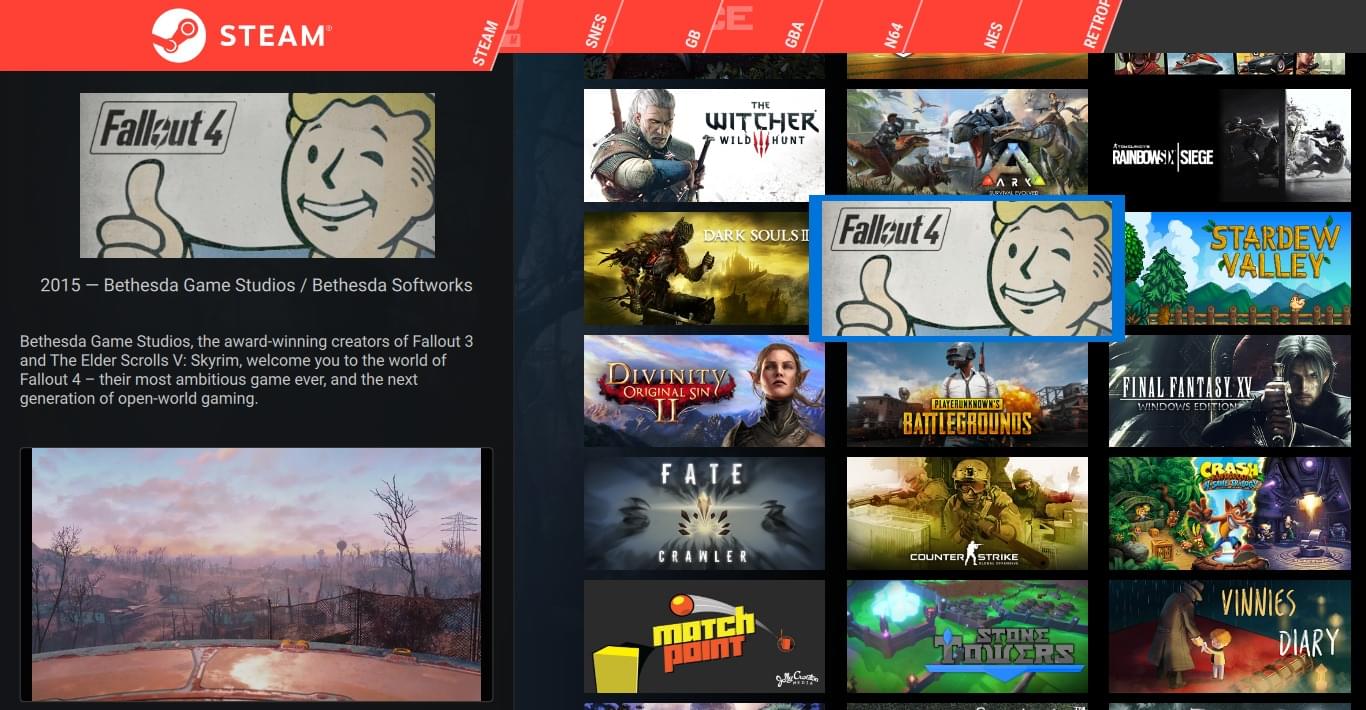
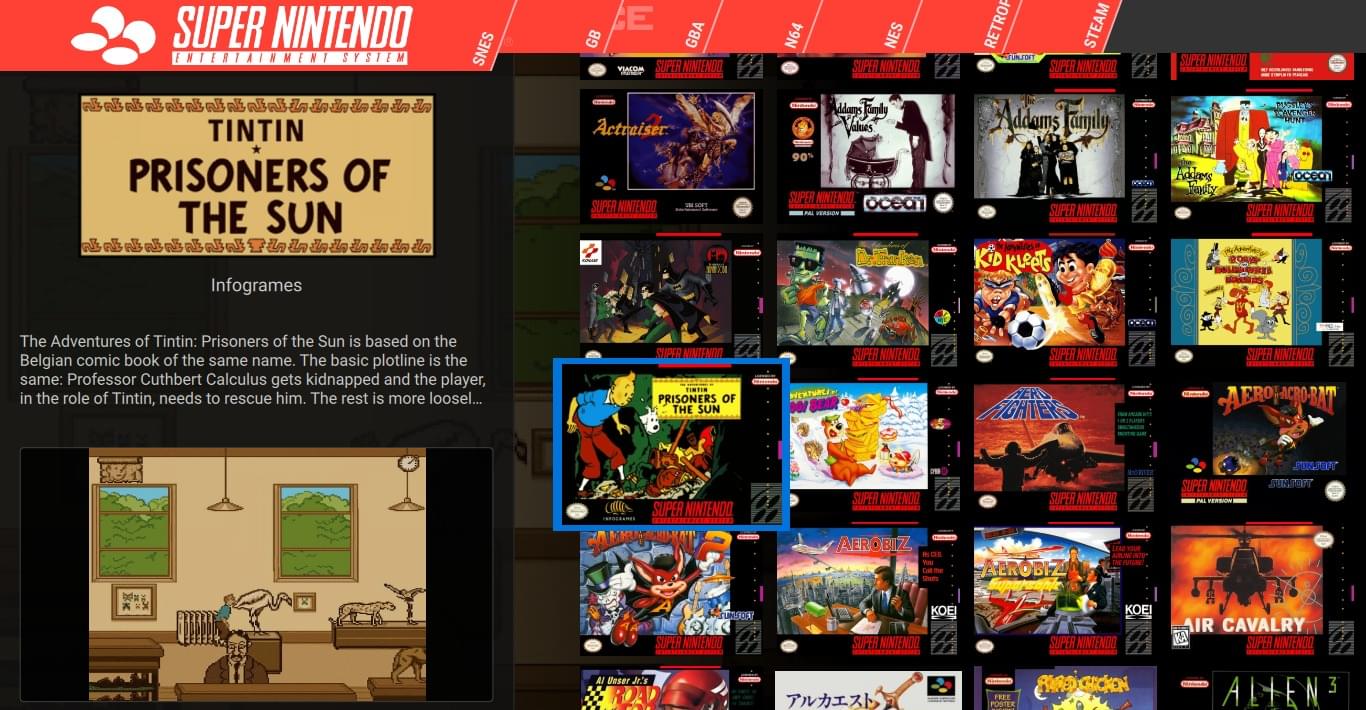
Screenshots: Pegasus project.
A sensible setup path
- Read the getting-started guide and locate the configuration directory.
- Connect a small test collection and its launch commands.
- Choose a theme after the metadata and artwork paths work.
Official project and documentation
Official Pegasus website ↗ · Documentation ↗
Guides and tutorials
Explore step-by-step Pegasus guides below, from first setup to more detailed configuration.