 Retro Replay Retro Replay gaming reviews, news, emulation, geek stuff and more!

Retro Replay Review
Gameplay
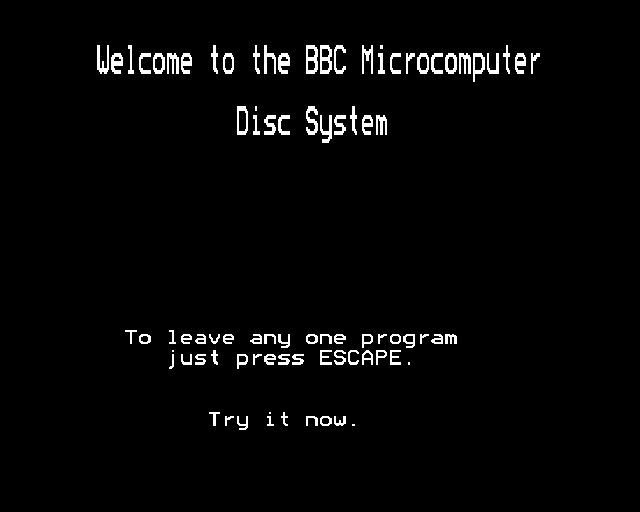
The first thing Welcome asks of you is wonderfully unglamorous: get acquainted with the machine. The opening material covers cassette volume and demonstrates sound and graphics, while the Index program helps load the rest of the tape. That makes this compilation feel like a guided first evening with a BBC Micro, not a menu stuffed with unrelated diversions. Its slow, deliberate pace is part of the point.
Several programs turn fundamentals into hands-on exercises. Keyboard gives you five scored tests and introduces Shift, Shift Lock, and Caps Lock; Sketch has you steer a flashing dot with the arrow keys to draw lines, then change their colour with user-definable keys. Music turns the keyboard into an instrument, Alphasort makes you enter ten words before sorting them, and Telephone demonstrates a searchable list of names and numbers. None has much staying power alone, but together they make basic computing feel less mysterious because you are constantly asked to do something rather than merely watch.
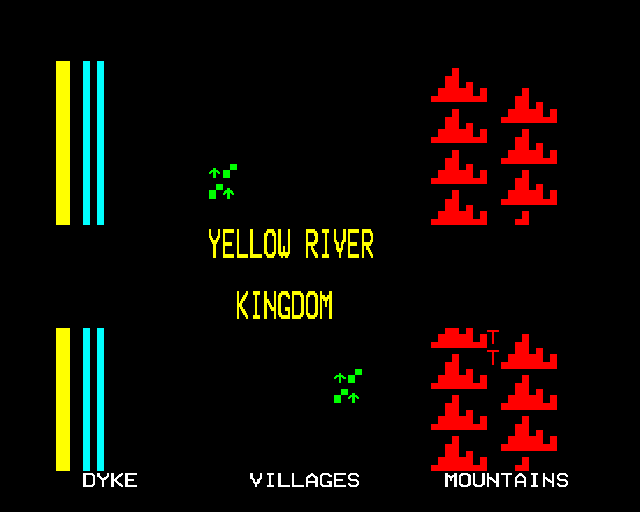
The actual games are modest but not disposable. Bat ‘n ‘Ball starts as a simple solo squash-like rally: move the bat, return the ball, survive. As the play area shrinks, the ball has less room to travel and your reactions are squeezed harder, giving it a clean escalation that still works. Kingdom is the richer one. Each turn, you decide whether to buy or sell land, how much grain to feed your people, and how much to plant, with disasters and weather complicating those choices. It is a bare-bones version of resource management, but the tension between short-term survival and the next harvest arrives quickly.

Graphics
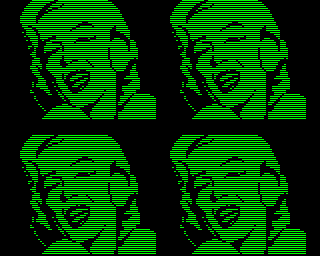
The pictures are simple demonstrations of what the BBC Micro can draw: a flashing dot leaving coloured lines in Sketch, a face built from straight lines in Photo, and a key-controlled kaleidoscope in Patterns. Poem also pairs a commissioned Roger McGough poem with graphics. These are small, clear displays of early home-computer imagery rather than elaborate scenes, but they remain pleasant precisely because they show the machine doing visible work in response to your input.
Story
There is no single narrative tying the sixteen programs together. The throughline is your own progress from learning what a keyboard does to trying small tasks, tools, and games on a home computer.
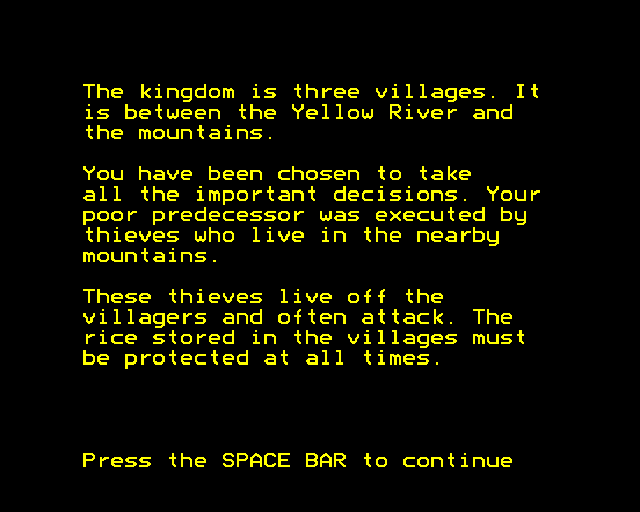
Kingdom supplies the closest thing to a dramatic role. You rule a small kingdom, and the story comes from the consequences of food, land, and planting choices when bad weather or disaster intervenes. It is all conveyed through decisions rather than characters or scenes, yet that can make a disastrous round feel surprisingly personal.
Elsewhere, the collection tells a broader story about computer literacy through its sequence of activities. A calculator, clock, sorting task, telephone database, and even Biorhythms treat the computer as something for everyday curiosity as well as play. That historical purpose gives the compilation more character than its individual programs might have on their own.
Overall Experience
Welcome is fascinating because it refuses to separate learning from fiddling around. You draw, type, sort, listen, search, calculate, and occasionally panic as a ball comes back too fast or a kingdom runs short of grain. The compilation’s strongest trick is making a computer feel approachable by letting you test one small idea at a time.
Frustration depends on what you want from it. If you arrive hunting for a substantial arcade game or a deep strategy campaign, most of the tape will feel brief and instructional. Even its most replayable pieces, Bat ‘n ‘Ball and Kingdom, are simple frameworks. The payoff is in seeing how much wonder and practical education this modest set of programs could pack into a first encounter with a home computer.
Give it a chance if you enjoy early educational software, BBC Micro history, or game design reduced to its clearest ingredients. Start with Sketch to get your hands moving, try Bat ‘n ‘Ball when you want immediate action, then spend time with Kingdom once you are ready for consequences that last beyond a single rally. As an archival play session, it is unusually easy to appreciate; as a game collection, it is best remembered for those two diversions and for the curiosity surrounding them.


Reviews
There are no reviews yet.