 Retro Replay Retro Gaming History, Reviews & Emulation
Retro Replay Review
Gameplay
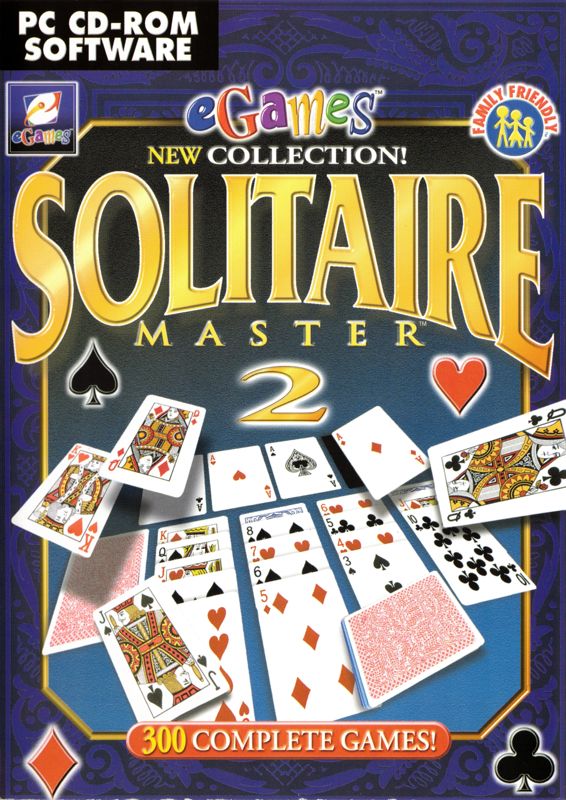
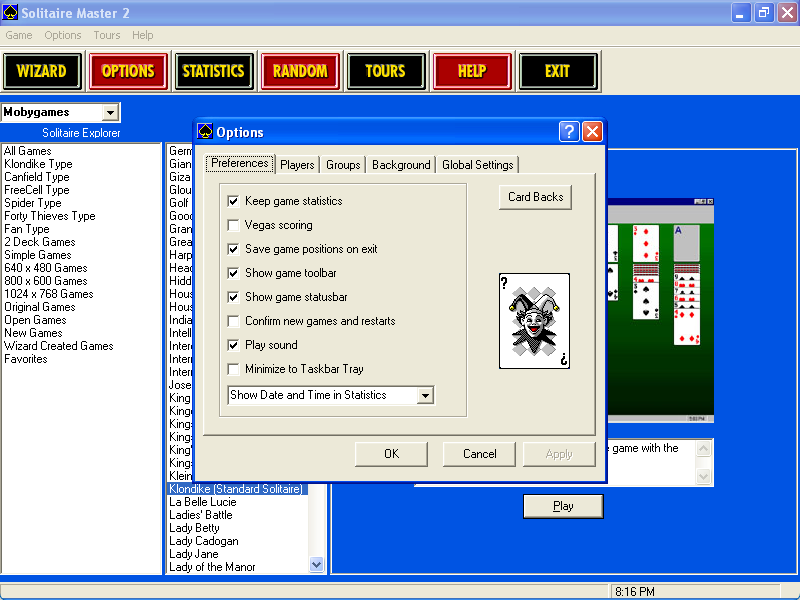
Solitaire Master 2 starts with the comforting promise of a familiar card table, then keeps opening doors. There are over 300 solitaire games here, organized through an Explorer screen by type, so you are not stuck replaying one default deal until boredom wins. That breadth is the point: you can come in looking for an easy old favorite, then spend the next session testing a variant whose rules demand a little more attention.
The collection works best when you treat it as a long-term card-puzzle library rather than a game to “finish.” A short session is easy to justify, especially with windowed play available, while fullscreen gives a more settled, sit-down feel. The statistics also add a welcome bit of accountability. Seeing how often you have played, won, and lost individual games can push you to improve instead of simply abandoning a difficult variant after a bad run.
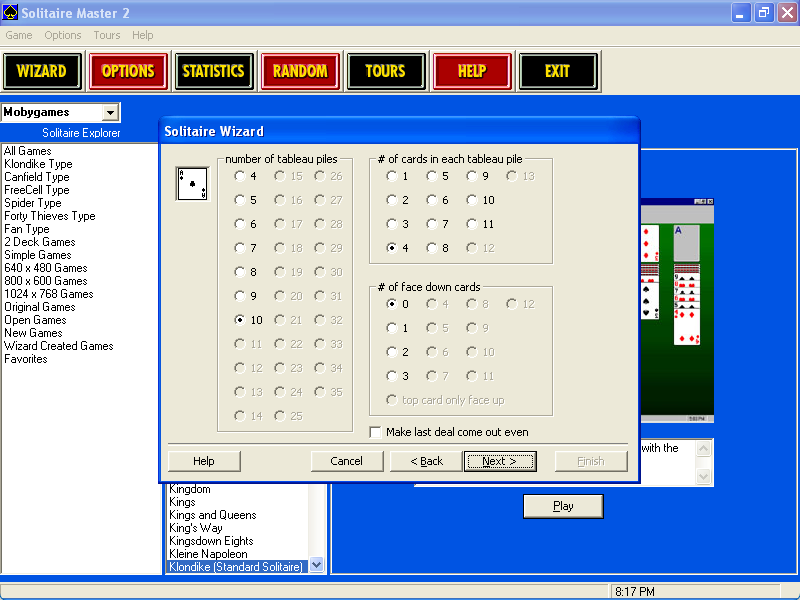
Tour mode is the clearest attempt to give all that solitary play some competitive momentum. It simulates competition play, which is a useful change of pace when free-form game selection starts feeling directionless. The Game Creation Wizard is a genuinely appealing extra for anyone who already knows what they like; building from existing templates gives dedicated solitaire tinkerers a reason to stay with the software after they have sampled the standard selection.
Graphics
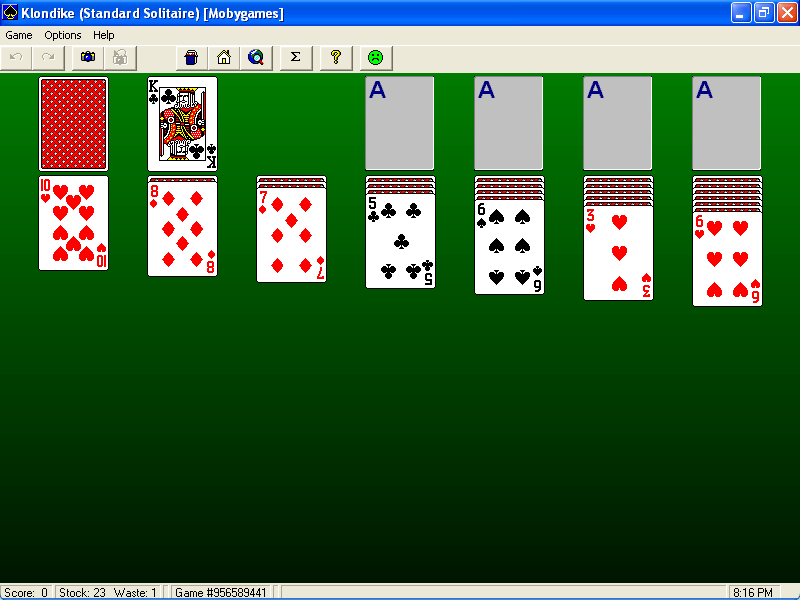
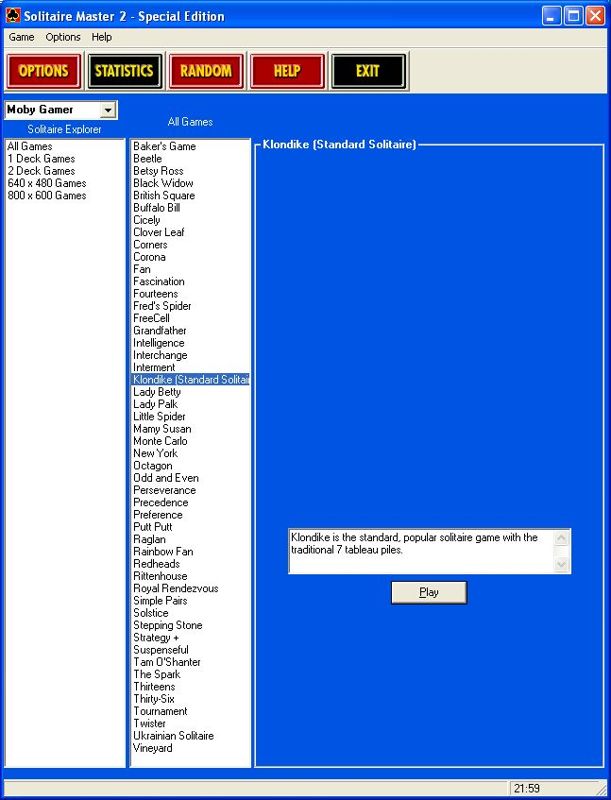
This is a Windows card-game collection built around a single interface, with an Explorer-style screen for choosing games and the option to play in a resizable window or fullscreen. The focus is practical: get to the cards, choose a game type, and keep the table in view without fuss.
Story
There is no authored tale driving Solitaire Master 2 forward. Its closest thing to a personal narrative comes from your own record: the games you return to, the variants that keep beating you, and the win/loss statistics that slowly show whether you are getting better.
Tour mode supplies a little structure by framing games as simulated competition. That will not satisfy anyone wanting characters or plot, but it gives your card sessions a more purposeful rhythm than endlessly browsing a giant list.
The real through-line is curiosity. You begin with the solitaire games you recognize, then gradually build your own map of the collection—what feels relaxing, what feels punishing, and what is worth another attempt.
Overall Experience
Solitaire Master 2 is easy to recommend if you genuinely enjoy solitaire rather than merely tolerate it as a built-in distraction. Its huge selection, tracking, Tour mode, and creation tools give it more staying power than a single-card-game package. You can use it casually, but it has enough depth to reward someone who wants to learn a wide range of variations.
The main frustration is also inseparable from the selling point: a library this large can feel like a lot to sift through before you find your regulars. The Explorer categories help, but the best approach is to browse without feeling obliged to sample everything. Pick a few games, let the statistics build, and expand outward when you want a change.
The attempted web-toolbar installation is a sour note and a needless nuisance around an otherwise straightforward card collection. Still, it does not erase the value of having hundreds of solitaire games in one place. If you want a generous, replayable Windows solitaire package with room for both quick hands and serious habit-building, this remains a strong fit.


Reviews
There are no reviews yet.