 Retro Replay Retro Gaming History, Reviews & Emulation
EMULATOR DATABASE
ChonkyStation3
An experimental PlayStation 3 emulator whose developer describes it as a learning project, not a general game-playing option.
Download Tutorials & guidesSign in to download. Files are hosted by the emulator project.

About ChonkyStation3
ChonkyStation3 is a work-in-progress PlayStation 3 emulator developed openly as a hobby project. Its maintainer says it can boot a few simple commercial games but explicitly advises against using it as an everyday way to play games. It is most useful to readers who want to follow the technical progress of PS3 emulation.
The project README offers development builds for Windows, Linux, and macOS and documents substantial setup limitations. In particular, game package installation and executable decryption are not handled directly by ChonkyStation3. Check the current README before testing and avoid assuming that a new build has broad compatibility.
Developers and preservation researchers following early-stage PlayStation 3 emulation.
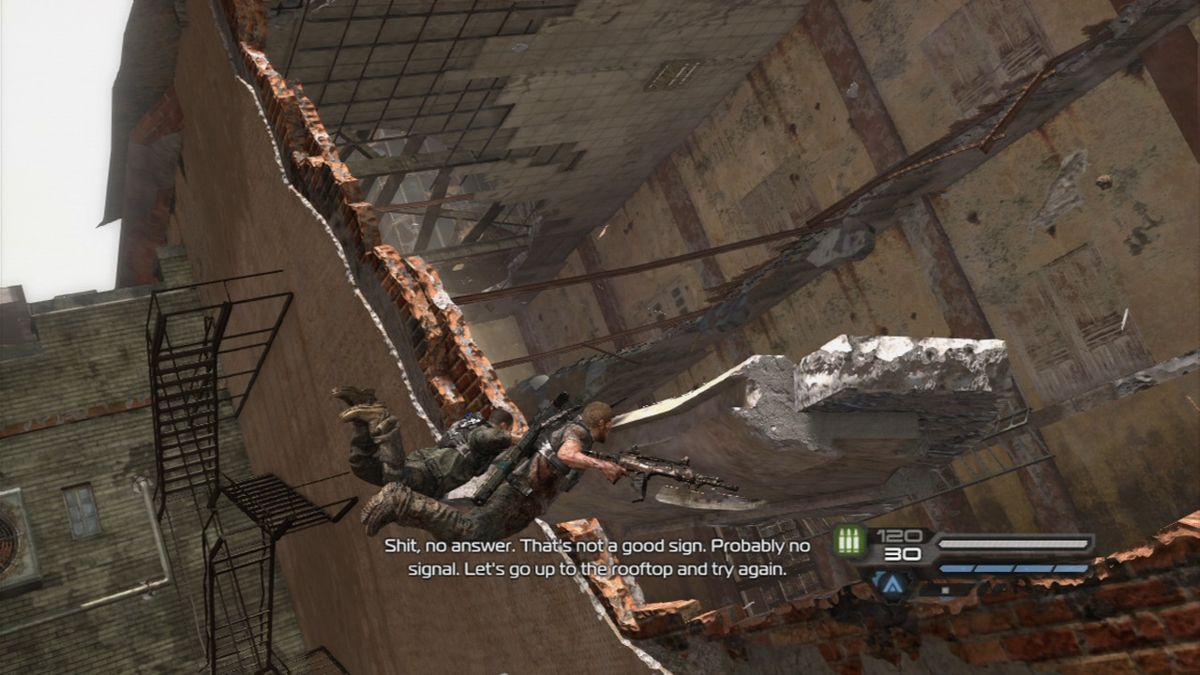
Screenshots
Tutorials & guides
No guides have been published yet.
Additional information
What ChonkyStation3 offers
ChonkyStation3 is a work-in-progress PlayStation 3 emulator developed openly as a hobby project. Its maintainer says it can boot a few simple commercial games but explicitly advises against using it as an everyday way to play games. It is most useful to readers who want to follow the technical progress of PS3 emulation.
The project README offers development builds for Windows, Linux, and macOS and documents substantial setup limitations. In particular, game package installation and executable decryption are not handled directly by ChonkyStation3. Check the current README before testing and avoid assuming that a new build has broad compatibility.
Best for
Developers and preservation researchers following early-stage PlayStation 3 emulation.
A sensible setup path
- Read the project README and its limitations before downloading a development build.
- Choose a build for your operating system from the project’s own download section.
- Run it once to create its filesystem and inspect the documented setup requirements.
- Test only files you have the right to use and keep expectations limited to the project’s reported compatibility.
Software reminder: ChonkyStation3 does not supply commercial games or copyrighted system files. Use only material you have the right to obtain and run.
READMEs & documentation
ChonkyStation3 official project README
<h1>
  <div align="center">
    <strong>A PlayStation© 3 emulator</strong>
  </div>
</h1>

---

<p align="center">
ChonkyStation3 is a work-in-progress emulator for the PlayStation 3 system.<br>
It can currently boot a few simple commercial games.<br>
This is a hobby project I'm developing for fun and to learn.<br>
<b>You should not use this to actually play games.</b> At least not for now.<br>
</p>

---
<br>

<div align="center">
    <a href="https://discord.gg/YU2yjP5jvS"><img src="https://discord.com/api/guilds/1351277918726262954/widget.png?style=banner2"></img></a>
</div>

---
<br>

<div align="center">
    <h1>Showcase</h1>
    <img src="Resources/gtasa.png">
    <img src="Resources/TLOU.gif">
    <img src="Resources/arkedo_series_pixel_menu.png">
</div>

---
<br>

<div align="center">
  <h1>Download</h1>
</div>
<table align="center">
  <tr>
    <td><b>Windows SDL</td>
    <td><img src="https://github.com/liuk7071/ChonkyStation3/actions/workflows/windows.yml/badge.svg"></td>
    <td><a href="https://nightly.link/liuk7071/ChonkyStation3/workflows/windows/master/ChonkyStation3.zip">Download</td>
  </tr>
  <tr>
    <td><b>Linux SDL</td>
    <td><img src="https://github.com/liuk7071/ChonkyStation3/actions/workflows/linux.yml/badge.svg"></td>
    <td><a href="https://nightly.link/liuk7071/ChonkyStation3/workflows/linux/master/ChonkyStation3.zip">Download</td>
  </tr>
  <tr>
    <td><b>MacOS SDL</td>
    <td><img src="https://github.com/liuk7071/ChonkyStation3/actions/workflows/macos.yml/badge.svg"></td>
    <td><a href="https://nightly.link/liuk7071/ChonkyStation3/workflows/macos/master/ChonkyStation3.zip">Download</td>
  </tr>
</table>

<br>

<table align="center">
  <tr>
    <td><b>Windows Qt</td>
    <td><img src="https://github.com/liuk7071/ChonkyStation3/actions/workflows/qt.yml/badge.svg"></td>
    <td><a href="https://nightly.link/liuk7071/ChonkyStation3/workflows/qt/master/Windows%20executable%20Qt6.zip">Download</td>
  </tr>
</table>

<p align="center"><small>Qt builds for Linux and MacOS will be available soon.</small></p>

---
<br>

<div align="center">
  <h1>Usage</h1>
</div>
<div align="left">
  <p>
    Run the emulator once. It will create a "Filesystem" folder next to the executable (in the future the path will be configurable).<br>
    This folder contains all the virtual devices of the emulated PS3. The ones you'll be looking at are dev_flash and dev_hdd0.<br>
  </p>

  <h2>Installing a game</h2>

  <h3>Step 1: unpack the .pkg file</h3>
  <p>
    ChonkyStation3 currently lacks a native way to install game packages (.pkg).
    You will need to use third party tools to unpack them.<br>
    The easiest way to do it is through RPCS3. Install the game in the emulator, then copy over the game contents located in dev_hdd0/game/[TITLE ID] to the same folder in ChonkyStation3's filesystem. The title ID is next to the game's name in RPCS3's game list. Alternatively, if you don't want to keep 2 copies of the game, you could create a symlink to point ChonkyStation3's dev_hdd0 folder to RPCS3's.<br>
  </p>

  <h3>Step 2: decrypt the game executable</h3>
  <p>
    By this point, if you open ChonkyStation3, you should be able to see the game in the game list. However, attempting to launch it will give you an error complaining about a missing "EBOOT.elf" file. This happens because PS3 game executables are encrypted, and ChonkyStation3 currently can't decrypt games on its own. You'll need to use a third party tool again. As it was for step 1, you can easily do this through RPCS3.<br>
    Open RPCS3, navigate to "Utilities > Decrypt PS3 binaries". Select the file "EBOOT.BIN" located under the "USRDIR" folder in the game contents. You can find the path of the game contents folder by right clicking it and pressing "Open Folder > Open HDD Game Folder".<br>
  </p>

  <h3>Step 3: decrypt other game files</h3>
  <p>
    Some games (a lot of them) contain *.edat files in their content folder. You need to manually decrypt these files just like you did with the game executable - however, you need to make sure the decrypted files have the same name as the encrypted ones (ending in ".edat"). Just rename the old encrypted file to something else instead of deleting it entirely, so you have a backup in case things break.
  </p>

  <h2>Intalling the PS3 system software</h2>

  <p>
    Installing the PlayStation 3 system software is required for games to work.<br>
    You can follow RPCS3's quickstart guide to install it in their emulator. You should then decrypt (using the same method as step 2 and 3 in "Installing a game") the required .sprx files located inside dev_flash/sys/external and copy over the entire dev_flash folder to ChonkyStation3's filesystem. Make sure you copy the whole folder and not just the decrypted .prx files, because the folder contains other necessary system files.<br>
    This is the list of the required PRX files as of the latest commit:<br>
    <ul>
      <li>liblv2.prx</li>
      <li>libsre.prx</li>
      <li>libspurs_jq.prx</li>
      <li>libkey2char.prx</li>
      <li>libl10n.prx</li>
      <li>libfiber.prx</li>
      <li>libresc.prx</li>
      <li>libsync2.prx</li>
    </ul>
    The list is likely to get updated frequently.
  </p>
</div>

---
<br>

<div align="center">
  <h1>Building</h1>
</div>
<div align="left">
  <p>
    Building ChonkyStation3 under any of the supported platforms should be as simple as building any cmake project.<br>
    <pre><code>
      # Clone the repository recursively
      git clone https://github.com/liuk7071/ChonkyStation3.git --recursive<br>
      # Create build directory
      cd ChonkyStation3
      mkdir build && cd build<br>
      # Setup cmake project
      cmake .. -DCMAKE_BUILD_TYPE=Release -G"[Type your preferred generator here]"<br>
      [Invoke make or Visual Studio or whatever you chose]
  </code></pre><br>

  You can optionally specify 2 cmake flags:
  <ul>
    <li><b>-DENABLE_USER_BUILD=ON</b>: Enables a user build. This suppresses most logs and disables some debugging options.</li>
    <li><b>-DENABLE_QT_BUILD=ON</b>: Enables a Qt6 build. This requires you to install Qt6 as a dependency.</li>
  </ul>
  </p>
</div>

---
<br>

<div align="center">
  <h1>Support the project</h1>
</div>
<div align="left">
  <p>
  ChonkyStation3 is and forever will be free and open-source, meaning that no release will ever be hidden behind a paywall.
  That said, by donating you can help to keep the project running. Your donations motivate me to continue working on it, as well as helping with daily life expenses.

  You can support the project on <a href="https://patreon.com/ChonkyStation3">Patreon</a> or <a href="https://ko-fi.com/ChonkyStation3">Ko-fi</a>.

  Thank you!
  </p>
</div>

---
<br>

<div align="center">
  <h1>Acknowledgements</h1>
</div>
<div align="left">
  <ul>
    <li>
    <a href="https://github.com/RPCS3/rpcs3"><b>RPCS3</b></a>: None of this would have been possible without the extensive research done by the RPCS3 team over the past decade. A lot of information I couldn't gather through my own testing comes from their work.
    </li>
    <li>
    <a href="https://github.com/ps3dev/PSL1GHT"><b>PSL1GHT</b></a>: An open source PS3 SDK. It has been very useful to learn how parts of CellOS work and to write my own tests.
    </li>
    <li>
    <a href="https://www.psdevwiki.com/ps3/"><b>psdevwiki</b></a>: A useful website containing a lot of misc information about the PS3, as well as other PlayStation consoles.
    </li>
  </ul>
</div>

---
<br>

<div align="center">
  <h1>Related Projects</h1>
</div>
<div align="left">
  <ul>
    <li>
    <a href="https://github.com/wheremyfoodat/Panda3DS"><b>Panda3DS</b></a>: An HLE Nintendo 3DS emulator for Windows, Linux, MacOS and Android by <a href="https://github.com/wheremyfoodat">wheremyfoodat</a> (aka Peach).
    </li>
    <li>
    <a href="https://github.com/OFFTKP/felix86"><b>felix86</b></a>: A new x86-64 → RISC-V Linux userspace emulator.
    </li>
    <li>
    <a href="https://github.com/allkern/iris"><b>iris</b></a>: Work-in-progress PlayStation 2 emulator for Windows, Linux and macOS
    </li>
  </ul>
</div>
Download original READMERelease log
Selected releases and changes, with coverage from our weekly emulation roundup.
Sources & further reading
FROM THE COMMUNITY
Player reviews
Starting site scores are provisional editorial scores. Established mainstream projects receive a higher starting score; other imported entries begin at a neutral 6/10 pending individual review. Member scores change the average after approval.
Your take on ChonkyStation3
Spam has been overwhelming. To help us approve your review, sign up and introduce yourself in the Introductions forum so we know you’re not a bot.
Sign in with your Retro Replay account to rate this project and share your experience.
Sign in to review