 Retro Replay Retro Gaming History, Reviews & Emulation
GAME BOY COLOR EMULATOR
gbemu
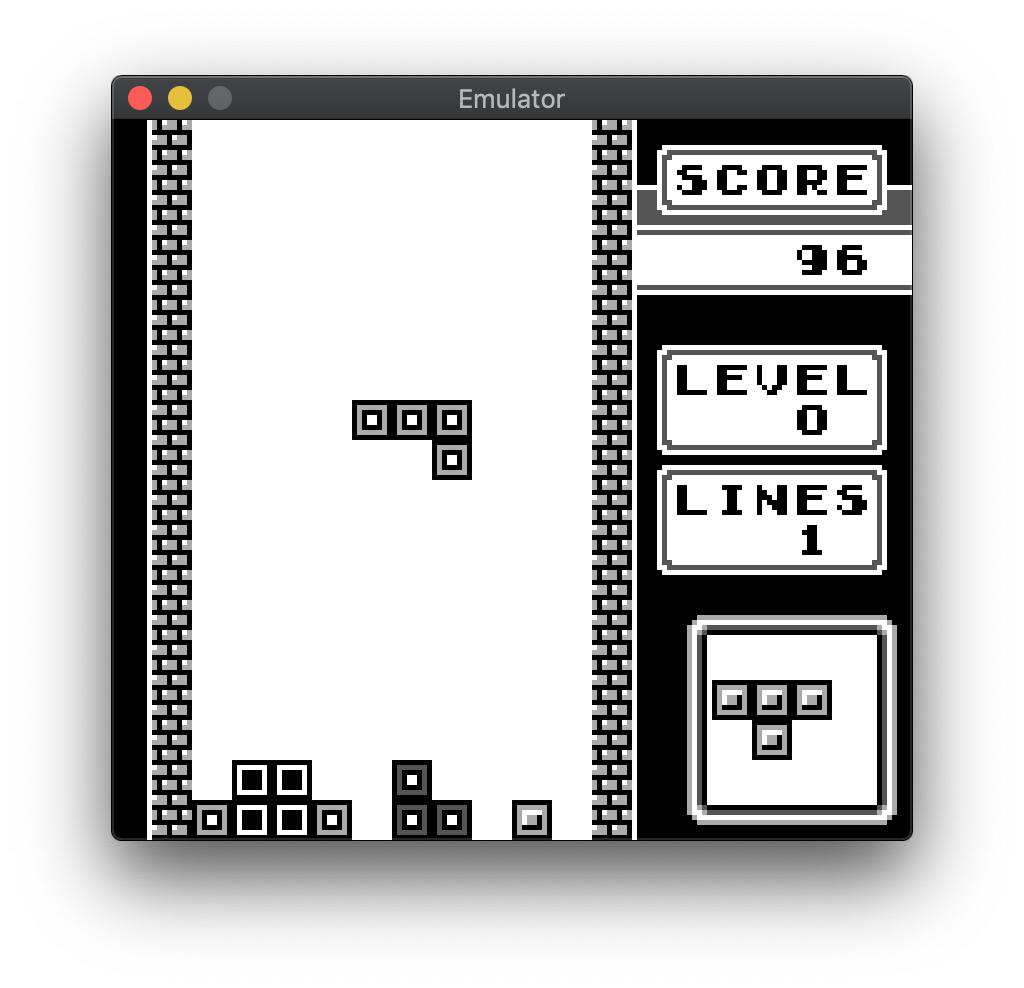
gbemu is an open-source Game Boy emulator (original Game Boy) written in C++ with SDL. It’s an exercise in modern C++ and clean code rather than a pursuit of full hardware accuracy.
WHY IT MATTERS
Why this project exists
Author describes gbemu as a C++ exercise and a fun project focused on clean design and learning rather than complete-cycle commercial-quality accuracy. The README and repository notes show it’s intended for exploration, testing with Blargg’s test ROMs, and educational use.
BEST FOR
Notable strengths
Clean, well-documented C++ codebase; included headless test binary and automated tests using Blargg’s test ROMs; cross-platform build using CMake/Make and SDL; permissive BSD-3-Clause license.

The people behind gbemu
Project history and status
The repository contains an active commit history and project files (CMakeLists, src, scripts). The README states the emulator currently supports original Game Boy games only and that Game Boy Color support is a work-in-progress. The project has an established codebase with many commits and community interest (stars and forks). No bundled commercial ROMs, BIOS, or firmware are included. Platform notes in the README indicate builds have been tested on macOS and Debian. The project is distributed under the BSD-3-Clause license.
What gbemu supports
- Nintendo Game Boy (original) — runs original DMG-format ROMs (Game Boy Color support listed as in-progress)
- Headless testing via gbemu-test (for automated test ROM runs)
- Linux (Debian tested)
- macOS (tested)
Download and availability
OFFICIAL DOWNLOADS
Get gbemu
Official releases and binaries (if any) are provided via the repository’s Releases page. Source code and build artifacts are available from the project repository; build from source is the primary distribution method.
Get gbemu ↗DOCUMENTATION
Official documentation
Read the official configuration, compatibility, and troubleshooting material before changing advanced options.
Read official documentation ↗gbemu setup guide
Setup note: This setup guide explains how to obtain, build, and run gbemu from source, and how to run the provided tests. It follows the project’s README and repository structure. Do not use or distribute commercial ROMs or BIOS files; the emulator requires a legal Game Boy ROM file to run.
- 1 — Get the source or release: Visit the project repository and Releases page to download source tarballs or prebuilt assets if provided. If you prefer building from source, clone the repository: git clone https://github.com/jgilchrist/gbemu.git and change into the project directory.
- 2 — Install build dependencies: Install CMake and a C++ toolchain (g++/clang). Install SDL2 (development headers). On Debian/Ubuntu: install build-essential cmake libsdl2-dev (or the SDL2 development package for your distribution). On macOS: install Xcode command-line tools and SDL2 via Homebrew (brew install sdl2) or your preferred package manager.
- 3 — Build the project: The repository provides a Makefile and CMake configuration. From the project root run: make This will configure and compile two binaries: gbemu (SDL front-end) and gbemu-test (headless test runner). If you prefer an explicit out-of-source CMake build: mkdir build && cd build && cmake .. && make
- 4 — Running the emulator: Usage shown in the repository: gbemu <rom_file> [–debug] [–trace] [–silent] [–exit-on-infinite-jr] [–print-serial-output] Example: ./gbemu path/to/game.gb Key bindings (by default): arrow keys for D-pad; X and Z for A/B; Enter and Backspace for Start/Select. The SDL build provides graphics and input; there is currently no audio support according to the README.
- 5 — Running tests: The project includes scripts to run Blargg’s test ROMs. The README references a script ./scripts/run_test_roms. You must obtain Blargg test ROMs separately (these are typically available from gbdev resources) and place them where the script expects them. Then run ./gbemu-test or the provided script to execute the tests. The repository’s test scaffolding is intended to aid development and verification.
- 6 — Troubleshooting and notes: If the build fails, confirm SDL2 development headers are installed and your compiler toolchain meets C++ standards used by the project. Check repository issues or the README for platform-specific notes. Expect that Game Boy Color ROMs may not run correctly: the README explicitly states Game Boy Color support is "working on" and audio is not implemented. Use the –debug and –trace options for diagnosing CPU or timing issues.
Software reminder: The project does not include commercial game ROMs, firmware, or BIOS files. Obtain any ROMs or test ROMs legally and separately. The emulator currently lacks audio and full Game Boy Color compatibility per the repository README; treat it as a development/educational emulator.
Sources and further reading
Detailed guides and tutorials
Explore step-by-step guides for gbemu as they are published.