 Retro Replay Retro Gaming History, Reviews & Emulation
NINTENDO 64 EMULATOR
Project64
Project64 (PJ64) is a long-running Nintendo 64 emulator project distributed from pj64-emu.com with source and active development hosted on GitHub. The project is implemented in C++ and focuses on emulating Nintendo 64 hardware for Windows. Official downloads, support documentation, and source code are available from the project's website and repository.
WHY IT MATTERS
Why Project64 matters
Project64 is one of the best-known N64 emulators with an established ecosystem (site downloads, nightly builds, community support). The project provides official releases and an openly available source tree on GitHub.
BEST FOR
What Project64 is best for
Running Nintendo 64 software on modern Windows PCs using an actively maintained codebase; using official releases or nightly builds from the project's site/repository; leveraging community plugins and configuration options available from the Project64 ecosystem.

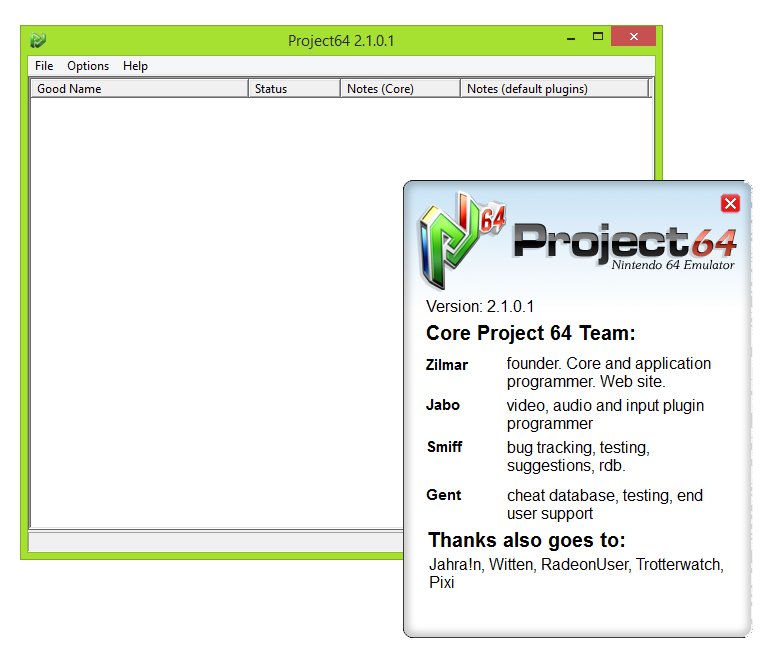
The people behind Project64
History and project status (verified items)
Project64 has an official website (pj64-emu.com) that hosts downloads, documentation, and support pages. The project's source code is hosted in an official GitHub repository (project64/project64). The GitHub repository describes the project as an N64 emulator written in C++ and states Windows as the current supported platform, with plans for other platforms mentioned on the repository page. The website provides release downloads and a downloads page for Windows builds. The project accepts support/donations and maintains a support page and contact/forum links for user assistance.
What Project64 supports
- Nintendo 64 software (emulation target)
- Official Windows builds (installer/zip) and nightly builds from the project site/repo
- Source builds from the project's GitHub (C++)
- Community-provided plugins and utilities (ecosystem)
Download and availability
OFFICIAL DOWNLOADS
Get Project64
Official downloads and nightly builds are distributed from the project website's downloads pages. The GitHub repository and the project's 'Windows Downloads' pages list release and development builds. Users should obtain Project64 only from the official project pages (pj64-emu.com) or the official GitHub repository to avoid untrusted third-party packages.
Get Project64 ↗DOCUMENTATION
Official documentation
Read the official configuration, compatibility, and troubleshooting material before changing advanced options.
Read official documentation ↗Project64 setup guide
Setup note: Practical setup notes and a step-by-step guide based on the project's official site and repository. These instructions assume a Windows PC and do not include any copyrighted game files, firmware, BIOS, or other commercial content.
- 1) Get the official download: Download Project64 from the official website's downloads area or the project's GitHub releases. Choose the official installer or ZIP that matches your needs (the project provides release builds and nightly builds). Avoid third-party mirrors.
- 2) Verify the files and extract/install: If you downloaded a ZIP, extract it to a folder where you have full read/write permissions (example: C:\Program Files\Project64 or a dedicated emulators folder in your user profile). If you used the installer, run it with an account that has installation privileges. Scan the downloaded file with your preferred antivirus and check checksums if the project provides them.
- 3) Run Project64 and locate support resources: Launch Project64.exe from the installed/extracted folder. The project's support pages and GitHub README/SUPPORT documents provide step-by-step help for common issues and configuration options.
- 4) Configure directories: In the emulator's settings, set the directories for your saved games, save states, and screenshots to folders you control. Project64 stores configuration files and save data in its installation or user folders depending on how it was run; choose explicit locations to simplify backup.
- 5) Controller setup: Project64 uses a controller configuration UI. Connect your controller before opening the input configuration dialog. If a modern controller isn't immediately detected, use a Windows-compatible mapping layer (for example, Steam Input or an official Microsoft driver) or ensure the controller appears in Windows' Devices and Printers. The Project64 support pages and community threads discuss controller troubleshooting.
- 6) Graphics and audio: Project64 can use internal rendering or community-developed graphics plugins; some builds include popular plugins in the distribution. Check the project's documentation and plugin folders shipped with your download. For advanced rendering (upsampling, post-processing), install and configure a supported graphics plugin included or recommended by the build you downloaded.
- 7) Using game files (legal reminder): Project64 does not include any commercial game files or BIOS. Only use game files you legally own. The emulator supports common ROM image containers; the exact formats accepted depend on the build and plugins in use—consult the project's documentation for accepted extensions and recommended practices.
- 8) Building from source (optional): If you prefer building from source, clone the official GitHub repository and follow the repository's build documentation (the GitHub project includes Docs/SUPPORT and other developer-facing documentation). Building requires a Windows development toolchain compatible with the project's C++ code.
Software reminder: Do not download commercial games, BIOS files, or firmware from unauthorized sources. Only obtain Project64 from the official project site or the project's official GitHub repository.
Sources and further reading
Detailed guides and tutorials
Explore step-by-step guides for Project64 as they are published.