Retro Replay Retro Gaming History, Reviews & Emulation
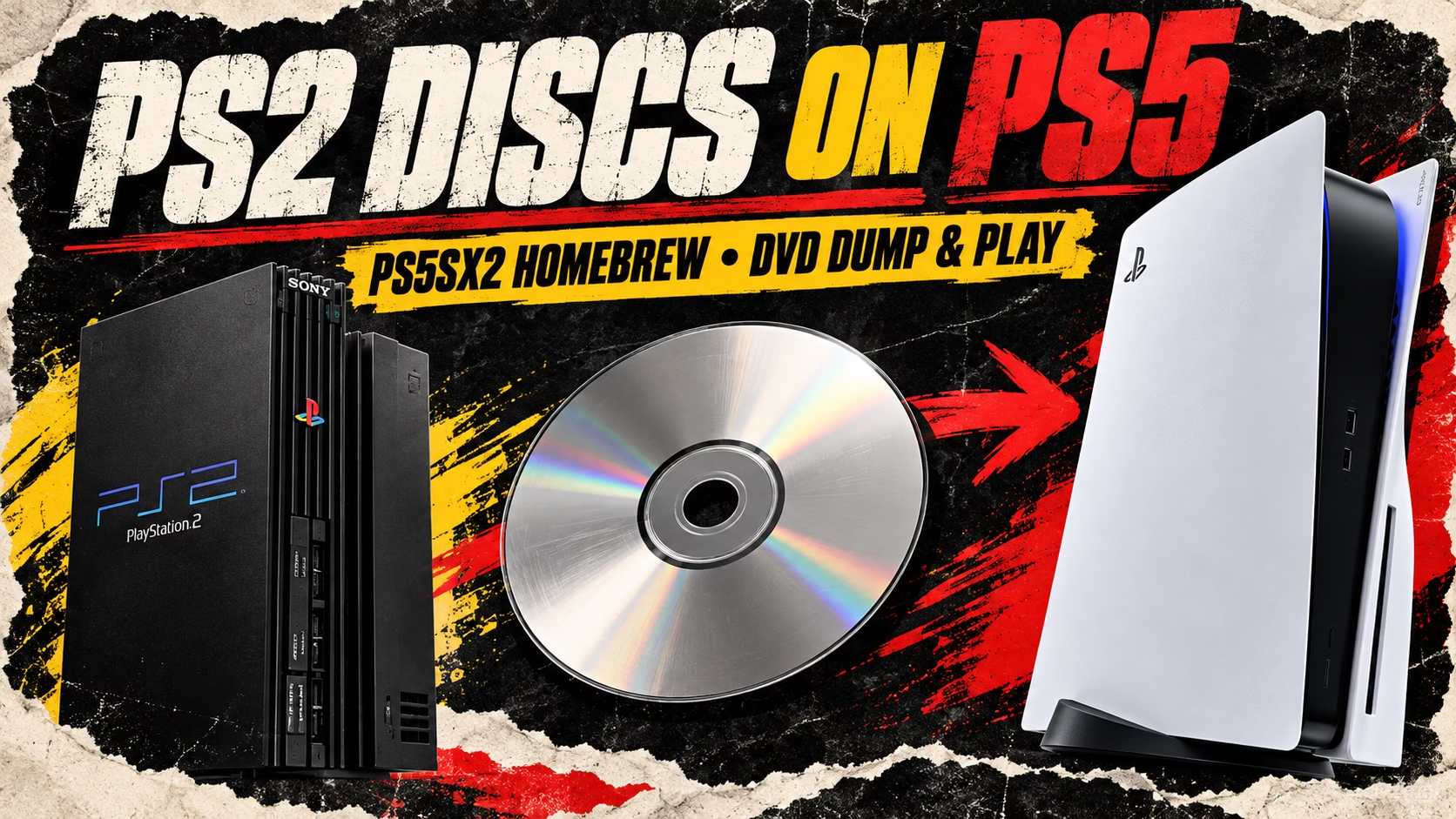
That stack of PS2 cases beside the television has a new reason to come off the shelf. Swordpdf’s PS5SX2, a homebrew port of PCSX2, now offers a way to insert a supported PS2 DVD into a jailbroken PlayStation 5, copy the game to storage and launch it through the emulator.
The disc supplies the game data, while the PS5 runs the resulting copy. This is a community project for modified consoles, not an official backward-compatibility update that makes every retail PS5 accept PS2 games.
What happens when you insert a PS2 disc?
The version 2.01 release notes describe disc auto-play as a beta feature. Its launcher detects the disc, dumps it if a copy does not already exist, and starts the game. Ejecting the disc returns the player to the game shelf. The launcher can respond whether the emulator is already open or closed.
Swordpdf also built in checks for interrupted copies: a dump stopped by bad sectors receives an incomplete marker and will not automatically launch. At that release, the developer said disc auto-play had only been tested on one original-model PS5. That is promising progress, but it is a long way from a guarantee for every console, disc and game.
The developer’s post
PS2 discs. Straight into a PS5.
20+ years of nostalgia, one disc away.
PS5SX2 🎮special thanks to @_AlAzif
🔗 https://t.co/5dJBpctESW
💬 https://t.co/0NNel5pqQt
☕ https://t.co/EypS5hoENk#PS5 #PS2 #PlayStation #PS5SX2 #Homebrew #Emulation pic.twitter.com/mMcp41vFOX— Sword (@sword_pdf) October 9, 2026
Versions 2.02 and 2.03 have already followed
As checked on October 12, 2026, GitHub marks PS5SX2 2.03 as the latest release. The disc breakthrough arrived in 2.01, but anyone following the project should check the newer notes too.
- 2.01 — October 10: Added beta disc auto-play and combined the helper, installer and disc launcher into one payload. It also expanded support for USB guitars and pads and added DualSense microphone support for certain PS2 games.
- 2.02 — October 10: Added visible disc-copy progress on the shelf, plus CRT, Scanlines, VHS and VHS Soft filters. It addressed startup delays, USB-related launch problems and controller freezes, and improved handling of large network game libraries.
- 2.03 — October 11: Focused on quicker shelf startup, revised root-access handling and more useful startup logs. The combined helper is now named
ps5sx2-bot.elf, replacingps5sx2-aio.elf.
The display names and GitHub tags are different: 2.01 is tagged vk-285-161, 2.02 is vk-285-162, and 2.03 is vk-285-163. Matching those names helps when reading instructions or comparing downloads.
DVD support does not mean every PS2 disc works
The built-in-drive workflow concerns DVD-based PS2 games. CD-based PS2 releases, including the familiar blue-backed discs, are outside that workflow, as are original PlayStation CDs. Sony’s disc-format documentation lists CDs as unsupported on PS5. A software update should not be presented as a confirmed solution to that drive limitation.
Reading a disc and emulating its game are also separate hurdles. A successful dump does not prove that a title will run without graphics errors, slowdowns or crashes.
A PS2 emulator running on the PS5 itself
PS5SX2 runs its emulation on the console rather than streaming from a PC. The project uses PCSX2’s recompilers and a modified ps5vk Vulkan driver. Its documented features include resolution scaling, a cover-flow library, browser-based settings and softcore RetroAchievements support.
Players still need compatible jailbreak software and their own PS2 BIOS and games; none comes bundled with the project. Compatibility remains a work in progress. For collectors, the appeal is easy to understand: a physical DVD can become the starting point for revisiting an older game on newer hardware, with homebrew handling the steps in between.
Sources: Swordpdf’s repository and linked release notes; Sony’s disc-format documentation. Further reporting: Kotaku’s coverage of the PS5SX2 disc feature. Release information checked October 12, 2026.
For more projects and release updates, read this week’s emulation roundup or browse Retro Replay’s emulation hub.