 Retro Replay Retro Gaming History, Reviews & Emulation
Retrom
A shared game library with desktop clients, emulator profiles, and artwork across devices.
Preview
Retrom is a self-hosted game library for people who want one collection available across several computers. A central service scans and organizes game files, while desktop clients can install, launch, and manage local copies. It can bring emulated games and other DRM-free titles into one interface, with metadata and artwork to make a large collection easier to browse.
The tradeoff is setup: Retrom needs a library host and client configuration, so it suits a household or multi-device setup better than a single-folder launcher. Its emulator profiles can be shared between clients, but each machine still needs compatible emulator software and access to files it is allowed to run. Start with a small collection and one client before connecting every system.
Screenshots
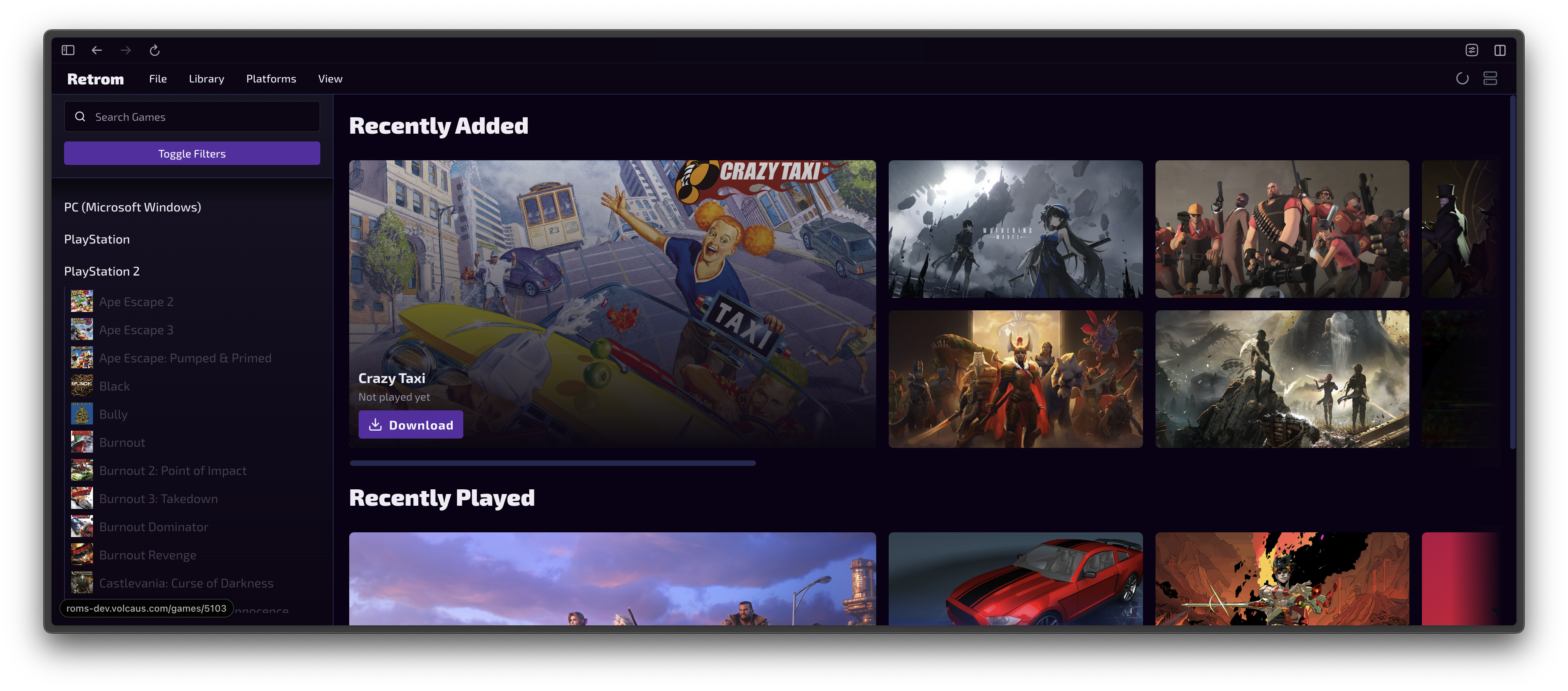
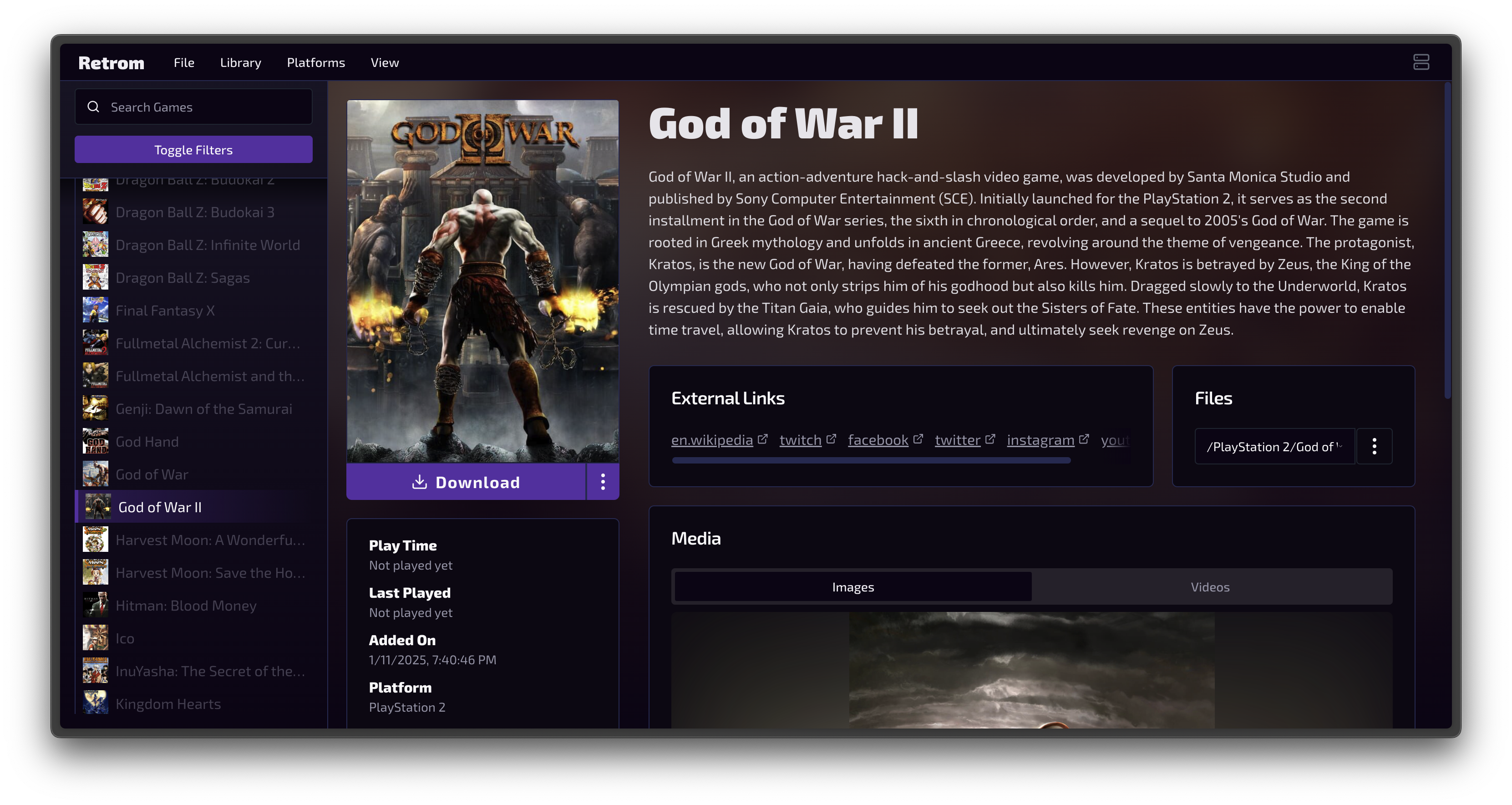
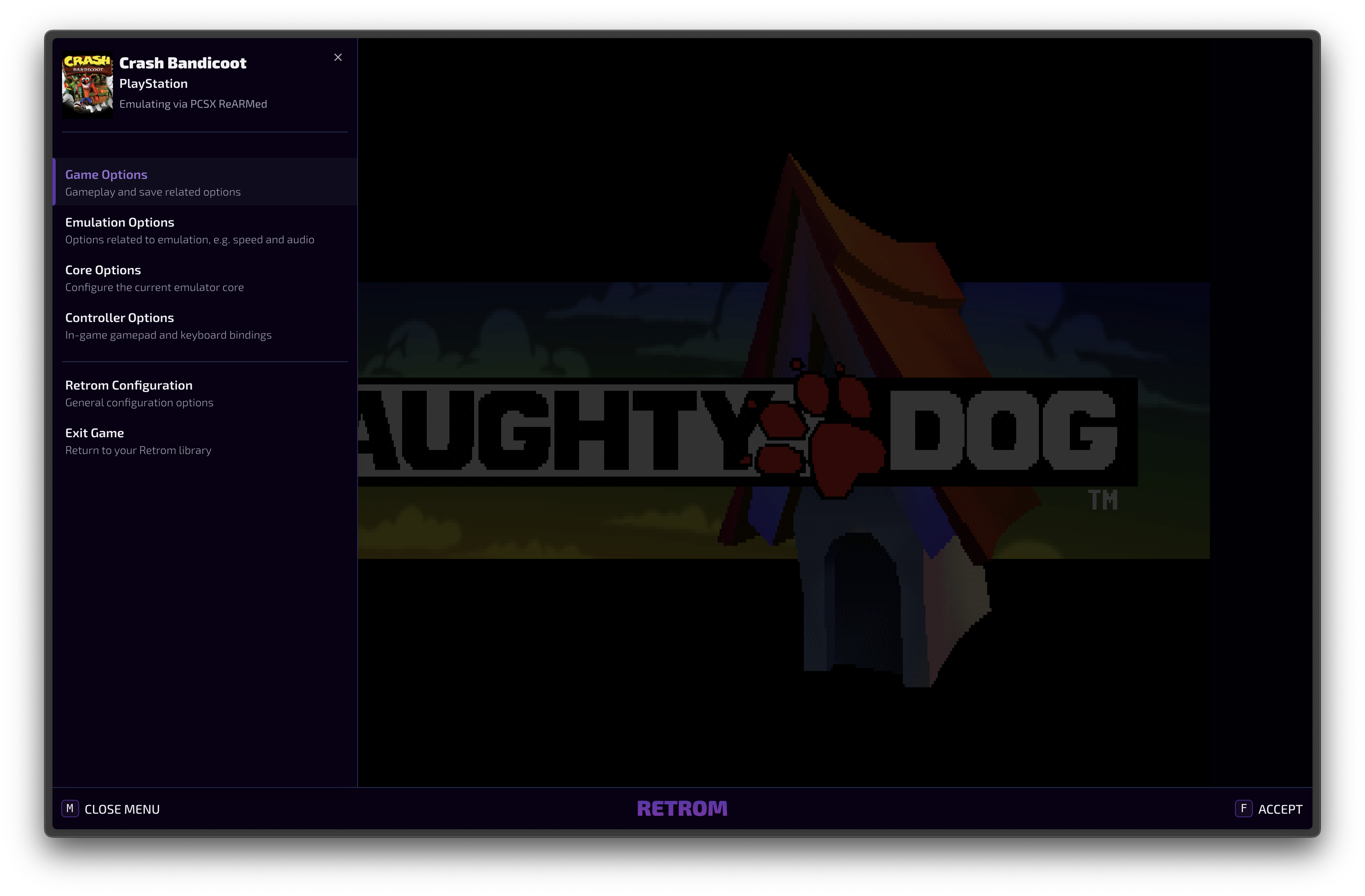
Screenshots: Retrom project.
A sensible setup path
- Read the official quick-start guide and choose where the Retrom service will run.
- Connect one desktop client and add a small game folder to test scanning and metadata.
- Configure one emulator profile on that client, then confirm a game launches before adding more systems.
- Back up the service settings and library metadata before making major changes.
Official project and documentation
Official Retrom project ↗ · Quick-start guide ↗ · Releases ↗
Guides and tutorials
Step-by-step Retrom guides appear here as they are published.