 Retro Replay Retro Replay gaming reviews, news, emulation, geek stuff and more!
NINTENDO 3DS EMULATOR
3Beans
A young low-level Nintendo 3DS emulator that runs the system software and offers software and hardware GPU rendering.
What 3Beans offers
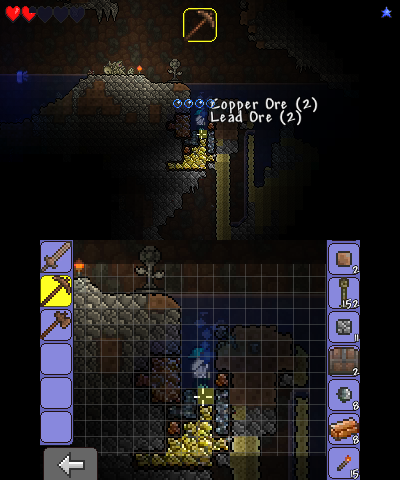
3Beans takes a low-level approach to Nintendo 3DS emulation: it emulates the operating system rather than replacing it with high-level shortcuts. The project can boot the Home Menu and some games, but its developer describes it as young and still affected by substantial compatibility and speed issues.
The emulator is available for Windows, macOS, and Linux. It supports software and hardware GPU rendering, while CPU execution remains interpreted. That makes 3Beans especially interesting for technical experimentation and preservation work; players seeking broad game compatibility should set expectations accordingly.
Best for
Experimenters who want to follow low-level 3DS emulation and can work with their own console dumps.
Official project and downloads
Get 3Beans
Choose a build from the project’s own download page and read its notes before updating.
A sensible setup path
- Download a build for your operating system from the official 3Beans releases page.
- Read the project README before setup. The emulator requires boot and NAND files dumped from a physical 3DS you own.
- Configure those files in 3Beans, then boot the Home Menu and test basic input and rendering.
- Use your own encrypted cartridge dump when testing a game, and keep copies of your working configuration.
Software reminder: 3Beans does not supply commercial games or copyrighted system files. Use only material you have the right to obtain and run.
Sources and further reading
Release log
Selected major releases and changes will be added here. The weekly emulation roundup covers the wider build log.
Detailed guides and tutorials
Explore step-by-step 3Beans guides as they are published.