 Retro Replay Retro Gaming History, Reviews & Emulation


Retro Replay Review
Gameplay
Concorde asks you to earn even the basic pleasure of flying it. Jumping straight into the cockpit is possible, but it is likely to be a humbling first hour: this is a complex aircraft, and treating it like an ordinary Flight Simulator selection is a fast route to confusion. That difficulty is not a flaw in itself. For the right simmer, it creates a strong sense of progress when procedures begin to make sense.
The key question is whether you enjoy study as part of play. Four included manuals cover aircraft operation, flying, performance, and weather, while the checklists give you a practical route through the workload. You do not need to absorb every page before touching the controls, but you should be willing to read, retry, and build familiarity over time. Anyone hoping for instant, carefree supersonic tourism will find the learning curve more punishing than thrilling.
There is a useful middle ground in the way the add-on lets you experiment first and learn more deeply later. You can climb into the aircraft and see how far instinct takes you, then return to the manuals when that approach stops working. Concorde becomes more rewarding once you accept that the documentation is part of the experience, not optional homework.
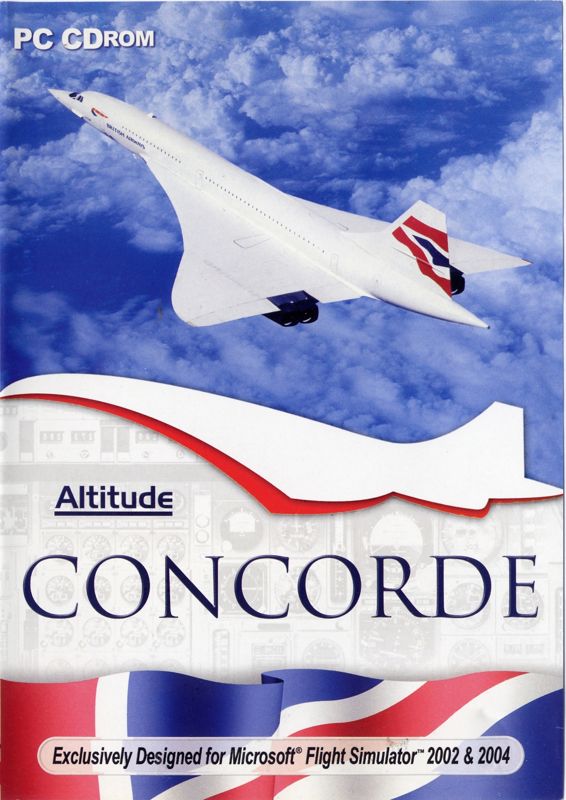
It also matters that this is an add-on for Microsoft Flight Simulator 2002 and Microsoft Flight Simulator 2004, not a self-contained flight game. Its value depends on already having one of those simulators and wanting a single, famously demanding aircraft to master. Within that narrow target, the commitment feels purposeful rather than bloated.
Graphics
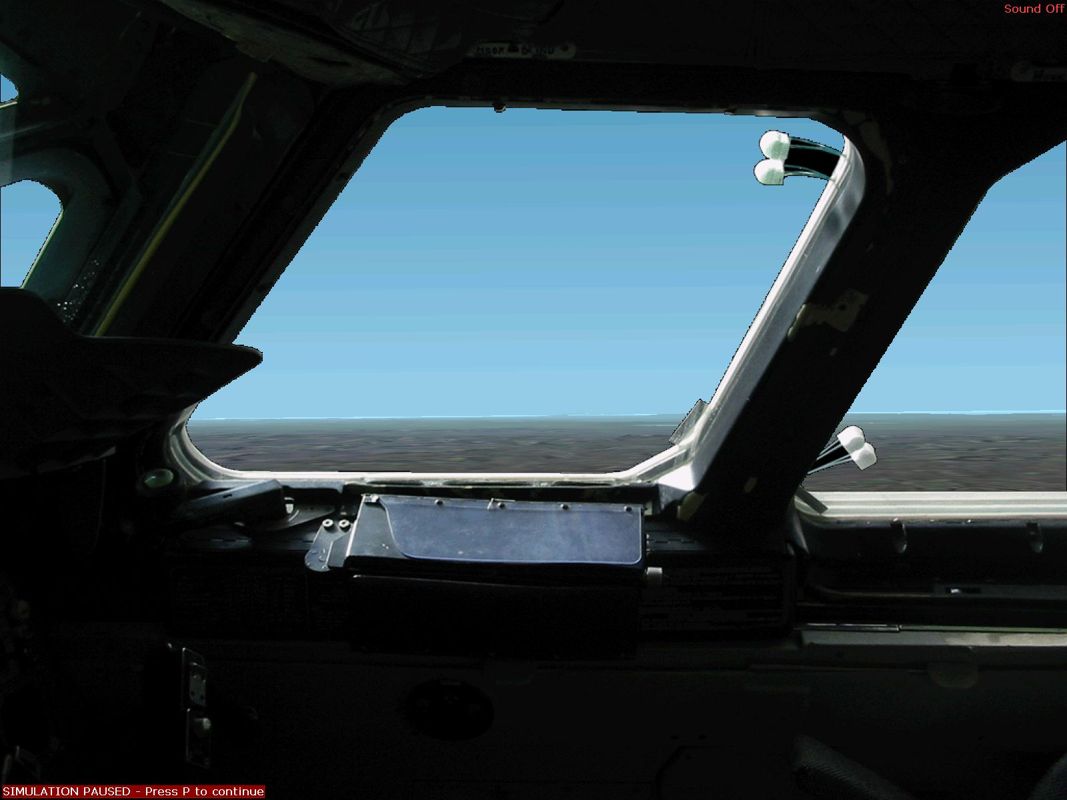
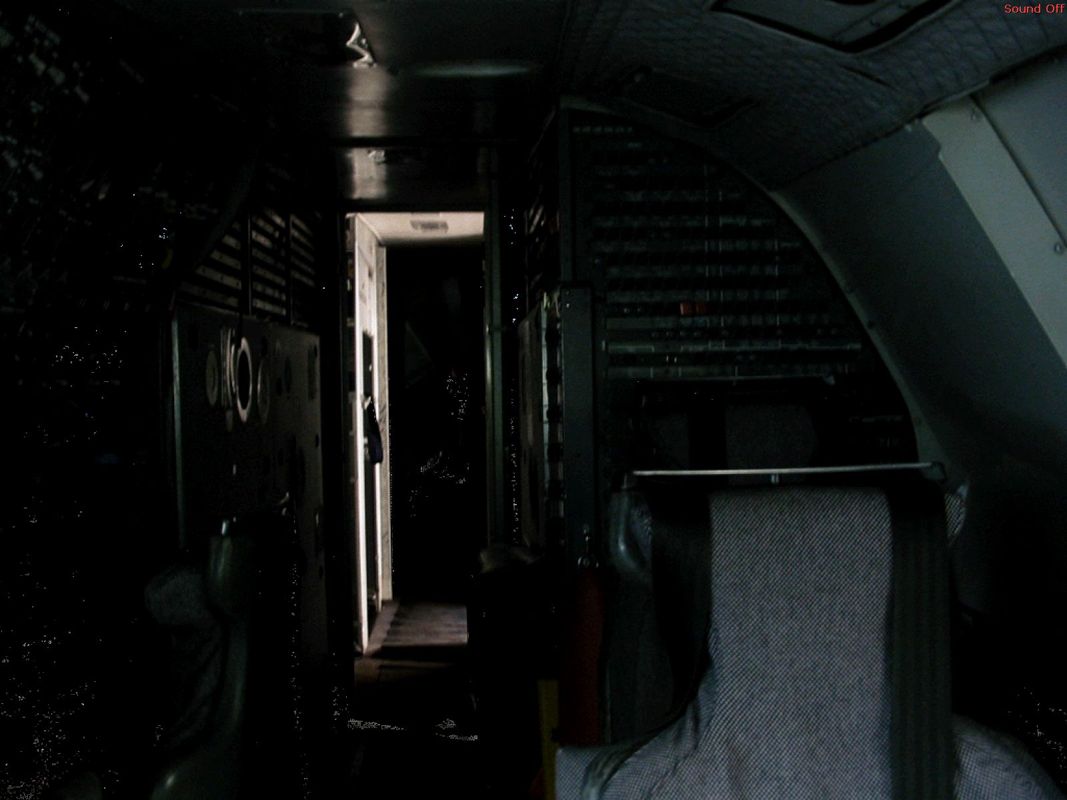
The cockpit is the visual centerpiece, with animated controls and a working nose visor giving you things to watch and manipulate from the pilot’s seat. Aerodynamic vortices around the wings and the afterburners add welcome exterior detail when you take the view outside, making the aircraft feel more alive than a static model.

Story
There is no authored campaign or character story pulling you from flight to flight. The narrative is the one you create through practice: an initially intimidating cockpit, a stack of procedures, and the slow move from guessing to understanding.
That makes Concorde a poor fit if you need missions or dramatic framing to stay engaged. Its sense of momentum comes from personal milestones instead—getting through a checklist with less hesitation, understanding why the aircraft behaves as it does, and feeling less overwhelmed than you did at the start.
For simulation fans, that stripped-back approach can be more satisfying than a scripted scenario. The aircraft itself supplies the drama, because learning to operate it asks for concentration and respect rather than a plot twist.
Overall Experience
Concorde is a specialist add-on with a clear idea of its audience. It does not try to make this aircraft easy, and it wisely backs that decision with substantial manuals and checklists. The result is demanding, occasionally frustrating, and far more compelling if you enjoy the work of learning aviation procedures.
Its incomplete systems modeling keeps it from being a total simulation of every possible situation; emergency procedures, for example, are not covered. Even so, the modeled cockpit activity, animated details, and aircraft-specific workload leave plenty to occupy an enthusiast. This is a substantial subject rather than a lightweight novelty aircraft.
Give it a chance if Microsoft Flight Simulator is already a hobby for you and you want a long-term project. Skip it if you mainly want to take off quickly and enjoy the view without preparation. Concorde’s payoff is real, but it arrives only after you meet it on its own exacting terms.


Reviews
There are no reviews yet.