 Retro Replay Retro Replay gaming reviews, news, emulation, geek stuff and more!
IV/Play
A fast, keyboard-friendly way to browse and launch MAME collections on Windows.
Preview
IV/Play gives MAME a separate desktop interface for choosing machines and software. Its game list, filters, favorites, and artwork views make a large arcade collection easier to navigate than a folder of command-line shortcuts. The project is especially aimed at people who prefer a keyboard-driven Windows interface and want MAME itself to remain the emulator underneath.
It is a focused MAME companion rather than a universal multi-emulator library. You supply a compatible MAME installation and your own game files, then let IV/Play build its database and artwork cache. That extra first-run setup pays off when the library is large, but visitors looking for a living-room launcher or a front end for many emulator cores should compare the other entries in this directory.
Screenshots
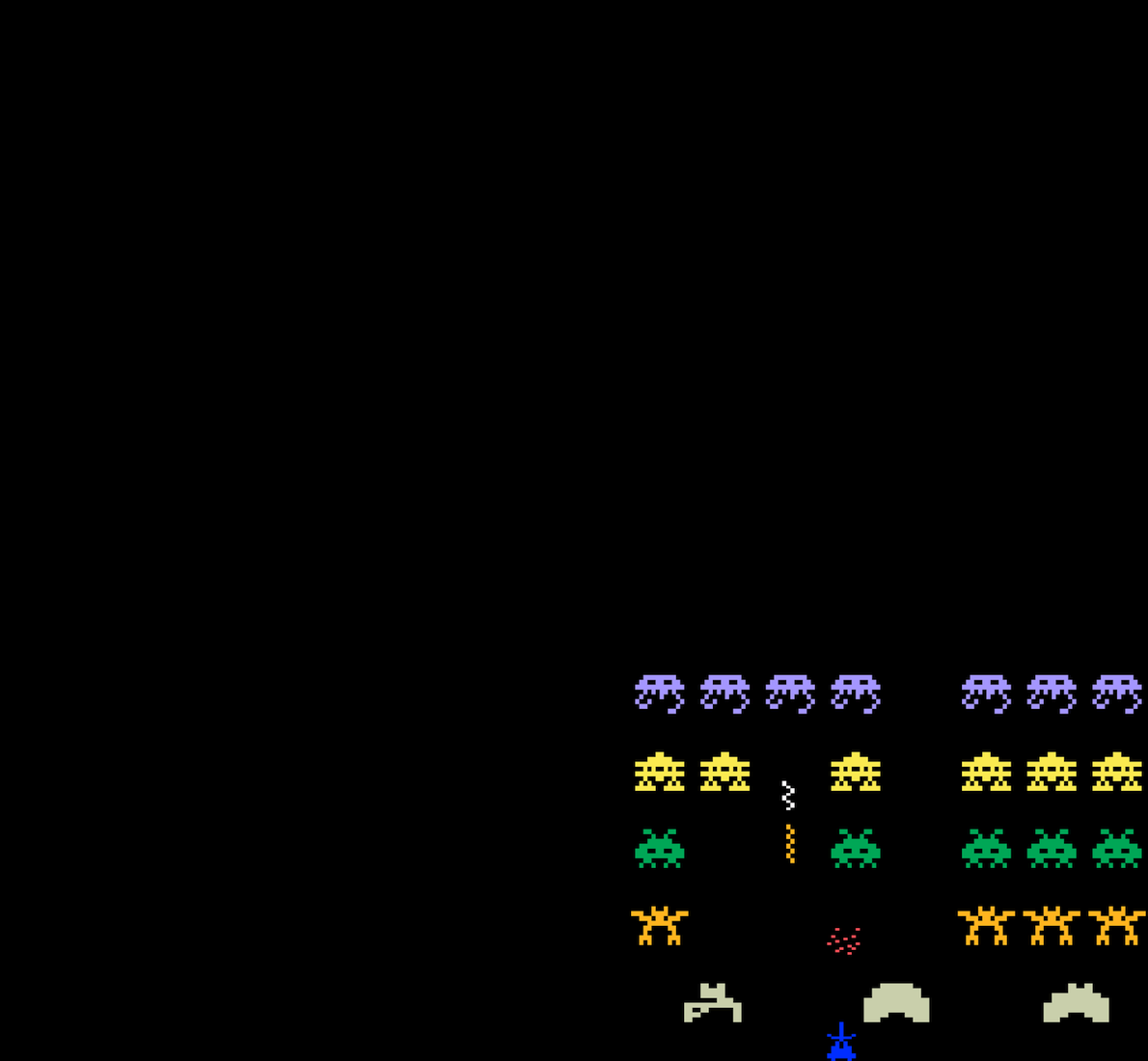
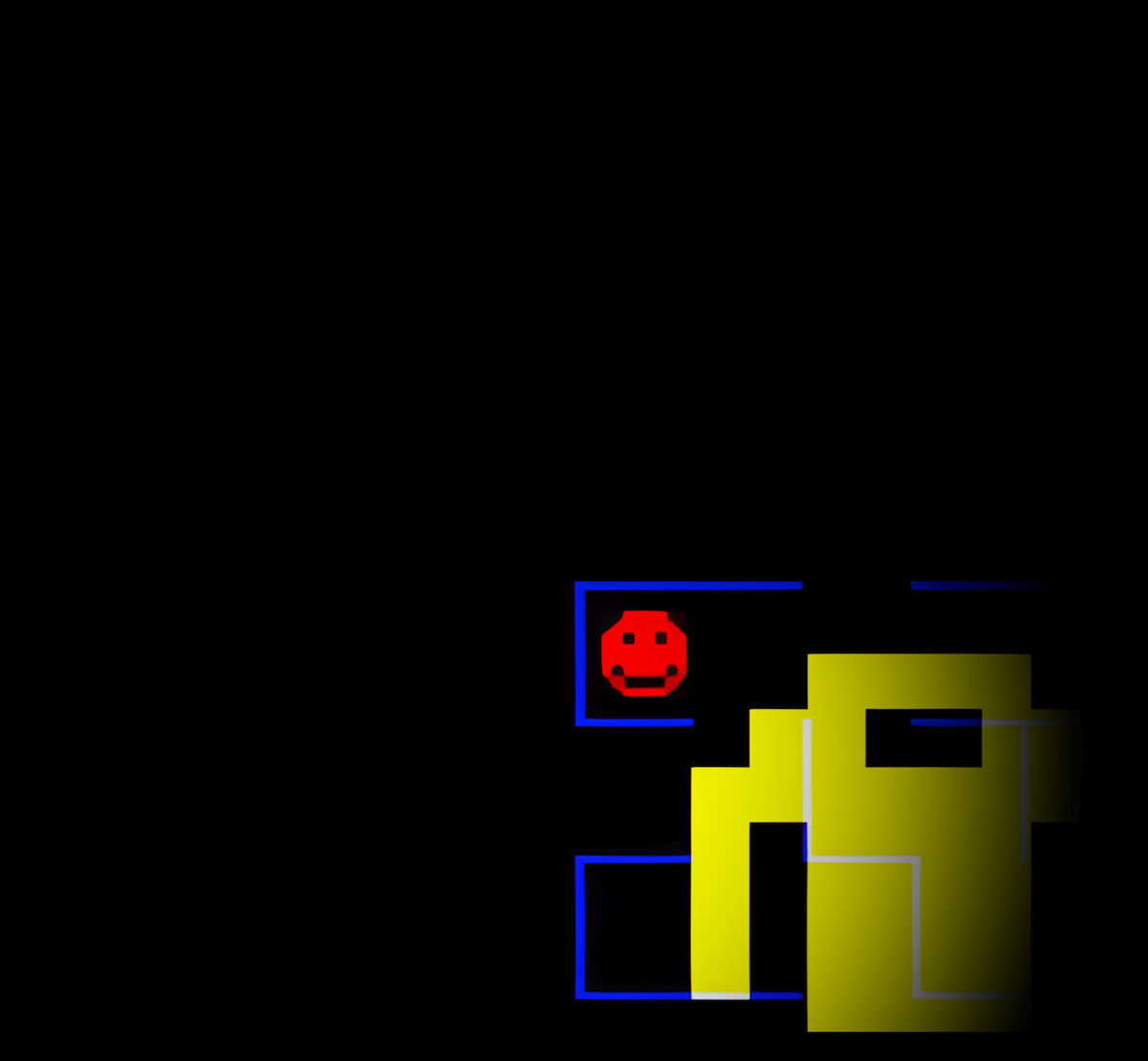
Screenshots: IV/Play project.
A sensible setup path
- Install MAME first and confirm it launches on its own.
- Download IV/Play from the project site and place its files beside mame.exe as the official guide describes.
- Run IV/Play, allow the first database and artwork scan to finish, then test a game.
- Adjust filters, keyboard navigation, and artwork views after basic launching works.
Official project and documentation
Official IV/Play project ↗ · Setup guide ↗ · Releases ↗
Guides and tutorials
Step-by-step IV/Play guides appear here as they are published.