 Retro Replay Retro Replay gaming reviews, news, emulation, geek stuff and more!
PLAYSTATION EMULATOR
KytyPS5
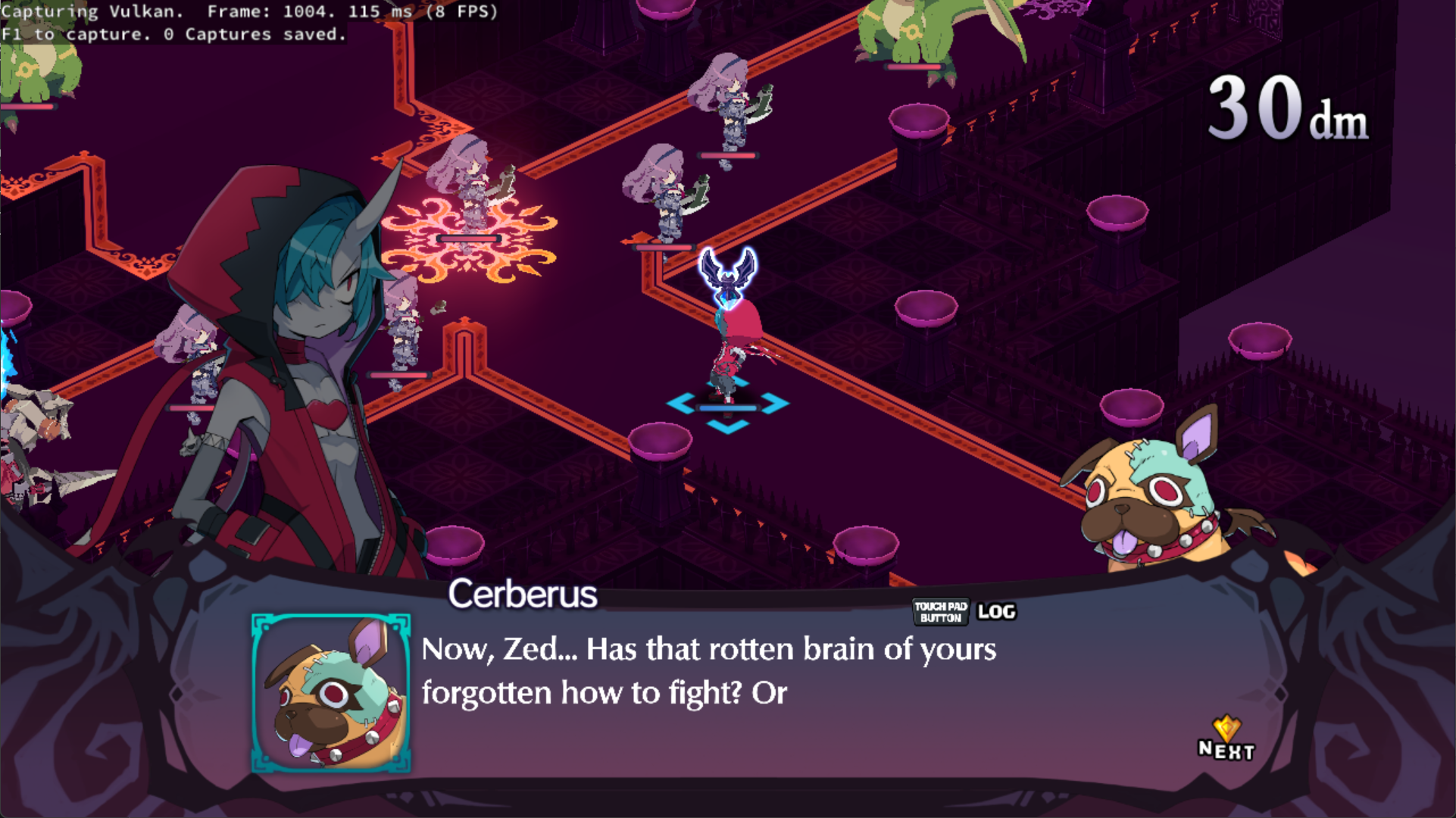
Open-source PlayStation 5 emulator that targets Windows and Linux with experimental macOS support; early-development software able to boot some 2D and select 3D titles.
WHY IT MATTERS
Why this project matters
KytyPS5 is one of the first community-driven projects to publish desktop builds that can boot commercial PS5 software. As an open-source effort it provides a base for community testing, compatibility reporting, and further development of PS5 emulation techniques.
BEST FOR
Best fit
Users who want to experiment with PS5 emulation, contribute to testing or development, or evaluate early compatibility of specific PS5 titles on modern PC hardware. Not recommended for casual play due to early-stage stability and performance limitations.
The people behind KytyPS5
History and status
KytyPS5 emerged in the 2020s as a community-driven, open-source successor/derivative of earlier Kyty work. The project has published development and release builds on GitHub and maintains a compatibility list and community pages that document incoming fixes and game test reports. It is actively developed and releases frequent builds; project status is early-development (pre‑stable), with multiple public builds able to boot a subset of 2D and some 3D commercial titles. Because development is ongoing, compatibility and feature coverage change rapidly between builds. The project does not include proprietary PlayStation firmware, firmware keys, or commercial game content; those remain the user's responsibility and legal obligation.
What KytyPS5 supports
- PlayStation 5 (software-level emulation of PS5 titles)
- Windows x86_64
- Linux x86_64
- macOS (experimental; additional steps required such as MoltenVK)
Download and availability
OFFICIAL DOWNLOADS
Get KytyPS5
Official builds and source are published on the project's GitHub releases page. Prebuilt archives are provided for Windows x64 and Linux x86_64; macOS support is available experimentally and may require manual installation of MoltenVK and ad-hoc signing for bundled app variants. Do not expect the release archive to contain PS5 firmware or commercial game files.
Get KytyPS5 ↗DOCUMENTATION
Official documentation
Read the official configuration, compatibility, and troubleshooting material before changing advanced options.
Read official documentation ↗KytyPS5 setup guide
Setup note: Practical setup checklist and step-by-step notes for running KytyPS5 builds. This guide assumes you will use official GitHub releases and will supply any required game files and firmware yourself. Follow the project's README and any release-specific instructions included in the archive.
- 1) Confirm system and get an official release: Use a reasonably powerful modern PC (high single-thread CPU performance and a recent discrete GPU help). Download the latest release archive for your platform from the project's GitHub releases page; prefer the official KytyPS5/KytyPS5 repository releases rather than third-party mirrors.
- 2) Unpack the release and inspect included files: Extract the release archive to a folder with plenty of free space. Identify the main emulator binary (kyty_emulator or kyty_emulator.exe) and the provided launcher/config files. Read any RELEASE_NOTES or README files included in the archive for build-specific instructions.
- 3) Install graphics/run-time prerequisites: On Windows and Linux ensure you have up-to-date GPU drivers that support Vulkan. For macOS experimental builds the project suggests obtaining MoltenVK (from the MoltenVK releases) and copying libMoltenVK.dylib next to the flat kyty_emulator binary or into the app bundle Frameworks directory, then perform any signing steps required by macOS.
- 4) Configure renderer and input: Check the emulator's configuration files or command-line options to select a renderer (Vulkan is the common path). Configure input devices — keyboard, mouse, or a gamepad — according to the project README. Motion/haptics or other PS5-specific controller features may be unsupported or partially implemented.
- 5) Add game files and firmware (user-supplied): The emulator does not include commercial games, system firmware, or signed PS5 files. Place any user-supplied game data in the directory structure the emulator expects (refer to the compatibility/README pages). Do not use or distribute copyrighted game files unless you legally own them.
- 6) Run the emulator and capture logs: Start the emulator from a command window to observe console output. If a game fails to boot, capture and save logs and any emulator-generated crash dumps and consult the project's issue tracker or compatibility list when filing a report.
- 7) Follow updates and compatibility notes: KytyPS5 development is rapid—new releases frequently change behavior and compatibility. Review the project's compatibility page and GitHub releases notes for per-build behavior before testing new titles.
- 8) Contribute responsibly: If you test games, include clear environment details (OS, CPU, GPU, driver versions, emulator build ID) and attach logs when reporting compatibility. Respect legal requirements regarding game and firmware ownership.
Software reminder: KytyPS5 does not include PlayStation firmware, BIOS, or commercial games. You must provide any PS5 system files and game data yourself and ensure you have the legal right to use them.
Sources and further reading
Detailed guides and tutorials
Explore step-by-step guides for KytyPS5 as they are published.