 Retro Replay Retro Replay gaming reviews, news, emulation, geek stuff and more!
PLAYSTATION 2 EMULATOR
PCSX2
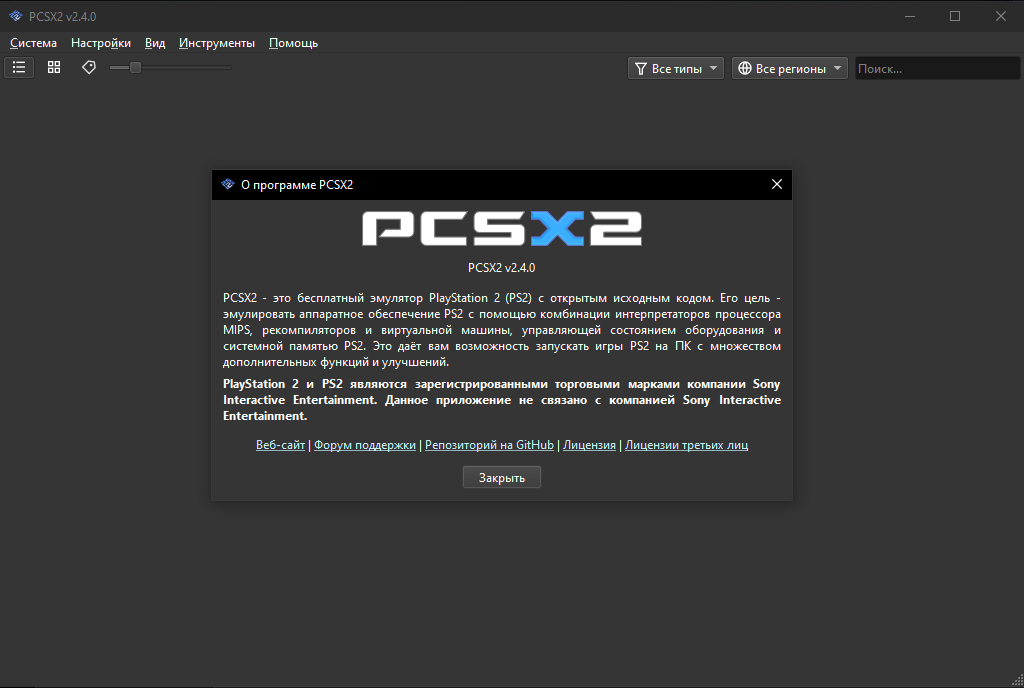
The established open-source PlayStation 2 emulator, combining broad compatibility with modern rendering, per-game fixes, controller support, and an actively maintained desktop interface.
WHY IT MATTERS
The reference PS2 emulator
PCSX2 turned the PlayStation 2’s unusual architecture into a mature preservation platform. Its game database, automatic fixes, renderer choices, and compatibility work cover a library that often behaved differently from one title to the next.
BEST FOR
Playing and studying the PS2 library
It suits players who want a polished library interface and optional resolution upgrades, as well as researchers who need software rendering, logging, patches, memory-card tools, and per-game configuration.

The people behind PCSX2
More than two decades of community development
PCSX2 began in 2002 and is maintained by an international open-source team. Contributors have steadily replaced older plugin-era workflows with an integrated interface, automatic game fixes, modern renderers, and continuously updated compatibility data.
What PCSX2 supports
- PlayStation 2 disc images created from games you own.
- Windows, Linux, and macOS builds with stable and frequently updated nightly channels.
- Hardware and software rendering, internal-resolution scaling, widescreen patches, and texture replacement.
- Controller mapping, memory cards, save states, per-game settings, and built-in compatibility fixes.
Download and availability
OFFICIAL DOWNLOADS
Stable and nightly builds
Use a stable build for slower update cadence or a nightly build when you need the newest compatibility fixes and current support.
Open official downloads ↗DOCUMENTATION
Setup and configuration manual
The official guide covers installation, hardware requirements, controllers, graphics, troubleshooting, and advanced features.
Read PCSX2 documentation ↗PCSX2 setup guide
Before you begin: PCSX2 does not provide the PlayStation 2 BIOS or commercial games. Dump both from your own console and discs.
- Check the official requirements page, then download the current stable build or the newest nightly for Windows, Linux, or macOS.
- Install or extract PCSX2. On Windows, install the current x64 Visual C++ runtime if the official setup guide requests it.
- Run the first-time wizard, choose your language, select a legally dumped PS2 BIOS, and map your controller.
- Add the folder containing your own ISO or CHD disc images. Let PCSX2 scan the folder and populate the game library.
- Start with the default renderer and native or 2x internal resolution. Test a game before adding widescreen patches, texture filtering, or higher scaling.
- If a title has visual or timing problems, check its compatibility entry and use per-game settings instead of changing the global configuration.
- Create a normal memory card for in-game saves. Treat save states as temporary checkpoints and back up memory-card files before updates.
- For stubborn graphics problems, compare hardware rendering with Software mode; it is slower but often helps identify renderer-specific issues.
Software reminder: Use a BIOS dumped from your own PlayStation 2 and game images made from discs you own.
Sources and further reading
Release log
Selected releases and changes. The weekly emulation roundup covers the wider build log.
- September 28, 2026 — 2.9.92 (Development build): Fixes unsaved debugger breakpoints that remained after loading a saved set. Official release and source ↗ · Weekly roundup →
Detailed guides and tutorials
Explore step-by-step guides for PCSX2 as they are published.