 Retro Replay Retro Replay gaming reviews, news, emulation, geek stuff and more!
PLAYSTATION PORTABLE EMULATOR
PPSSPP
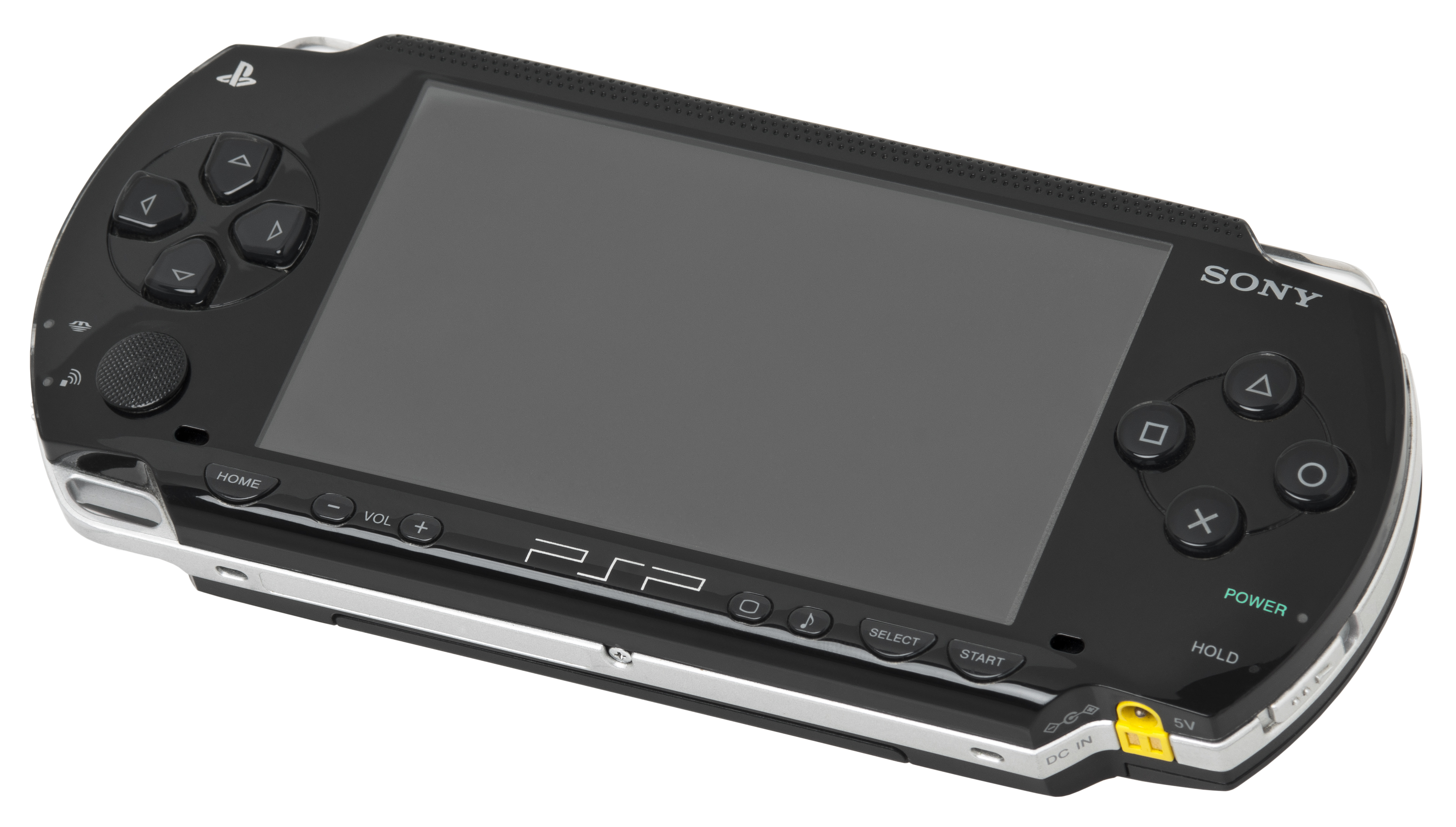
A mature open-source emulator for PlayStation Portable games, with high-resolution rendering, broad controller support, and reliable save-state and texture workflows.
WHY IT MATTERS
Portable games on modern displays
PPSSPP preserves the PSP library while making it practical on current PCs, phones, and handheld PCs. Its renderer can clean up the original image without losing the portable feel.
BEST FOR
Portable play and visual upgrades
Use it for a clean first run, then explore texture replacement, anisotropic filtering, widescreen patches, and per-game control layouts.

The people behind PPSSPP
Long-term work by Henrik Rydgård and contributors
PPSSPP grew from a focused PSP emulation project into a cross-platform community effort. Contributors maintain CPU and GPU emulation, platform ports, controller support, and compatibility fixes in public repositories.
What PPSSPP supports
- PSP ISO, CSO, and homebrew software from your own legally dumped media.
- Vulkan, OpenGL, Direct3D, and Metal rendering backends depending on platform.
- Save states, memory-stick saves, rewind, frame limiting, and remappable controls.
- Texture replacement, rendering resolution changes, and per-title settings.
Download and availability
OFFICIAL DOWNLOADS
PPSSPP release page
Choose the current build for Windows, macOS, Linux, Android, iOS, or another supported platform from the project site.
Open official downloads ↗SOURCE CODE
Development repository
Read release notes, report issues, and inspect the emulator source on GitHub.
View PPSSPP on GitHub ↗PPSSPP setup guide
Before you begin: PPSSPP does not provide commercial PSP games. Prepare a PSP system software environment and game dumps from hardware you own.
- Download PPSSPP from the official site or your platform’s trusted package source.
- Open the app once to create its folders, then choose a writable location for memory-stick data.
- Copy your own PSP ISO or CSO files into a clearly named games folder and browse to it from the app.
- Start with the default backend and 2x rendering resolution; raise it only after confirming stable frame pacing.
- Map a controller, enable texture filtering if desired, and save a per-game configuration for titles with special needs.
- Use in-game saves for normal progress and keep periodic backups of PPSSPP’s memory-stick folder.
ROM reminder: PPSSPP does not include commercial games, BIOS files, or copyrighted downloads. Use software dumped from your own PSP media.
Sources and further reading
Release log
Selected releases and changes. The weekly emulation roundup covers the wider build log.
- September 28, 2026 — September 28 build (Development build): Preserves the partial final block when loading files through the disk cache. Official release and source ↗ · Weekly roundup →
Detailed guides and tutorials
Explore step-by-step guides for PPSSPP as they are published.
Use PPSSPP on Android
An Android ARM64 Libretro build exists for PPSSPP. Run the core through RetroArch for Android; the standalone desktop download and Android core may have different menus and features.
Emulates: PSP.
Verified Android core build ↗ · Browse all Android emulators →