 Retro Replay Retro Gaming History, Reviews & Emulation
ARCADE AND MULTI-SYSTEM EMULATOR
MAME
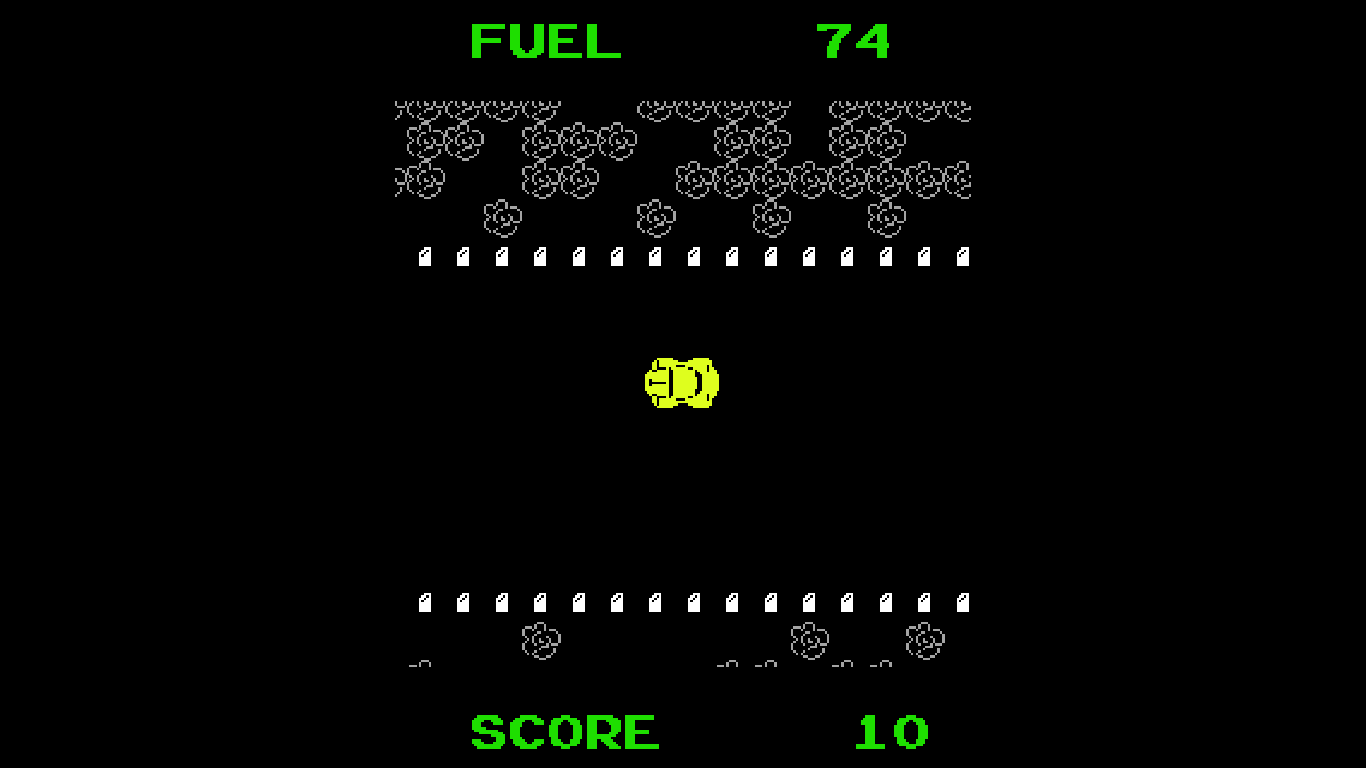
MAME (Multiple Arcade Machine Emulator) is a long-running open-source project that documents and emulates arcade machines and a very wide range of other electronic amusement hardware. Its goal is preservation and accurate reproduction of hardware behavior rather than playing commercial ROMs out-of-the-box.
WHY IT MATTERS
Why MAME exists
MAME’s stated purpose is software/hardware preservation: to document the inner workings of arcade machines, consoles and many other systems so that their behavior is not lost as original hardware fails or becomes obsolete. The source code itself serves as living documentation of the hardware components and emulation techniques.
BEST FOR
What MAME is best for
Accurate, wide-ranging preservation and hardware-level emulation of arcade machines and many other systems (computers, consoles, handhelds, mechanical devices). Useful for researchers, preservationists, and advanced users who need fidelity and detailed hardware documentation.
The people behind MAME
Short history and status
MAME began as a project by Nicola Salmoria and the first public releases appear in 1997. Over the years the project expanded its scope and architecture, incorporated many device drivers, and in 2015 merged the MESS project into the MAME source tree to broaden supported systems. MAME is actively developed and publishes regular releases; its source is hosted publicly (official repository on GitHub) and the project maintains official documentation on docs.mamedev.org. The project emphasizes accuracy, incremental code modernization, and preservation rather than bundling game media or firmware.
What MAME supports
- Windows (official binary builds available from releases or built from source)
- Linux (source builds recommended; some distributions package MAME)
- macOS (build from source or use community packages like Homebrew; macOS support documented)
- Other POSIX/SDL-capable platforms when built from source (Raspberry Pi and similar are mentioned in docs)
Download and availability
OFFICIAL DOWNLOADS
Get MAME
Official downloadable releases and source are provided from the MAME project. Official release listings link to the project’s release artifacts (prebuilt binaries for Windows/macOS where made available by the project) and to the source distribution on the official GitHub repository. The project recommends obtaining binaries or source directly from official project pages or the GitHub releases for the precise version you want.
Get MAME ↗DOCUMENTATION
Official documentation
Read the official configuration, compatibility, and troubleshooting material before changing advanced options.
Read official documentation ↗MAME setup guide
Setup note: Practical setup notes — focused on verifying and using official MAME releases or building the official source. This guide avoids discussing or providing any game ROMs, BIOS/firmware files, or other copyrighted content and assumes you will supply any required machine images yourself.
- Confirm the official project pages and releases: Visit the MAME project site and documentation to confirm current release guidance and links. The project publishes release information and links to the GitHub repository and releases; documentation lives at docs.mamedev.org.
- Decide: use official binaries or build from source: Windows users can often download official command-line and GUI builds from the project’s release pages; Linux and macOS users commonly build from source for better integration and latest support. Building from source is the recommended route if you need the latest changes or platform-specific builds.
- Windows — using official binaries: If an official Windows binary is provided for the release you want, download that release artifact from the project’s release page on the official site or the mamedev/mame GitHub releases. Unpack the archive to a folder. Run mame.exe (or the provided GUI front-end where present). Generate a config with mame -createconfig and edit mame.ini as needed.
- Windows — building from source (MSYS2): The MAME docs describe an MSYS2-based toolchain for Windows builds. Install MSYS2, update its packages, and install the build dependencies documented by the project. Clone the mamedev/mame Git repository, check out the desired release tag, and follow the build instructions in the repository (the docs and repository contain platform-specific build steps).
- Linux — build from source: Install the development packages the docs list (compiler toolchain, SDL, audio/video dev libraries, zlib, etc.). Clone the official GitHub repository or download the source archive that matches the release. Follow the repository README and docs.mamedev.org build instructions for configure/make or cmake-based builds used by the current source tree. Use distribution packages only if you trust their packaging is up-to-date with the official release you want.
- macOS — available routes: macOS users can build from source using the project’s instructions; community package managers (for example Homebrew) may provide bottles, but confirm package origins and versions. When building, follow the macOS-specific toolchain notes in the official documentation.
- Initial configuration and directories: After first run, create a configuration file with mame -createconfig (or let the GUI generate it). MAME stores settings in mame.ini; edit it to set directories such as rompath (where you place your own ROM/CHD files) and cfg_directory. Do not expect any games to be included with the download; you must provide legally obtained media separately.
- Working with CHD and chdman: MAME uses CHD (Compressed Hunks of Data) images for some media (hard-disk images, CD-ROM images, etc.). The project’s chdman tool is distributed with the source/binaries; use it for creating, verifying, or converting CHD images according to the documentation. Consult the docs for CHD version compatibility notes.
Software reminder: MAME does not include commercial games, BIOS, firmware, keys, or other copyrighted game media. You are responsible for acquiring any required ROMs, CHDs, or firmware legally and placing them in the rompath configured in mame.ini.
Sources and further reading
Detailed guides and tutorials
Explore step-by-step guides for MAME as they are published.